
Someone needs a quick home repair or cleanup before the weekend, lands on a site filled with stock photos and vague slogans—and leaves without knowing what gets done, whether you cover their neighborhood, or how to book.
"If someone visits my website for the first time, what do they actually want to know before reaching out?"
Here is the plain truth:
Pretty visuals cannot carry a service business if first-time visitors cannot tell what you offer, who you help, where you work, what the process looks like, or how to take the next step. Getting stuck on what to include on a service business website happens easily—even when you know your trade, researching keywords and writing clear, human pages that prompt action takes real effort. Today we are walking through service business website essentials from top to bottom—so you will discover practical service business website pages and complete service company website content without feeling overwhelmed.
Building a site from scratch gets overwhelming fast when you have to map out pages, research search terms, and draft copy that real customers act on. BoltWeb makes getting a clean business site live far easier—and inside BoltWeb, AI Foundry helps structure service business pages and draft clear copy from your inputs while you review and customize every detail before publishing.
Let's examine what visitors look for first and how each page supports them.

1. What Information Does a Customer Look for on a Service Business Website?
Picture a visitor who needs a trusted local provider—whether a cleaning company, an electrician, or a consultant—opening a site with glossy photos and almost no practical answers. Within seconds, unanswered questions pile up: What exact services do you provide? Do you serve people like me? Do you cover my area? How does the job happen, and how do I ask for a quote or book?
Here is why that matters:
Visitors decide whether to stay or leave based on how quickly they find clear answers to those practical questions. Putting what to include on a service business website and core service business website essentials front and center removes doubt right away.
2. Include These Essential Pages on Your Service Business Website
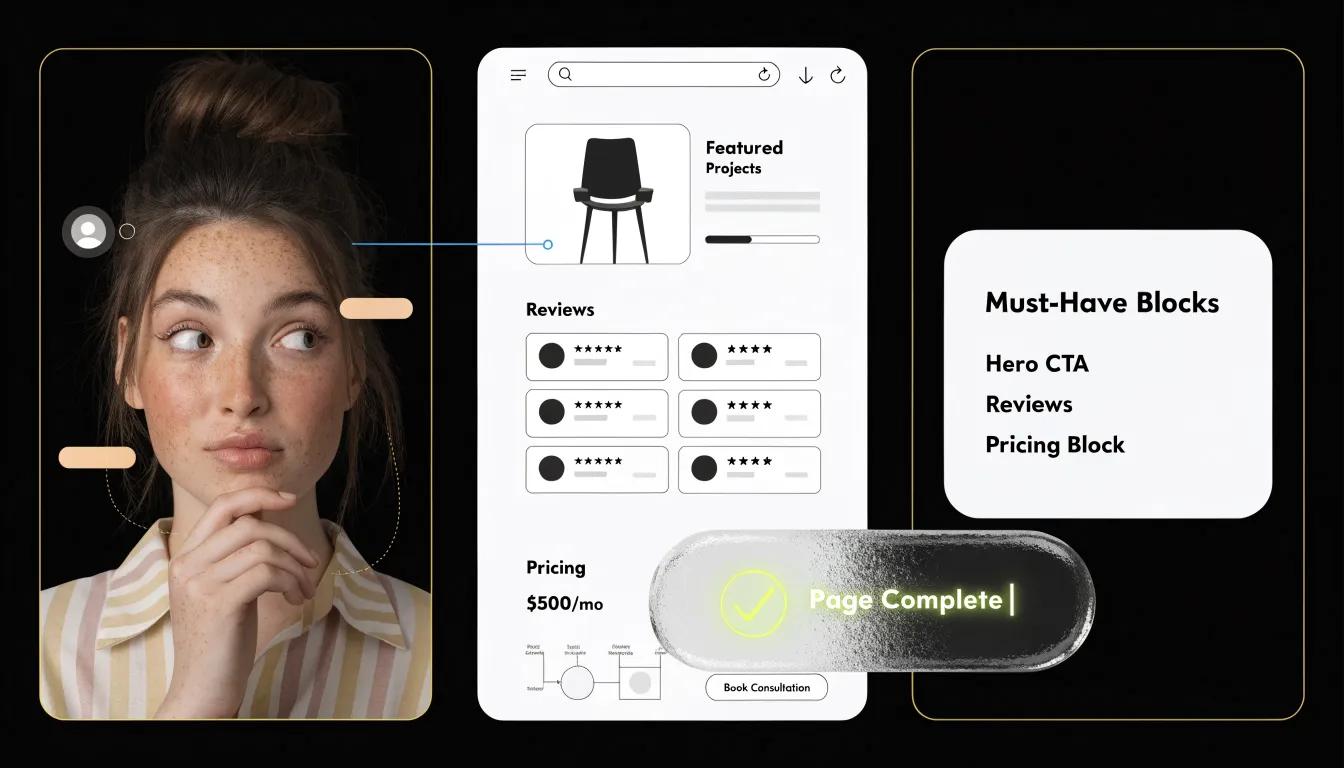
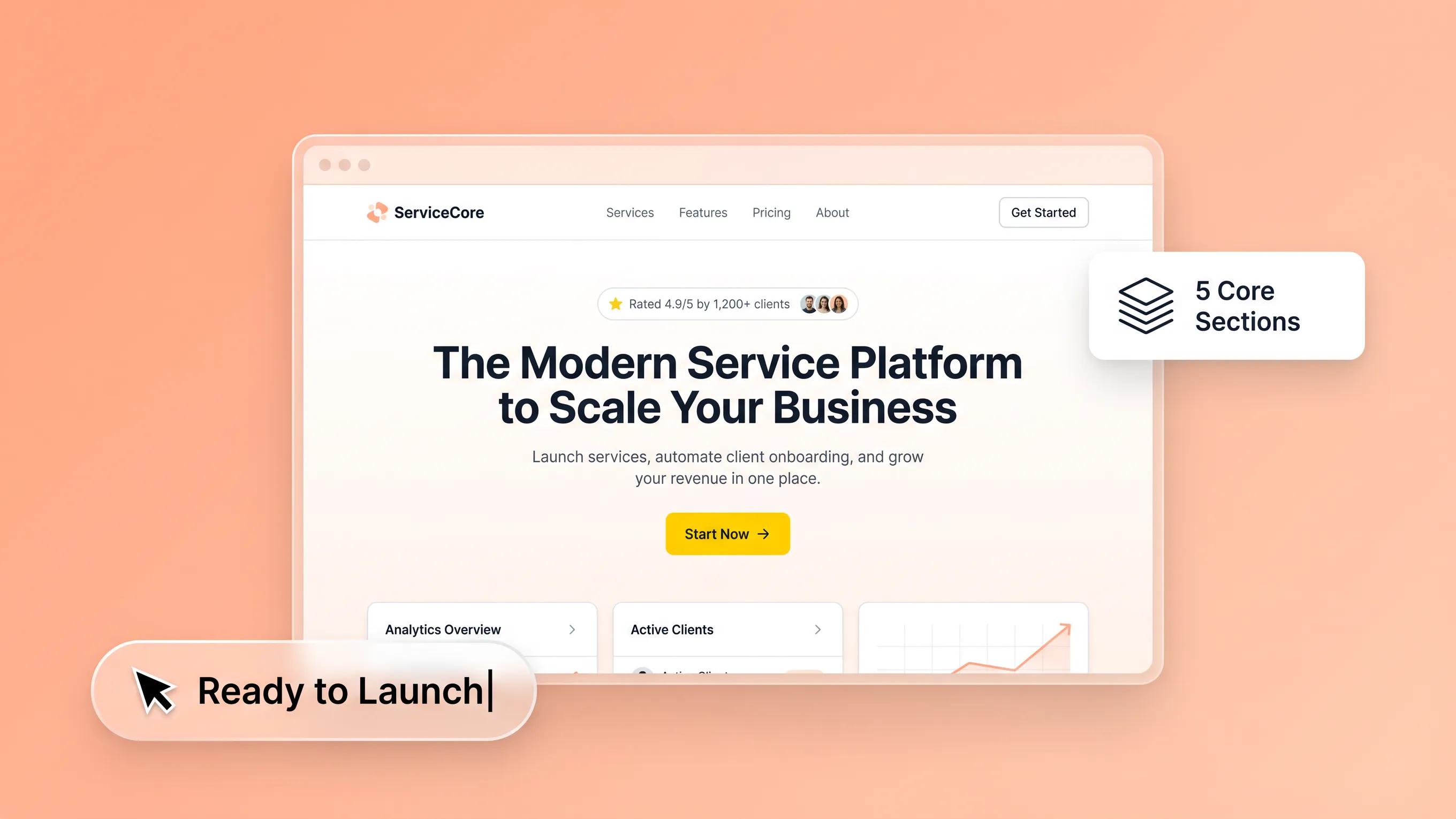
You do not need a huge site on day one—a compact website with thorough, accurate details is far more helpful than a large site full of thin pages that repeat vague fluff. Most service businesses start with Home, Services, About, and Contact, then add pages like Pricing, Portfolio, Locations, Booking, or helpful guides only when your offer or customer journey calls for them.
| Website Page | Priority | What Belongs on It |
|---|---|---|
| Homepage | Essential | Main offer, key services, location or audience, proof, contact action |
| Services | Essential | Service descriptions, inclusions, process, and relevant next steps |
| About | Usually essential | Business background, team, experience, and approach |
| Contact | Essential | Phone, email, enquiry form, location or service area |
| Pricing | Depends on the service | Packages, starting rates, price ranges, or quote process |
| Portfolio / Projects | Depends on the service | Work samples, project descriptions, photographs, and case studies |
| Locations | Depends on the service | Genuine service areas and relevant location details |
| Blog / Resources | Optional | Helpful answers to customer questions and useful advice |
| Booking | Depends on the service | Appointment availability and booking instructions |
Planning the right mix of service business website pages, service business website essentials, and service company website content keeps your site focused on real buyer needs.
3. What to Put on Your Service Business Homepage
Your homepage should introduce who you help, state your core service clearly, outline main offerings and service coverage, show credible proof, offer a clear contact path, and point visitors to deeper pages for full details. Deep technical specs or long histories usually work better on dedicated service or About pages so the homepage stays scannable.
A cleaner home, without giving up your weekend
Home cleaning services for busy households, with options for regular visits and deep cleaning.
Services
Proof of work: View completed cleaning projects
Service areas, packages, and booking information
Practical homepage content example (Home Cleaning)—replace sample copy with your accurate services, locations, and real evidence.
Structuring service business homepage content and service business website content for your service business website gives visitors an immediate map of where to go next.
4. Give Every Important Service a Clear Description and Its Own Details
Give visitors enough specific detail to know what the service covers, who it suits, what is included versus optional, how the work happens step by step, what deliverables or limits apply, and what to do next. Separate service pages make sense when offerings differ in scope, process, audience, or search intent—not when two options only need a short note on one page.
| Page | Weak Content | More Useful Content |
|---|---|---|
| Homepage | Welcome to our website | Residential plumbing repairs and installations across Bengaluru |
| Services | We provide cleaning solutions | Regular home cleaning, deep cleaning, and move-in cleaning |
| About | We are committed to excellence | A family-run cleaning business serving local households since 2018 |
| Pricing | Contact us for details | Deep cleaning packages available; request a quote based on property size |
| Portfolio | Our recent work | Kitchen deep cleaning for a two-bedroom apartment, including cabinets, floors, and appliances |
| Contact | Get in touch | Request a cleaning quote and tell us your property size and preferred date |
Clear service business service pages, focused service business website content, and concrete service description examples answer real buyer questions without padding words.
5. Add an About Page That Explains Who Is Behind the Business
Most visitors want to know who stands behind the work—their relevant background, qualifications or hands-on experience, how the team or solo owner operates, and what principles guide customer care—without wading through a long company timeline. Whether you are a solo consultant, a small trade crew, or a growing agency, honest context about who does the work and how you treat clients builds confidence.
A grounded about us page for service business strengthens service company website content across your service business website pages (and pairs well with how to write a service page that converts).
Build High-Trust Service Pages Faster With BoltWeb
Turn Your Service Details Into Clear, Structured Pages Without Manual Friction
Do not let blank screens, slow page setup, or scattered copy delay a service website that helps customers act. Use BoltWeb and AI Foundry inside BoltWeb to organize your core pages, draft clear service copy quickly, and customize every section before publishing.
Get Started On Your Journey →6. Show Real Projects, Work Samples, and Customer Reviews
Specific evidence beats empty promises every time—share real project photos, before-and-after examples, brief case notes, genuine customer quotes, or relevant credentials with clear captions and customer permission. Even better, pair each proof point with the problem you solved, the work completed, and the outcome—and if your business is new, show completed sample work, pilot projects, relevant qualifications, or clear process previews honestly rather than faking reviews.
Strong service business portfolio proof, honest service business testimonials, and grounded service business website content help hesitant visitors trust your work.
7. Explain Your Prices, Packages, or How Customers Can Request a Quote
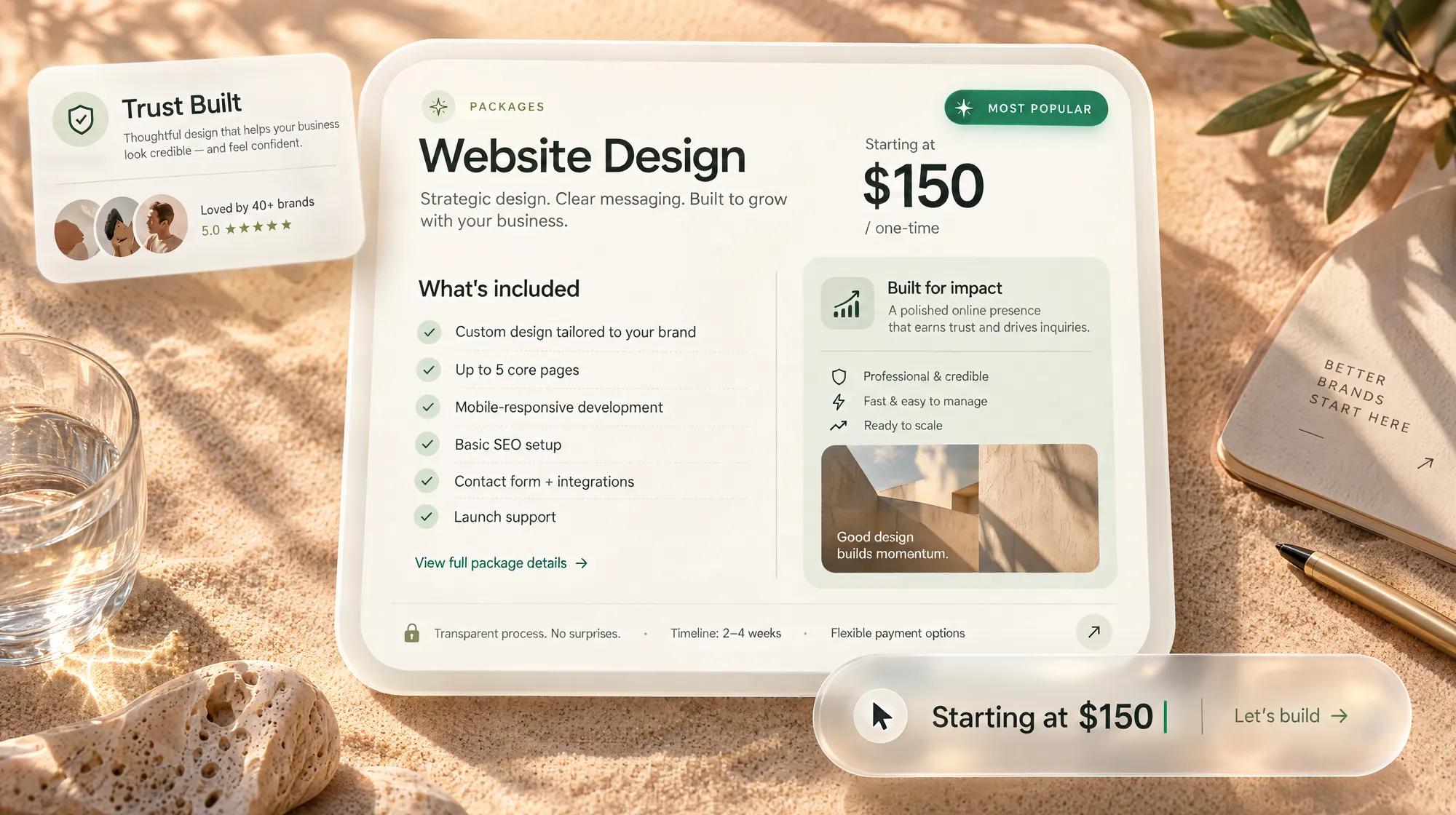
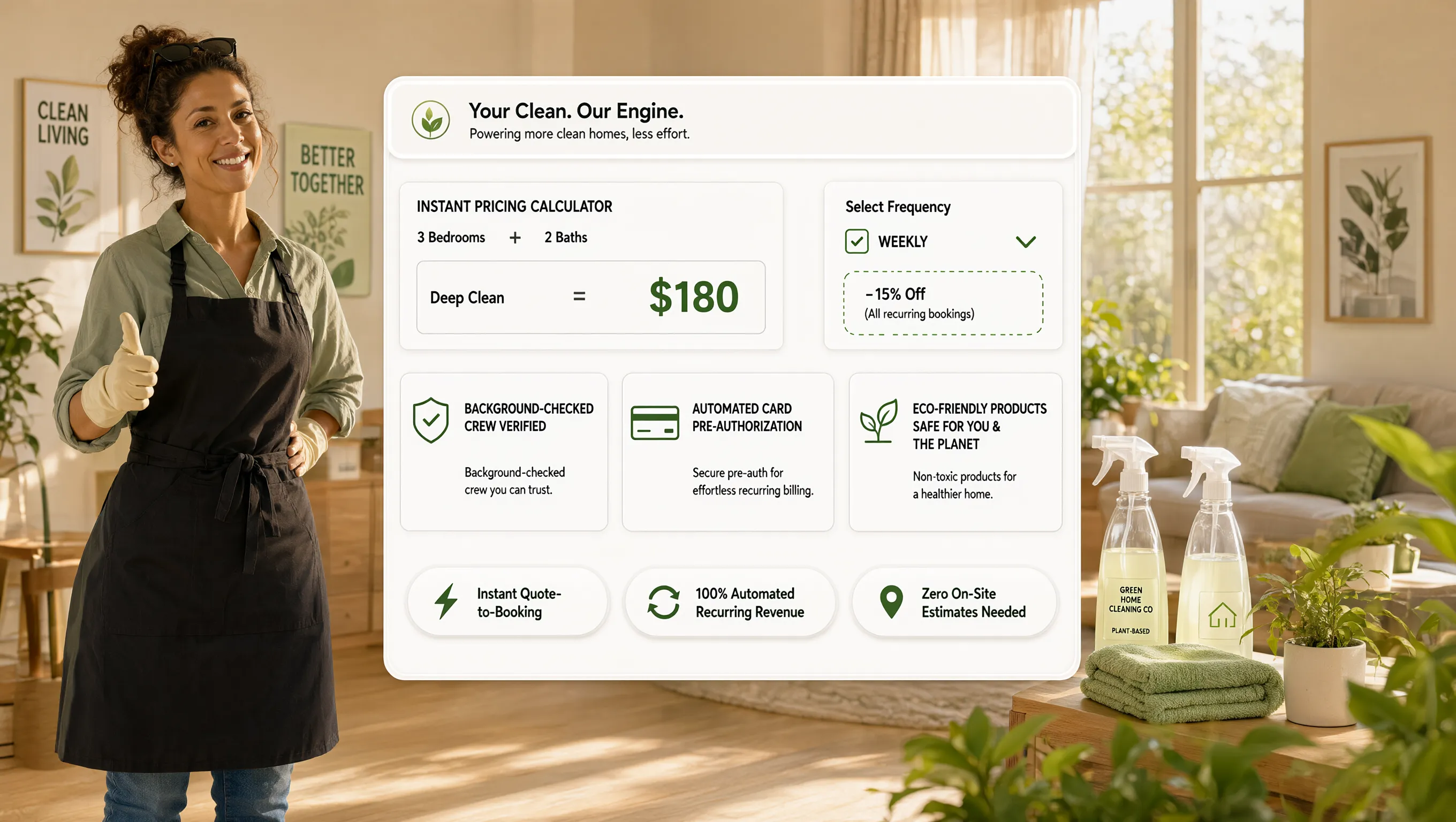
Leaving pricing completely unexplained often makes visitors wonder if rates are hidden or steep—so share fixed prices, clear packages, starting rates, ranges, hourly rates, or consultation fees whenever they fit your model. When every job varies (such as custom home repairs or consulting), explain what changes the cost, what is normally included, and how visitors get a clear quote.
Transparent service business pricing page guidance supports service business website content and service business website essentials so buyers know what to expect.
8. Tell Visitors Where You Work and When They Can Contact You
A mobile repair tech, a local cleaner, and an appointment-based consultant all need to make service coverage and availability unmistakable so people outside your range or hours do not waste time—and so locals know you serve them. State your genuine service areas and towns, distinguish your physical or business address from your broader service area where relevant, share opening or appointment hours, note any emergency or response windows accurately, and never list places you do not actually serve.
Accurate service area information helps a local service business website earn trust and shapes clear service business website content (see Google Search Central: Creating Helpful, Reliable, People-First Content).
9. Make Your Contact Details and Enquiry Form Easy to Find
Make reaching out effortless by showing clear contact options—such as a clickable phone number, business email, concise enquiry or quote form, booking link, address/service area notes, or preferred messaging channel—alongside when you typically reply and what happens after submission. Keep initial form fields focused on what you genuinely need to respond rather than interrogating first-time visitors before you have even spoken.
A clear service business contact page, streamlined service enquiry form, and essential service business website essentials turn interest into real conversations (and align with our guide to mobile-friendly website contact forms).
10. Answer Common Customer Questions About Your Services and Process
Answer recurring questions about inclusions, timelines, customer preparation, consultations, payment terms, cancellations, limits, warranties where offered, and post-booking steps right where they matter most—often beside the relevant service or pricing block rather than forcing visitors to hunt through a separate FAQ page. Addressing doubts in context helps people decide smoothly.
Helpful service business website content, targeted service business website FAQ answers, and practical service company website content reduce repetitive back-and-forth (and pair well with how to organize services on your website).
11. Add Useful Website Features That Match the Way Your Business Works
Adding every widget or feature at once can complicate a site without helping customers—a salon may benefit from appointment booking, a contractor from quote requests, and a consultant from consultation scheduling, while other businesses only need a clear phone line, simple form, map, or service guide. Pick features that solve a real step in how your customers hire you and keep everything else clean.
Choosing the right website features for service businesses, online appointment booking where appropriate, and core service business website essentials keeps your site focused and easy to maintain.
12. Use a Service Business Website Checklist Before You Publish
Before launching, review each page from a visitor's point of view to confirm your core pages, accurate service descriptions, real proof, pricing or quote steps, service area and hours, working contact options, mobile readability, internal links, and required legal information are all in place. With BoltWeb and AI Foundry inside BoltWeb, creating and editing pages is straightforward while you supply your real business details, verify accuracy, and review every screen before publishing.
Following a clear service business website checklist, verifying what to include on a service business website, and building cleanly on BoltWeb sets a steady foundation (and links naturally with a focused internal linking strategy for small business).
Give Every First-Time Visitor the Answers They Came For
Picture a local customer opening your website on their phone tonight, seeing your exact service, service area, and clear next step right away, and reaching out without once feeling lost or guessing what comes next.
Get Started On Your Journey →FAQs: What to Include on a Service Business Website
1. If someone visits my website for the first time, what do they actually need to know before contacting me?
A first-time visitor looking for help wants quick, plain answers to the practical questions that shape their decision—what exact service you provide, which offerings are available, who you help, where you operate, what the work involves step by step, and how to take the next step. When a site relies on polished photos and vague taglines instead of clear answers, visitors hesitate and close the tab rather than guess.
Putting what to include on a service business website and core service business website essentials front and center helps visitors feel confident reaching out right away.
2. Do I need five pages, ten pages, or just a simple site to launch a service business?
You do not need a massive website on day one—a smaller site with complete, accurate details on every page serves visitors far better than a large site filled with thin pages repeating generalities. Most service businesses start with Home, Services, About, and Contact, adding pages like Pricing, Portfolio, Locations, Booking, or helpful guides when the service model or buyer journey calls for them.
Choosing the right service business website pages, service business website essentials, and service company website content keeps your site focused without building unnecessary sections.
3. What belongs on my homepage so visitors understand my offer and know where to go next?
Your homepage should introduce your business clearly, state your main service and who or where it serves, summarize key offerings, show real proof of work, offer a clear contact action, and link smoothly to deeper pages for full details. Moving deep technical specs or long company background onto dedicated pages keeps the homepage scannable from top to bottom.
Structuring service business homepage content and service business website content for your service business website gives visitors an immediate sense of direction.
4. How much detail should I write about each service without turning the page into a wall of text?
Give visitors enough specific detail to see what the service covers, who needs it, what is included versus optional, how the work happens, what deliverables or limits apply, and what to do next. Creating a separate page for an important service makes sense when it differs meaningfully in scope, process, audience, or search intent—not when two options only need a concise note on one page.
Clear service business service pages, focused service business website content, and specific service description examples answer real buyer questions cleanly (and link naturally with how to write a service page that converts).
5. Do I really need an About page, and what should I write if I run a small or solo business?
Visitors often want to know who stands behind the work—their relevant experience, qualifications or practical track record, how the team or solo founder operates, and what standards guide customer service—without reading an overlong company history. Whether you work solo, run a local trade crew, or lead a small agency, honest details about who does the work and how customers are treated build trust.
A grounded about us page for service business strengthens service company website content across your service business website pages.
6. How can I prove I do good work if new visitors have never heard of my business?
Real evidence speaks louder than general claims—sharing completed project photos, before-and-after views, work samples, brief case notes, authentic reviews, or relevant credentials with clear captions and customer permission helps strangers judge your reliability. Even if your business is newer, showing completed sample work, pilot jobs, relevant qualifications, or clear process previews honestly gives visitors solid context without faking proof.
Strong service business portfolio examples, genuine service business testimonials, and grounded service business website content help hesitant visitors trust your capabilities (see Google Search Central: Creating Helpful, Reliable, People-First Content).
7. Should I show prices on my website, or ask visitors to request a quote instead?
Leaving pricing completely unexplained often leads visitors to wonder if rates are steep or if getting a straight answer takes too much effort—so share fixed prices, packages, starting rates, price ranges, hourly rates, or consultation fees whenever they fit your service. When every job varies by size or scope, explain what influences the price, what is typically included, and how a visitor requests an accurate estimate.
Clear service business pricing page guidance supports service business website content and service business website essentials so visitors know how cost works before enquiring.
8. How do I make sure visitors know whether I serve their area and when I am available?
Customers who need help nearby want to confirm coverage and timing before filling out a form or calling. Clearly state your actual service areas, towns, or regions, distinguish a physical or business address from a broader service area where relevant, share opening or appointment hours, note any emergency or response windows accurately, and only list places you genuinely serve.
Accurate service area information helps a local service business website attract relevant enquiries and shapes reliable service business website content.
9. What should my contact page include, and how many fields should my enquiry form have?
Give visitors clear ways to reach you—such as a visible phone number, business email, concise enquiry or quote form, booking link, address or service-area summary, or preferred messaging option—alongside expected response times and what happens right after they submit. Keeping form fields focused on what you genuinely need to reply prevents first-time visitors from abandoning a long form before you even talk.
A straightforward service business contact page, clean service enquiry form, and essential service business website essentials make reaching out effortless (and pair well with our guide to mobile-friendly website contact forms).
10. Customers ask the same questions repeatedly—where should those answers live on my site?
Put answers to common questions about inclusions, timelines, preparation, consultations, payment terms, cancellations, limits, warranties, and next steps right where they help most—often beside the relevant service or pricing section rather than forcing visitors to hunt through a separate FAQ page. Answering doubts in context helps people decide smoothly.
Helpful service business website content, targeted service business website FAQ answers, and practical service company website content save visitors and your team repeated back-and-forth (and connect naturally with how to organize services on your website).
11. Do I need online booking, live chat, payments, and extra features on my service website?
Adding every feature at once can make a site more complicated without helping customers—a salon may benefit from appointment booking, a contractor from quote requests, and a consultant from consultation scheduling, while another business only needs a clear phone link, simple form, map, or service guide. Choose features around how customers actually hire you and skip extras that do not solve a real step for your buyers.
Selecting the right website features for service businesses, online appointment booking where fitting, and core service business website essentials keeps your site practical and easy to run.
12. How can I build my pages cleanly in BoltWeb and verify every detail before publishing?
When you want to set up your essential pages and draft clear service sections without fighting manual page setup, BoltWeb and AI Foundry inside BoltWeb help you create and refine pages smoothly while you supply your exact business facts, check every page on desktop and mobile, confirm links and forms work, and make sure legal and accuracy details are in place before going live.
Using a clear service business website checklist, reviewing what to include on a service business website, and building on BoltWeb helps you launch with confidence (and links cleanly with a focused internal linking strategy for small business).