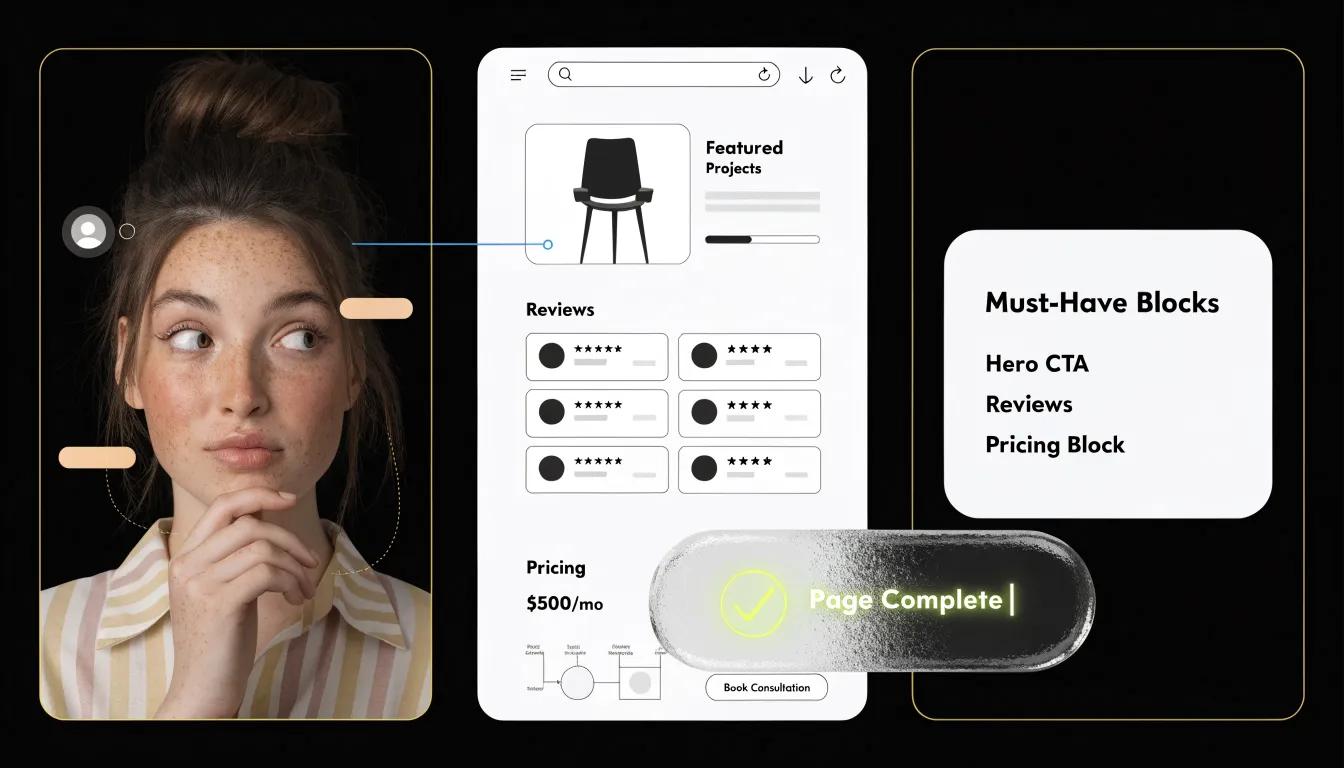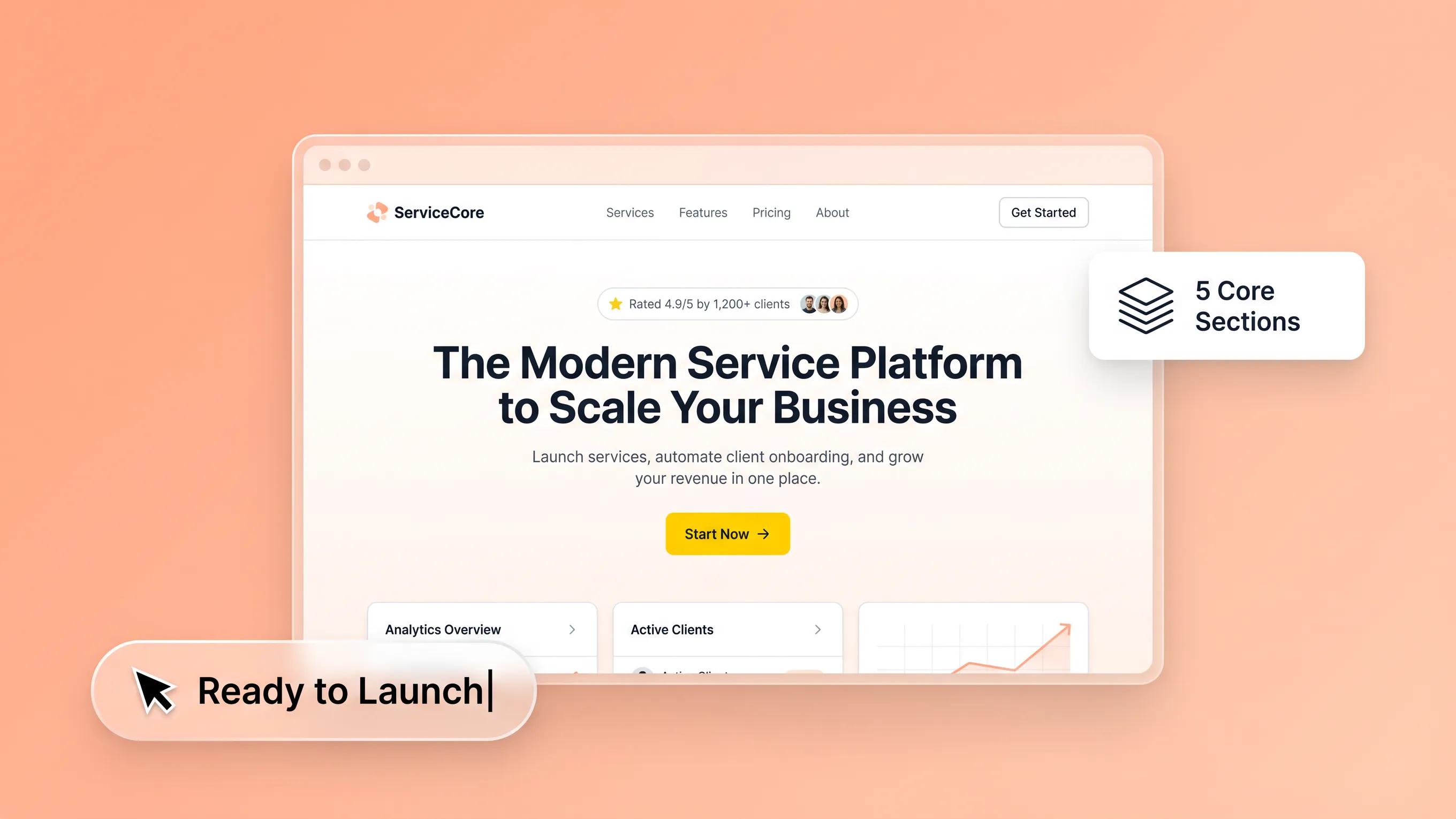
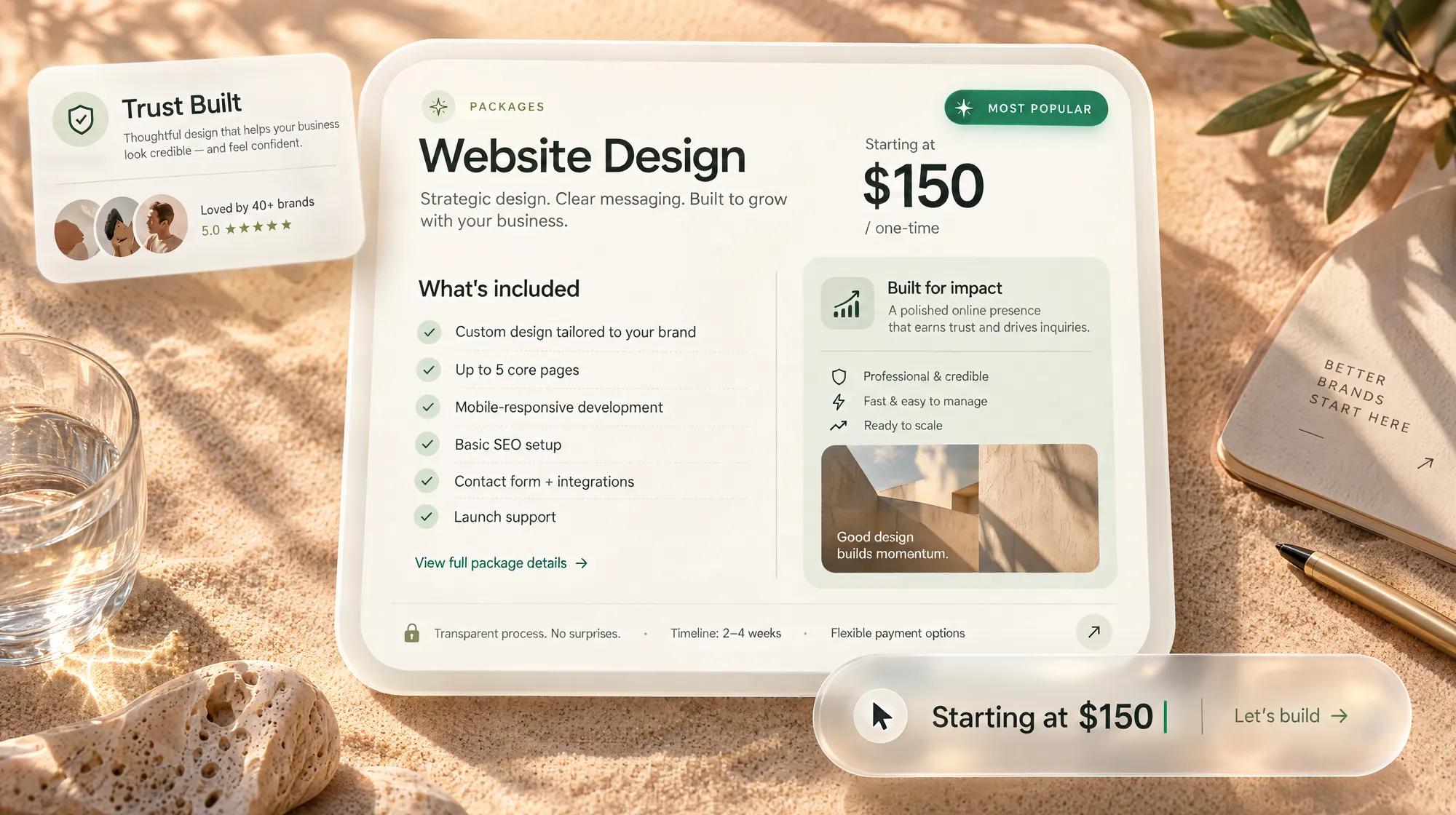

Someone needs a plumber, cleaner, or consultant right now, opens a business site full of vague slogans and stock photos, and closes the tab because nothing tells them what gets done, where the work happens, or how to book.
"People visit my website, but will they understand what I actually offer before they decide to leave or reach out?"
Here is the plain truth:
A visitor who comes looking for help does not want to guess what you do behind a wall of clever taglines. When layout structure, color tones, and wording do not fit together, even real expertise can fail to convert or connect with the people searching for you. Today we are walking through service business website design best practices from top to bottom—so you will discover how to craft a service business website, shape a service business website design, and build a service company website design that feels clear, credible, and easy to act on.
Putting research, layout design, and clear copy together takes real time—yet BoltWeb with AI Foundry inside BoltWeb makes crafting a personalized business site far simpler while you review every page, service detail, and screen before publishing.
Let's walk through what visitors look for first and how each part of your site supports them.
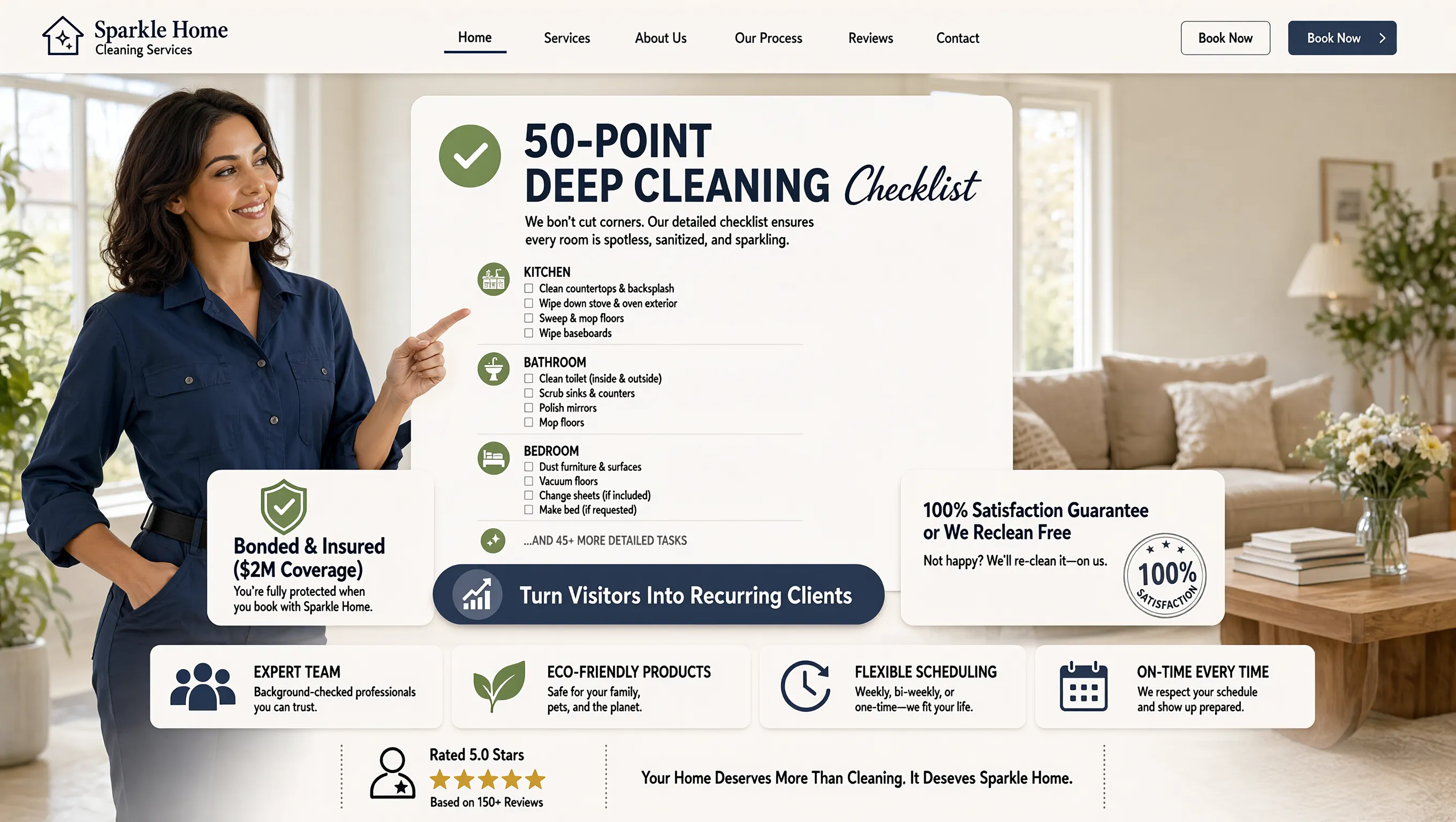
1. What Should a Service Business Website Tell Visitors Before They Contact You?
Picture a homeowner or small-business buyer opening a service page and seeing big abstract words like "Elevating Your Tomorrow" alongside a broad product-style grid that never explains who gets helped, what problem gets solved, or whether the provider even works nearby. Unlike a shop selling off-the-shelf items with instant add-to-cart buttons, a service website asks visitors to trust people, process, scope, and availability before committing time or money.
Here is why that distinction matters:
Before a visitor picks up the phone or fills out a form, they need clear answers to five practical questions: what exact service you provide, who you serve, where you work, why they should choose you, and what to do next. When those basics sit right up front, your service business website, service business website design, and service company website design answer real buyer doubts instead of leaving people guessing.
2. Design a Homepage That Explains Your Service, Location, and Main Benefit
A homepage should work like a calm, well-organized guide rather than a riddle—leading with a clear headline that states your service, audience or location, and main benefit, backed by a concise explanation, a primary call to action, key services, proof of work, how the process unfolds, and easy contact options. Compare a vague headline such as "Quality You Can Trust" with a direct message like "Plumbing repairs without the guesswork—pipe repairs, leak detection, and bathroom plumbing for homes in Bengaluru."
Look at how a clear homepage reads from top to bottom when you focus on real customer answers:
Plumbing repairs without the guesswork
Pipe repairs, leak detection, and bathroom plumbing for homes in Bengaluru.
How We Can Help
Real work. Clear information: See our completed plumbing projects
Illustrative content preview—whether you run plumbing, cleaning, or consulting, replace sample copy with accurate services, locations, and real evidence.
| Homepage Section | What to Include | Example |
|---|---|---|
| Hero | Service, audience or location, main benefit, CTA | "Electrical repairs for homes and small businesses in Bengaluru" |
| Services | Main services with short descriptions | Wiring, installations, repairs |
| Why choose us | Verifiable reasons to choose the business | Years in operation, qualifications, response process |
| Work examples | Genuine projects and photos | Before-and-after repair photos |
| Process | What happens after a customer contacts you | Enquiry, assessment, quote, service |
| Testimonials | Genuine customer feedback | Approved customer review |
| Contact | Phone, form, location, opening hours | Request a quote or call |
Planning each block around service business homepage design, clean service business website layout, and a focused service business website keeps first-time visitors oriented right away (and pairs naturally with our guide to what to include on a service business website).
3. Create a Separate Website Page for Every Important Service You Offer
Forcing every distinct service onto one crowded page forces visitors to dig through unrelated details just to find out whether you handle their specific request—yet creating dozens of thin pages that repeat identical text with swapped titles adds clutter without helping anyone. Giving an important service its own dedicated page makes sense when it serves a distinct need, process, timeline, pricing model, or search query, using a clear flow of problem, solution, scope, process, proof, and next step tailored to that exact offering.
Think about how differently a cleaning company, a general contractor, and a consultant use dedicated pages: a contractor handling renovations, extensions, and repairs benefits from separate pages with distinct steps and examples, whereas minor add-ons can sit right beside the main service they belong to. Dedicated service pages strengthen service business website design and service company website design when each page delivers genuine, specific detail (see Google Search Central: SEO Starter Guide — Organize Your Site and how to organize services on your website).
4. Make Your Service Descriptions Specific Enough for Customers to Understand
Insider phrases and broad slogans like "complete professional solutions" sound polished to the team that wrote them, yet tell a customer very little about what actually gets done. Strong service copy spells out who the service is for, what problems it addresses, what deliverables and steps are included, where boundaries or limitations exist, and what practical outcome a customer can expect.
| Vague Description | More Useful Description |
|---|---|
| Professional cleaning solutions | Deep cleaning for kitchens, bathrooms, floors, and hard-to-reach areas |
| Quality electrical services | Electrical fault diagnosis, wiring repairs, and new fixture installation |
| Business growth solutions | Business planning, process reviews, and practical growth recommendations |
Those clearer versions show a buyer what they can actually request before they even ask. Grounding service business website content, a clear service description, and thoughtful professional service website design in plain language removes confusion early (and connects cleanly with how to write a service page that converts).
5. Show Your Service Prices, Starting Rates, or Quotation Process Clearly
Not every service has a single flat price tag, yet leaving cost completely mysterious often makes cautious visitors assume a provider is expensive or slow to answer. Depending on how your work is priced, you can share fixed packages, starting rates, hourly charges, realistic price ranges, consultation fees, or a clear explanation of what determines a custom quote and how a buyer gets an estimate.
Here is the real trade-off to keep in mind:
Publishing starting rates or packages helps budget-aware visitors self-qualify quickly, while custom-quote services build trust when they explain cost factors, inclusions, and quote steps openly rather than forcing every service into a rigid fixed price. Clear service business website pricing, honest service website design, and helpful service business website content set realistic expectations from the start.
Build a Clear, Credible Service Website Faster With BoltWeb
Turn Your Service Plan Into Structured Pages Without Technical Bottlenecks
Do not let blank layouts, scattered drafts, or slow setup keep potential customers waiting for clear answers. Build and refine your pages on BoltWeb using AI Foundry inside BoltWeb to organize sections cleanly, draft service copy quickly, and review every screen before publishing.
Get Started On Your Journey →6. Use Real Project Photos and Customer Results to Show What Your Business Can Do
Anyone can claim to be reliable, but visible evidence—such as completed project photos, before-and-after views, real work samples, short case studies, approved customer reviews, or relevant qualifications—gives strangers concrete grounds to believe you. A contractor showing finished repair work with brief captions, a photographer sharing real session galleries, or a consultant walking through a real client challenge and result answers doubt far better than boasting.
Remember to capture clear captions, respect customer permission and privacy when publishing work or reviews, and share honest examples rather than exaggerated claims. Strong service business website examples, focused service business website design, and credible service business portfolio proof earn trust where words alone fall short (see Google Search Central: Creating Helpful, Reliable, People-First Content).

7. Make Your Service Area and Availability Easy to Find
When a customer needs help across town or in a nearby suburb, wasting time on a site that never states where you operate or when you are open creates immediate frustration. Show your real service locations, towns, or regions clearly before the contact form—alongside business hours, appointment windows, any genuine emergency or travel limits—and only create location pages for areas you truly serve.
Being honest and specific about coverage keeps enquiries relevant and saves everyone time. Accurate local service business website details, clear service area website coverage, and grounded service business website design set the right expectations upfront (and you can review how local listings appear alongside your site in Google Business Profile).
8. Make It Easy for Customers to Call, Request a Quote, or Book a Service
The best next step depends on how urgency, scope, and buying habits match your service: an urgent repair often calls for a tap-to-call phone link plus clear hours, a cleaning or contracting business may favor a focused quote request, and a consultant may invite visitors to book an initial call. Offering every possible button on equal footing can split attention, while one clear primary action—paired with a practical alternative—keeps steps simple.
| Business Type | Useful Primary Action | Supporting Information |
|---|---|---|
| Emergency repair service | Call now | Service area and availability |
| Cleaning company | Request a quote or book | Cleaning options and property details |
| Consultant | Schedule a consultation | Expertise and consultation process |
| Photographer | Check availability | Portfolio and project types |
| Contractor | Request a project estimate | Project examples and scope information |
| Salon | Book an appointment | Services, prices, and opening hours |
Using specific action labels—such as "Request a Project Estimate" or "Book an Initial Consultation" instead of "Click Here"—makes your service business contact form, service business website design, and online appointment booking flow much clearer (and pairs directly with our guides to design mobile-friendly website buttons and mobile-friendly website contact forms).
9. Answer Customer Questions Before They Have to Ask You
When buyers repeatedly ask about inclusions, timelines, preparation steps, payment terms, cancellations, guarantees, service limits, or what happens right after they enquire, those details belong directly near the relevant service or contact block—not hidden away inside one giant, hard-to-scan FAQ wall. Answering practical questions in context removes hesitation right where a visitor is deciding whether to reach out.
Clear service business website content, thoughtful service business website design, and helpful service company website copy turn repeat questions into smooth decisions.
10. Build a Mobile-Friendly Service Website for Customers Who Need Help on Their Phones
Picture someone standing in a room with a tripped breaker or a leaking pipe, searching on their phone while juggling a dozen things at once—they need legible text, clear service names, obvious location info, tap-to-call numbers, roomy buttons, and a short form without pinching, zooming, or hunting through cluttered menus. Designing around real mobile tasks keeps vital details easy to reach on the go.
Focused mobile service business website layouts, practical mobile-friendly service website habits, and steady service business website design support visitors in urgent and everyday moments alike (and connect naturally with our mobile website design best practices and Google PageSpeed Insights for checking page responsiveness).
11. Remove Website Problems That Make Potential Customers Hesitate
"My website is live, but something still makes it difficult for people to contact me."
Often a live site already attracts visitors, yet small roadblocks—like a vague headline, stale photos, buried phone numbers, a finicky form, unexplained pricing, unsupported boasts, messy menus, or pushy popups—quietly stop people from reaching out. Inspecting your site through a visitor's eyes helps you spot and fix the biggest friction points first.
| Mistake | What the Visitor Experiences | Better Approach |
|---|---|---|
| Homepage says only "Welcome to our website" | They cannot tell what the business offers | Name the service clearly in the headline |
| All services are listed without descriptions | They cannot distinguish the options | Give important services their own detailed pages |
| No service area is mentioned | They do not know whether the business serves them | Show genuine service locations |
| Only generic stock photos are used | They cannot see evidence of actual work | Include real project photos where possible |
| Contact details are hidden | They struggle to get in touch | Make the main contact action easy to find |
| Forms ask too many questions | Enquiry feels like unnecessary work | Ask only for details needed to respond |
| Pricing is completely unexplained | They cannot judge whether the service suits their budget | Display prices, starting rates, or explain the quotation process |
| Customer reviews are exaggerated or unverifiable | They have reasons to doubt the business | Use genuine reviews with appropriate permission |
Fixing those gaps through service business website design best practices, a sharper service business website, and fewer service business website mistakes protects every enquiry (and pairs with Microsoft Clarity for observing real visitor behavior on pages).
12. Build and Manage Your Service Business Website with BoltWeb
Turn your plan into a steady build routine: outline your essential pages, describe your business and services clearly to generate an initial layout, review and edit every section for accuracy, set up clear contact or booking paths, check mobile usability, and publish. Once your site is live, keep services, project examples, service areas, and hours up to date as your business evolves.
With BoltWeb and AI Foundry inside BoltWeb, creating, editing, and maintaining pages stays manageable without turning every update into a full-scale rebuild while you stay in charge of your real business facts and final review.
| Service Business Website Launch Checklist | Status |
|---|---|
| Homepage headline clearly states service, location, and benefit | [ ] |
| Each important service has its own dedicated page | [ ] |
| Service descriptions use plain, specific language | [ ] |
| Pricing or quotation process is explained openly | [ ] |
| Real project photos and customer reviews are visible | [ ] |
| Service area and availability are clearly stated | [ ] |
| Primary call to action matches how customers buy | [ ] |
| Common customer questions are answered in context | [ ] |
| Mobile layout tested on a real phone | [ ] |
| Contact details and booking path are easy to find | [ ] |
A repeatable service business website builder workflow, consistent service business website design, and steady upkeep keep your site reliable as you grow (and connect smoothly with a focused internal linking strategy for small business).
Turn Every Service Page Visit Into a Confident Enquiry
Picture a nearby homeowner or small-business owner opening your site on their phone tonight, seeing your exact service, service area, and clear next step right away, and reaching out without once feeling lost or guessing what comes next.
Get Started On Your Journey →FAQs: Service Business Website Design Best Practices
1. People visit my website, yet I wonder if they actually understand what I offer before reaching out?
A visitor looking for help does not want to decode poetic slogans while trying to figure out whether your business solves their problem. Unlike an online store selling off-the-shelf items with instant add-to-cart buttons, a service site asks people to trust your expertise, process, service coverage, and next step before they ever call or fill out a form.
Putting what you provide, who you help, where you work, why you fit, and what happens next right up front makes your service business website, service business website design, and service company website design feel clear and trustworthy from the first screen.
2. What belongs on my homepage so first-time visitors know what my business does right away?
A homepage works best when it acts like a straightforward guide—opening with a clear headline naming your service, audience or location, and key benefit, followed by a concise overview, a clear call to action, main offerings, proof of work, how the process unfolds, and easy contact details. Replacing a vague headline like "Quality You Can Trust" with a direct statement of service and location helps visitors orient themselves immediately.
Thoughtful service business homepage design, clean service business website layout, and a focused service business website keep first-time visitors moving toward the right next step (and pair well with our guide to what to include on a service business website).
3. Should I put every service on one page or give each important service its own page?
Squashing distinct offerings onto one crowded page forces visitors to dig through unrelated details just to check if you handle their request, whereas thin pages that copy-paste the same text with new titles only add clutter. Giving an important service its own dedicated page makes sense when it involves a distinct need, process, timeline, pricing model, or search intent—covering the problem, solution, scope, process, proof, and call to action for that specific offering.
Dedicated service pages strengthen service business website design and service company website design when each page offers real, specific substance (see Google Search Central: SEO Starter Guide — Organize Your Site and how to organize services on your website).
4. I know what I do in the field, so how do I describe services without complicated business jargon?
Phrases like "complete professional solutions" sound neat internally yet leave a customer guessing what actually happens after they reach out. Clear service copy spells out who the service suits, what problem it addresses, what deliverables and steps are included, where boundaries apply, and what practical outcome a customer can expect.
Specific service business website content, a plain service description, and thoughtful professional service website design turn technical know-how into answers customers understand right away (and link naturally with how to write a service page that converts).
5. Do I have to show exact prices on my website, or will visitors leave if cost is not listed?
Not every service fits a single flat price, yet leaving cost completely unexplained often makes visitors wonder whether pricing is steep or whether getting a straight answer takes too much work. Depending on how your work is billed, you can share fixed packages, starting rates, hourly rates, realistic ranges, consultation fees, or explain clearly what shapes a custom quote and how a visitor receives an estimate.
Transparent service business website pricing, honest service website design, and clear service business website content set realistic expectations without forcing every service into a fixed price.
6. How can I prove my service delivers real results if a visitor has never hired my business before?
Claims of reliability carry far more weight when paired with visible proof—such as completed project photos, before-and-after views, genuine work samples, concise case notes, approved customer reviews, or relevant credentials—with clear captions and customer permission. Showing real work with context answers skepticism far better than boasting.
Strong service business website examples, focused service business website design, and authentic service business portfolio evidence help strangers trust your work (see Google Search Central: Creating Helpful, Reliable, People-First Content).
7. How do visitors quickly tell whether I work in their area and when I am available?
When someone needs help across town or in a nearby suburb, hunting for coverage details or hours creates friction fast. Display your real service areas, towns, or regions clearly before the contact form—alongside opening hours, appointment windows, any true emergency or travel limits—and create location pages only for areas you genuinely serve.
Accurate local service business website details, clear service area website coverage, and grounded service business website design prevent mismatched enquiries (and pair naturally with checking local visibility in Google Business Profile).
8. Should my main call to action invite visitors to call, request a quote, or book an appointment?
Pick the action that matches how customers naturally buy your service and how urgent or complex the work is—such as calling for an urgent repair, requesting a quote or estimate for cleaning or contracting, or booking a consultation or appointment when scheduling fits best. Leading with one clear primary action and specific button wording avoids splitting attention across too many competing buttons.
Focused service business contact form flows, clear service business website design, and smooth online appointment booking guide visitors toward a concrete next step (and align with our guides to design mobile-friendly website buttons and mobile-friendly website contact forms).
9. How can I answer recurring customer questions without stuffing everything into one huge FAQ block?
When buyers repeatedly ask about inclusions, timelines, preparation, payment terms, cancellations, guarantees, service limits, or what happens right after submitting an enquiry, place concise answers right beside the relevant service or contact section. Answering questions where the doubt arises helps visitors decide smoothly without searching through a massive list.
Helpful service business website content, thoughtful service business website design, and clear service company website copy turn repeat questions into informed enquiries.
10. What matters most when someone searches for my service on their phone while away from a desk?
Someone looking for help on a phone—whether dealing with a sudden leak, an electrical fault, or a quick question on the move—needs readable text, clear service names, obvious service-area details, tap-to-call numbers, roomy buttons, and a short form without pinching or fighting cramped menus. Designing around real mobile tasks keeps essential help within easy reach.
Focused mobile service business website layouts, practical mobile-friendly service website habits, and steady service business website design support visitors in urgent and everyday situations alike (and connect smoothly with our mobile website design best practices and Google PageSpeed Insights).
11. My site is already live, so how do I spot and fix small roadblocks that stop people from contacting me?
Even a live website can lose enquiries when a vague headline, outdated photos, hidden phone number, tricky form, unexplained pricing, unsupported boasts, cluttered navigation, or intrusive popups get in the way. Walking through your pages from a customer's perspective helps you fix high-impact friction points first.
Addressing those gaps through service business website design best practices, a clearer service business website, and fewer service business website mistakes removes quiet obstacles to contact (and pairs with Microsoft Clarity for seeing how real visitors interact with your pages).
12. How can I build, edit, and update my service business website cleanly in BoltWeb as my business grows?
When you want a practical way to organize your core pages, draft service copy, set up contact or booking paths, and keep offerings, projects, service areas, and hours current without starting over every time, BoltWeb and AI Foundry inside BoltWeb help you create and manage pages smoothly while you verify your real business details and review every screen before publishing.
A steady service business website builder habit, consistent service business website design, and regular updates keep your site accurate as your business expands (and link naturally with a focused internal linking strategy for small business).
Picture a nearby customer pulling up your site on their phone tonight, seeing your exact service, service area, and clear next step right away, and reaching out with complete confidence.