
A customer lands on your site needing a quick cleanup before guests arrive—and instead hits a wall of ten mixed service names, technical labels, and unrelated offerings where nobody can tell where to click first.
"I offer several services, yet visitors seem confused about what they can choose—how do I make it effortless for them to pick the right one?"
Here is the plain truth:
Offering more services does not help anyone if visitors cannot tell what you actually do in three seconds. When listings pile up without clear groups, overlap in wording, or hide behind internal jargon, ready buyers leave rather than guess. Today we are walking through how to organize services on your website cleanly—so you will discover how website service organization and smart website service categories turn scattered offerings into clear paths that visitors understand and search engines can index properly.
When you write service pages, organizing offerings well helps visitors find what they need and gives search searchers clear topical pages to match. Manual keyword research and drafting persuasive service copy from scratch takes real time—especially if you have never written service pages before—and BoltWeb with AI Foundry inside BoltWeb makes turning your service descriptions into clear, persuasive pages faster while you review every category and detail before publishing.
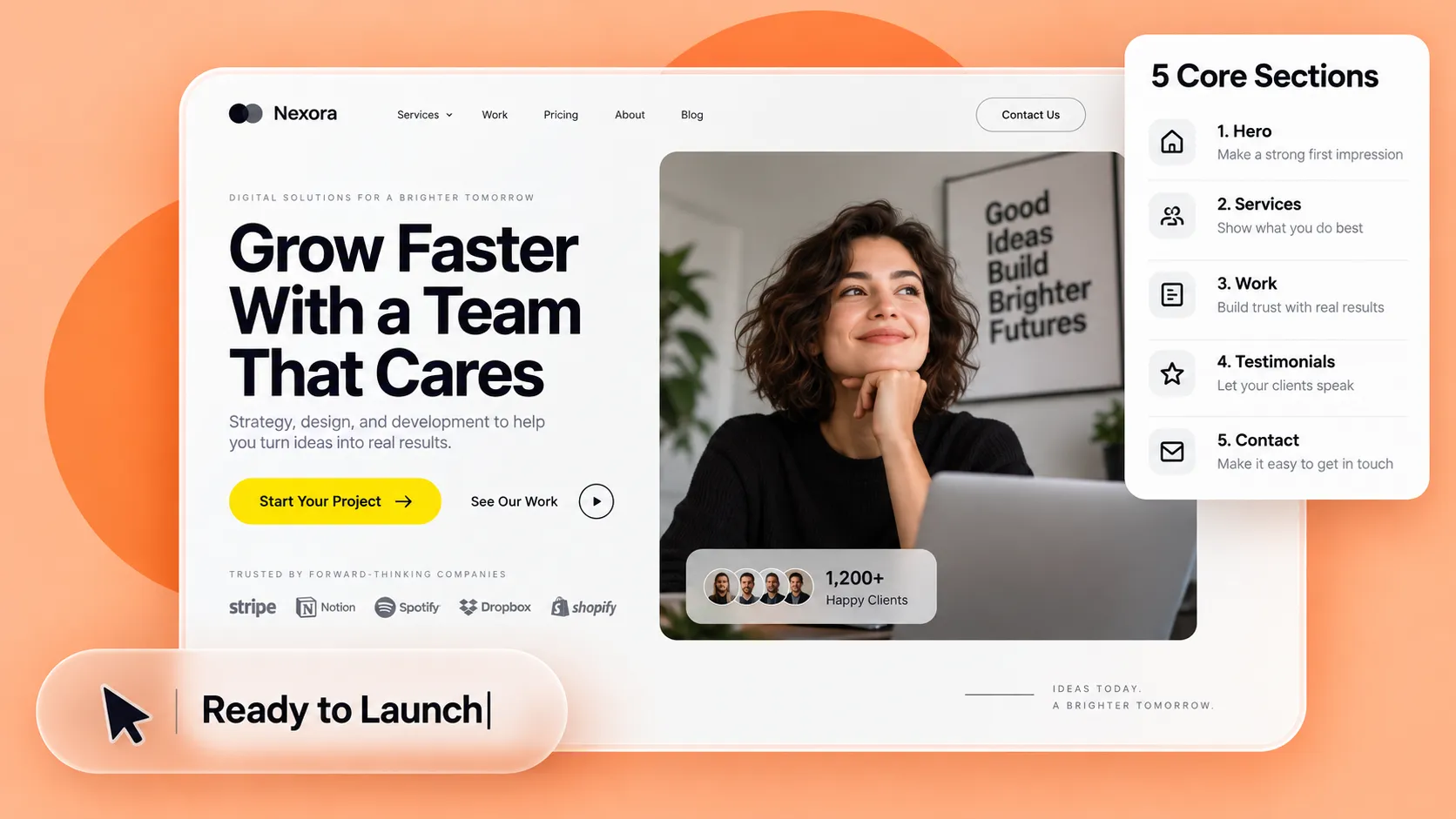
Let's examine how each structural choice shapes what a visitor sees first and where they go next.
1. Why Do Visitors Struggle to Find the Right Service on Your Website?
Picture a visitor opening a business page and seeing twenty mixed items stacked together—some are full projects, some are narrow tasks, a few sound almost identical, and a key service is tucked out of sight below unrelated work. Instead of picking a service right away, the visitor has to read every line just to figure out whether the business handles their request.
Here is why that happens:
Too many items in one list, vague categories, overlapping titles, hidden offerings, and unrelated work mixed into the same block force customers to do detective work. Getting organize services on your website and website service organization right from the start removes that guesswork before visitors lose patience.
2. Group Related Services into Categories Customers Understand
Start with a messy list of individual tasks and group them by how a real customer thinks—around their problem, type of work, audience, or project stage—rather than how your internal team splits responsibilities. For instance, a cleaning company might separate home cleaning, deep cleaning, and optional extras; a marketing agency might group search, content, and paid campaigns; and a contractor might group renovations, extensions, and repairs.
Look at how a sample cleaning list looks before and after grouping:
Organize a Service List
Illustrative grouping. Actual categories should reflect how customers understand and choose the business's services.
Grouping related work into clean website service categories makes it simple to group related services and organize multiple services without overwhelming first-time visitors.
3. Choose Between One Services Page and Separate Service Pages
More pages are not automatically better—the right setup depends on how different each offering is in scope, audience, pricing steps, process, customer questions, and search intent. A business with three closely related offerings can often explain everything clearly on one structured page with clear sections, whereas distinct services with different processes or audiences benefit from dedicated pages linked from an overview.
| Business Situation | Recommended Structure | Example |
|---|---|---|
| Three closely related services | One overview page with clear sections | A small business offering three types of cleaning |
| Several services across distinct categories | Category pages linked to individual services | A marketing agency offering SEO, content, and paid advertising |
| Services with different audiences and processes | Separate service pages | A contractor offering renovations, extensions, and repair work |
| One main service with optional extras | One detailed service page with add-ons | Home cleaning with oven and window cleaning extras |
Separate pages earn their place when they answer distinct customer questions or describe meaningfully different offers rather than padding page count. Choosing the right fit for service page organization, your service website structure, and how you organize services on your website keeps navigation focused (see Google Search Central: SEO Starter Guide — Organize Your Site).
4. Create Service Category Pages That Help Visitors Choose
A category page should do more than dump a bare list of links—it should open with a short, clear introduction, present grouped offerings with brief descriptions, highlight key comparison points where helpful, and point visitors toward the right detail page. Think of a home improvement category page with clear sections for kitchen renovations, bathroom renovations, and extensions, each giving just enough detail to help a homeowner pick the right path next.
Show a Practical Service Website Hierarchy
Illustrative structure. Individual service pages can sit below categories when they provide distinct and useful details.
Well-crafted service category pages, clear website service categories, and a logical service page hierarchy help visitors compare options without feeling lost.
5. Arrange Your Services in the Order Customers Are Most Likely to Need Them
Alphabetical order puts A before Z, not high-demand work before rare requests. Lead with the services customers ask for most, core revenue offerings, accessible entry services, urgent needs, or natural first steps in a buying journey—basing order on real demand and business priorities rather than personal whim.
Putting high-priority work up front in your service list on website helps visitors spot what they need fast when you organize website services across your service website structure.
6. Use Clear Service Names Instead of Internal Business Terms
"My services have professional names, but will ordinary customers understand them?"
Clever internal labels or technical shorthand make customers pause and wonder whether a service actually fits their problem. Naming offerings in plain words visitors recognize—such as turning "Residential Surface Treatment" into "Home Exterior Cleaning" when that describes the work accurately, while still using familiar industry terms when customers search or ask for them—removes friction immediately.
| Internal or Vague Category | More Recognizable Customer-Facing Name |
|---|---|
| Residential Solutions | Home Cleaning |
| Growth Services | SEO and Marketing Services |
| Property Enhancement | Home Renovation |
| Digital Solutions | Website Design and Development |
| Surface Care | Floor Cleaning and Treatment |
A category label should help visitors predict what they will find on the next page. Using plain service category names improves website service organization and makes service page organization much easier to scan.
Build High-Clarity Service Pages Faster With BoltWeb
Turn Your Service List Into Clear, Persuasive Pages Without Manual Bottlenecks
Do not let blank pages, slow drafting, or scattered layouts keep customers from understanding what you offer. Use BoltWeb and AI Foundry inside BoltWeb to draft clear service copy and build organized pages quickly while you verify every detail and category before publishing.
Get Started On Your Journey →7. Separate Core Services from Add-Ons and Optional Extras
Listing optional add-ons right alongside primary services as if they were equal standalone packages confuses buyers. In a home cleaning business, deep cleaning might be a primary service while oven cleaning or window cleaning works best as an optional extra—placed clearly beside the main service so add-ons support the core choice without crowding it.
Separating core work from extras helps you organize multiple services across clear website service categories and a clean service page hierarchy.
8. Connect Services That Customers Commonly Need Together
Once a visitor finds a service that matches their immediate need, helpful next steps guide them to closely related work—such as linking website design with website maintenance, or renovation planning with interior finishing—without forcing them back to the top menu to start over. Keep connections genuinely relevant rather than tacking on unrelated links everywhere.
Linking related services on website strengthens your service page hierarchy and makes website service organization feel genuinely helpful (and pairs naturally with a focused internal linking strategy for small business).
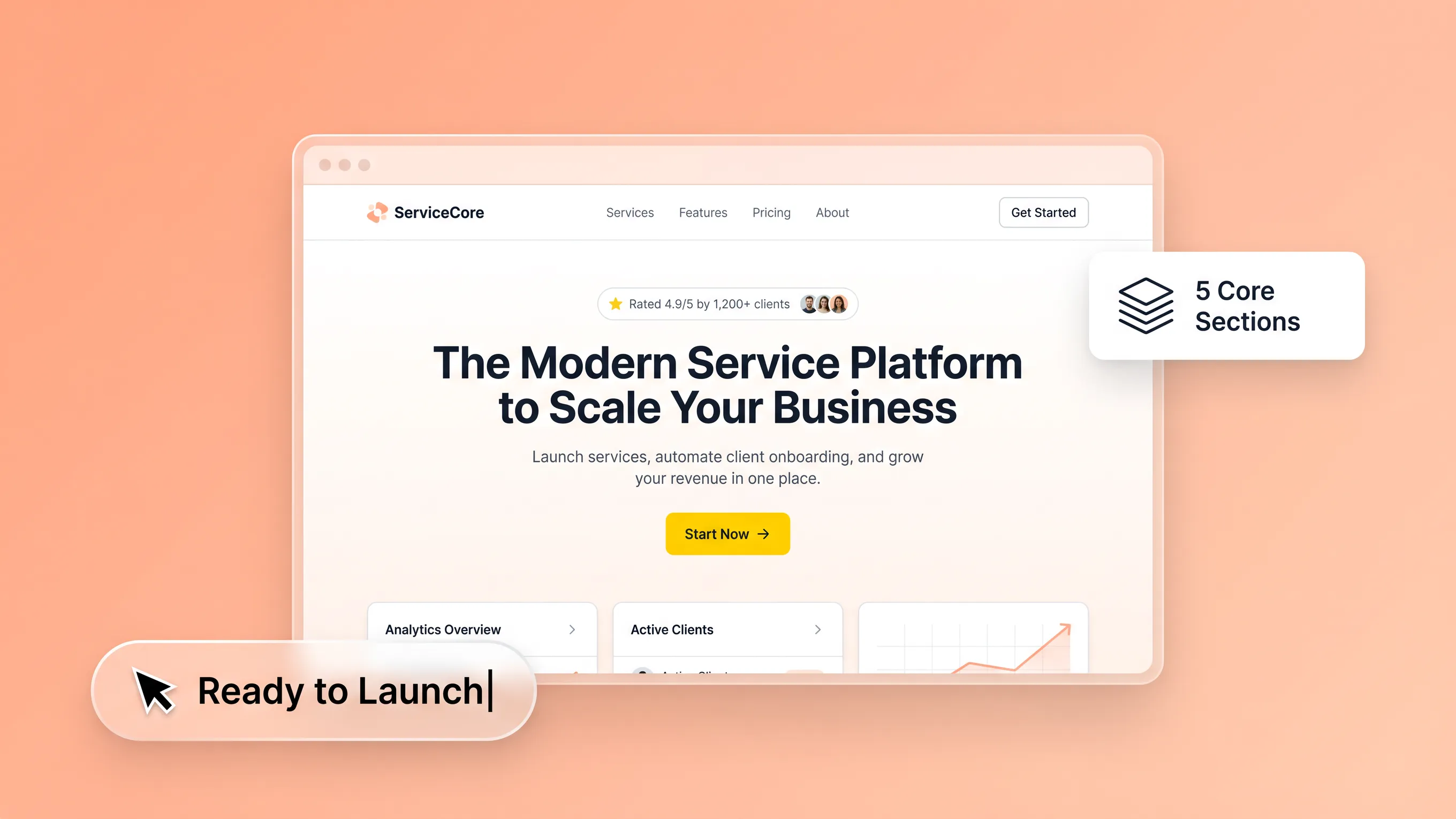
9. Build a Services Menu That Doesn't Turn into a Long List
A top menu crammed with every single sub-service turns navigation into a wall of text—especially on small mobile screens where deep nested dropdowns get awkward fast. Highlight core categories in the main menu, link to a clear services overview page, keep dropdown depth simple, and test mobile menus on real phones.
A clean website services menu supports smoother service navigation and makes it easier to organize services on your website (alongside our guides to improve website navigation for users and mobile website design best practices).
10. Help Visitors Compare Services Without Making Them Guess
When visitors weigh similar options—like basic cleaning, deep cleaning, and move-in cleaning—they look for practical differences in who each option suits, what is included, typical timing or starting price, and key deliverables. Showing those real distinctions side by side helps people self-select without inventing fake tiers or confusing jargon.
| Mistake | What Goes Wrong | Better Approach |
|---|---|---|
| Putting every service on one long page | Visitors have to scan too much information | Group related offerings and link to detailed pages where useful |
| Creating a category for every service | The structure becomes unnecessarily complicated | Create categories only when they help distinguish meaningful groups |
| Using internal department names | Customers may not recognize what the category means | Use familiar service language |
| Giving every service equal priority | Important offerings become difficult to notice | Arrange services based on customer needs and business priorities |
| Mixing add-ons with primary services | Visitors cannot distinguish the main offer from extras | Show complementary options beside the service they belong to |
| Hiding important services in dropdowns | Visitors may overlook them | Keep core categories easy to access |
| Repeating the same service in multiple categories | The structure becomes confusing | Choose a primary category and use relevant cross-links |
| Creating nearly identical service pages | Pages offer little distinct value | Consolidate overlapping services or make each page meaningfully different |
Clear service comparison on website layouts improve service page layout and strengthen website service organization (see Google Search Central: Creating Helpful, Reliable, People-First Content).
11. Find and Fix Service Pages That Are Difficult to Discover
Open your homepage without using site search, pick a specific service a customer would ask for, and trace every click and menu label it takes to reach that page. Watching how many steps it takes—and spotting buried links, duplicate listings, outdated offerings, or missing cross-links—shows you real discovery gaps right away.
Auditing service page hierarchy, service navigation, and service page organization turns hidden pages into reachable ones (and pairs well with improve website readability).
12. Create a Clear Service Structure and Build It with BoltWeb
Start by listing every service you provide, map out what customers actually need, group related offerings into clear categories, pick the right overview or detail pages, order services by demand, name them in plain language, link related steps, and test real user paths. When you are ready to build and update those pages, BoltWeb and AI Foundry inside BoltWeb give you a practical workspace to create, edit, and maintain your pages while you decide the categories that fit your business and keep your structure updated as offerings change.
Turning your catalog into a disciplined organize services on your website plan and steady service website structure keeps growth clean over time (and links naturally with maintain consistent website design).
Make Every Service Effortless to Find and Choose
Imagine a busy customer landing on your services page on their phone tonight, seeing your main services grouped cleanly at the top, recognizing their exact need in seconds, and booking without once wondering where to click next.
Get Started On Your Journey →FAQs: Organize Services on Your Website
1. I offer several services, so why do visitors seem confused about which option fits what they need?
When too many offerings sit together in one crowded list without clear groups, or when titles overlap and key services stay buried out of sight, visitors have to read every line just to figure out what you actually do. Instead of picking a service right away, potential customers get stuck sorting through unrelated options and leave before making contact.
Getting organize services on your website and website service organization right from the start removes that guesswork so visitors see their exact option immediately.
2. I have a long list of services—how do I group them in a way customers actually understand?
Start with your raw list of services and group items around customer needs, types of work, target buyers, or project stages rather than internal team departments. A cleaning company might separate regular home cleaning, deep cleaning, and extra add-ons, while an agency groups search, content, and paid campaigns—keeping category names clear and never inventing groups just for show.
Thoughtful website service categories make it easy to group related services and organize multiple services around how real people shop.
3. Should I put all my services on one page or give separate services their own dedicated pages?
More pages are not automatically better—a small business with three closely related services can often explain everything clearly in structured sections on one overview page, while distinct services with different processes, audiences, or questions benefit from separate pages linked from an overview. Only create separate pages when they answer real differences in scope, expectations, or search intent rather than padding page count.
Picking the right approach for service page organization, your service website structure, and how you organize services on your website keeps each page purposeful (see Google Search Central: SEO Starter Guide — Organize Your Site).
4. When someone opens a service category page, what should they see so it helps them choose?
A category page works best when it opens with a concise introduction, groups related offerings with brief descriptions, highlights practical comparison details where useful, and links to specific detail pages—like a home renovation category breaking out kitchen renovations, bathroom renovations, and extensions with short, clear summaries.
Clear service category pages, well-defined website service categories, and a logical service page hierarchy help visitors choose where to click next without feeling overwhelmed.
5. Which services should come first on my site, and why isn't alphabetical order always enough?
Alphabetical order puts A first regardless of demand, whereas customers usually look for high-demand offerings, core revenue services, common entry points, urgent needs, or natural first steps first. Ordering your list around customer demand and business priorities—rather than random preference—puts the most relevant choices where visitors notice them immediately.
Prioritizing your service list on website helps visitors spot key options quickly when you organize website services across your service website structure.
6. My services have formal or technical names—how do I make sure ordinary customers recognize them?
Internal jargon, abbreviations, or abstract labels can leave everyday customers wondering whether a service matches what they need. Translating labels into familiar wording—such as "Home Exterior Cleaning" instead of "Residential Surface Treatment" when that accurately describes the job, while keeping recognized industry terms where people search for them—makes choices unmistakable.
Plain service category names strengthen website service organization and make service page organization easier for real buyers to scan.
7. Some of my services are optional extras or add-ons—how should I separate them from main services?
Putting optional add-ons alongside primary services as if they were standalone main offers can confuse visitors about what the core service actually is. For example, in home cleaning, deep cleaning can sit as a primary service while oven or window cleaning sits clearly as an optional extra right beside the service it complements.
Separating core offers from extras helps you organize multiple services inside clear website service categories and a clean service page hierarchy.
8. How do I help a visitor interested in one service discover another related service they might need?
Once someone finds a service that fits their immediate problem, helpful contextual links, next-step suggestions, or related-service sections—such as connecting website design with website maintenance or renovation planning with interior finishing—let them explore relevant support without going back to the top menu. Keep links genuinely related so recommendations feel helpful rather than random.
Connecting related services on website reinforces your service page hierarchy and makes website service organization feel intuitive (and pairs naturally with a focused internal linking strategy for small business).
9. My services menu is getting crowded—how do I organize navigation without overwhelming desktop or mobile users?
Packing every individual service into the top menu creates a long, cluttered list—and deep nested dropdowns get especially awkward on smaller phone screens. Keep core categories easy to reach, link to a clear services overview page, avoid excessive menu depth, and check how the menu opens and scrolls on mobile devices.
A streamlined website services menu supports smoother service navigation and makes it easier to organize services on your website (alongside our guides to improve website navigation for users and mobile website design best practices).
10. Customers keep asking which service is right for them—how do I help them compare similar options clearly?
When buyers compare closely related offerings—such as basic cleaning, deep cleaning, and move-in cleaning—show the real differences in who each option fits, what deliverables are included, typical duration or starting cost, and when to choose each one. Clear comparison points help visitors pick accurately without inventing unnecessary tiers or technical clutter.
Thoughtful service comparison on website layouts improve service page layout and strengthen website service organization (see Google Search Central: Creating Helpful, Reliable, People-First Content).
11. I already have separate service pages—how do I check if visitors can actually find them without getting stuck?
Start from your homepage without using search, pick a specific service a customer would ask for, and trace every click and label it takes to get there—watching for buried pages, duplicate listings across categories, outdated services, or missing links. Fixing discovery gaps at their source ensures visitors reach the right page smoothly.
Auditing service page hierarchy, service navigation, and service page organization uncovers hidden paths fast (and pairs cleanly with improve website readability).
12. How can I build and update a clear service structure smoothly in BoltWeb as my business offerings grow?
Once you map out your services around customer needs, group related work, choose overview or detail pages, order by priority, name options plainly, link related steps, and walk through real visitor paths, BoltWeb and AI Foundry inside BoltWeb help you create, edit, and maintain those pages cleanly—while you choose the categories that fit your business and keep your structure current as services evolve.
Maintaining a clear organize services on your website system and steady service website structure keeps your catalog easy to navigate as you grow (and links naturally with maintain consistent website design).