
If you are launching a business or scaling a venture, getting a designer quote for $5,000 to $15,000 can pause your project completely.
This leads to a critical question:
Here is the truth for 2026: Yes, absolutely.
The days of needing to write complex HTML/CSS code or spend weeks dragging individual pixels around a screen are over. Modern autonomous architecture and intelligent visual design systems allow non-designers to launch fully structured, mobile-responsive, and high-converting websites in a single afternoon.
Here is the exact step-by-step roadmap to building a credible business site on your own, avoiding common DIY design traps, and mapping high-intent search keywords naturally across your architecture.
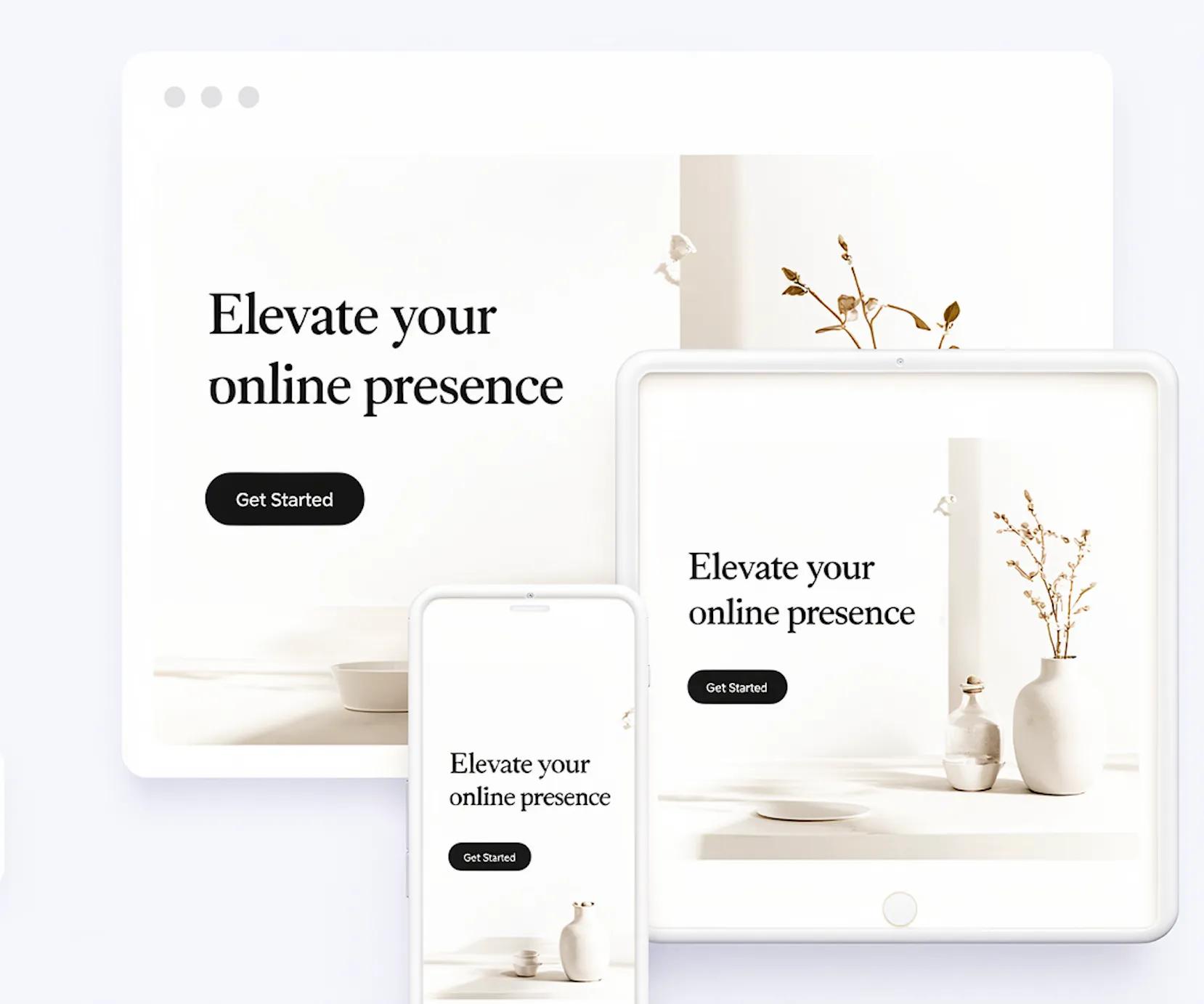
See how quickly and effortlessly BoltWeb can build a complete website from a simple description of your goal. Just tell BoltWeb what you want to create, describe your business, audience, services, and style, and it can turn that direction into a polished, multi-page website in minutes. You can review the result, make changes, and publish without spending days designing layouts or writing code.
DIY vs. Hiring a Designer: The Real Cost and Time Breakdown
Before starting your project, examine the clear tradeoffs between building a site yourself versus hiring a freelance web designer or traditional agency:
DEVELOPMENT ROUTE COMPARISON
[ AGENCY / FREELANCER ]
- Cost: $3,000 – $15,000+
- Timeline: 4 to 12 Weeks
- High Ongoing Maintenance
[ AUTONOMOUS DIY ]
- Cost: $10 – $30/mo
- Timeline: Under 1 Hour
- Automated Updates & SSL
| Factor | Freelancer / Agency Build | Traditional Drag-and-Drop | Autonomous AI Build (BoltWeb) |
|---|---|---|---|
| Upfront Cost | $3,000 – $15,000+ | $15 – $40 / month | Included in low subscription |
| Time to Launch | 4 to 12 weeks | 1 to 3 weeks | Under 10 minutes |
| Technical Skill Required | None (outsourced) | Moderate (manual editing) | Zero (prompt-driven execution) |
| Design Integrity | Professional custom design | Easy to clutter or break | Pre-aligned 8pt spatial grid |
If you have a massive budget and complex custom features, an agency makes sense. But if your immediate goal is to launch, generate sales leads, and test your offer, building autonomously is fast, cost-effective, and low-risk.
Choosing the Right No-Code Platform for Your Business
Selecting the wrong tool for your specific business model creates unnecessary technical friction later:
- Service Businesses & Agencies: Require rapid page layout generation, clean visual spacing, and low friction contact forms.
- E-Commerce Stores: Need robust inventory management, cart checkouts, and multi-currency payment gateways.
- Content Creators & Publishers: Require scalable blog content hubs and active subscriber lists.
Match your underlying business model directly to a platform built for that exact scope.
Customizing Templates Without Ruining Design Integrity
The most common mistake DIY builders make is over-customizing pre-made layouts until they look amateurish.
To maintain visual authority, follow these strict visual rules:

- The 2-Font Rule: Select one strong header font and one clean body font. Apply a strict mathematical scale (Font Scale Factor = 1.25) across all screen viewports.
- The 60-30-10 Color Rule: Allocate 60% of your page to neutral background space (white/light grey), 30% to structured surfaces (cards/menus), and 10% to a single accent color reserved exclusively for primary CTAs.
- Uniform Spacing: Keep vertical section padding generous (at least 80px on desktop) so content has room to breathe.
If you want to dive deeper into eliminating visual flaws, read our breakdown on what makes a website look cheap vs. professional.
Building Page Layouts Effortlessly with BoltWeb
You do not need to spend days dragging individual elements across a canvas or wrestling with complex CSS code.
With BoltWeb, you can generate complete, multi-page business site structures—from single landing pages up to 20+ fully developed pages—in under 10 minutes.

Here is why business owners use BoltWeb to launch fast:
- Autonomous Page Blueprinting: Automatically generates structured visual layouts, clear service breakdowns, and benefit-focused copy tailored to your industry.
- Pre-Set Spatial Systems: Maintains perfect 8pt grid alignment, accessible contrast ratios, and clean mobile responsiveness right out of the box.
- Integrated Speed & Hosting: High-speed cloud deployment, modern image compression, and SSL security certificates are handled automatically behind the scenes.
- Zero Technical Overhead: Input your core business details, review your pre-structured pages, and publish live without writing code.


Essential Site Structure: The Core Pages You Need
Do not waste time building 30 empty pages before launching. To capture customer inquiries and build commercial trust, focus on establishing a lean, high-performing core site structure:
[ HOMEPAGE ]
│
[ Services ]
[ About Us ]
[ Case Studies ]
[ Contact ]
To determine the exact page count required for your business model, review our guide on how many pages a business website really needs.
Writing High-Converting Copy When You're Not a Copywriter
Your visual design catches attention, but your copy closes the deal. Use this proven framework for your primary section headlines:
[ Hero Headline: Outcome + Target Audience ]
│
▼
[ Subheadline: Clear Pain Point Solved ]
│
▼
[ Primary CTA Button: Action-Oriented Request ]
- Focus on Customer Outcomes: Swap generic headlines like "Welcome to Our Agency" for direct benefit statements like "We Help Local Service Providers Generate 30+ Qualified Leads Monthly."
- Keep CTAs Direct: Use actionable button copy like "Get a Free Quote" or "Schedule Consultation" rather than vague text like "Learn More."
Keyword Mapping Architecture: High-Intent Search Intent
If search engines cannot understand your site structure, your DIY build will fail to generate organic traffic.
Map your target keywords directly across high-intent search categories:
Informational Intent
Target: "create website without designer"
Commercial Intent
Target: "best no code website builder"
Transactional Intent
Target: "hire automated website builder system"
| Site Section | Target Search Intent | Primary Target Keyword | Secondary Mapping Keywords |
|---|---|---|---|
| Homepage | Commercial / Brand | build website yourself | create website without designer, diy website building |
| Services Overview | Transactional | hire automated website builder | no code web builder, easy website platforms |
| DIY Guide / Blog | Informational | cost to build website without developer | diy vs web designer cost, website builder vs freelancer |
| Checkout / Plan | High-Intent Transactional | buy AI website builder subscription | instant site generator, publish business website |
Mobile Optimization: Ensuring Your Site Works on Phones
Over 60% of all online traffic originates from mobile devices. If your self-built site breaks on smartphones, potential clients will leave immediately.

- Single-Column Stacking: Ensure multi-column desktop layouts collapse into clean single-column vertical stacks on mobile viewports.
- Touch Target Sizing: Keep primary buttons at least 48px tall so users can tap them easily without misclicking.
- Font Scaling: Ensure body text does not drop below 16px on phone screens to prevent readers from needing to zoom in.
Domain Names, SSL, and Hosting: Connecting Technical Pieces
Setting up the technical infrastructure of your site does not require a computer science degree:

- Custom Domain: Pick a short, memorable .com domain name that directly matches your business identity.
- SSL Certificate: Ensure HTTPS security is active (represented by the padlock icon in the address bar). This protects visitor data and improves Google rankings.
- Automated Web Hosting: Use platforms that handle cloud hosting, bandwidth allocation, and automatic security updates for you.
Basic DIY SEO: Getting Found on Google
To ensure search engine crawlers index your self-built pages properly, execute these essential on-page SEO tasks:

- ☐ Meta Titles & Descriptions: Write unique title tags (under 60 characters) and meta descriptions (under 160 characters) containing your main mapped keywords for every page.
- ☐ Image Alt Text: Describe what appears in every uploaded image using descriptive keywords so search engines can index media assets.
- ☐ Clean URL Slug Structure: Keep web addresses short and structured (e.g., yourdomain.com/services instead of yourdomain.com/page-id-98234).
The Pre-Launch QA Checklist for Non-Designers
Before pushing your site live to the world, complete this quick 5-minute pre-publish quality check:

- ☐ Click Every Button: Verify all links navigate to the correct pages or external destinations.
- ☐ Submit Test Contact Forms: Fill out your contact form to confirm inquiry emails reach your inbox.
- ☐ Test Mobile Viewport: Open your draft link on an actual smartphone to check alignment and text readability.
- ☐ Proofread Copy: Run a final spelling and grammar check across all section headers and subtext.
Deploy and Launch Your Business Website Today
You do not need to wait months or spend thousands of dollars to establish an authoritative web presence.
Gather your core business details, try BoltWeb's AI website creator, and launch your complete, high-converting business website today.
Frequently Asked Questions About Professional Website
Can You Really Build a Legitimate Website Without Hiring a Designer?
Yes. Modern autonomous design systems automatically enforce spatial alignment grids, visual typography scales, and responsive layout structures, allowing non-designers to launch authoritative websites without coding.
How Much Does It Cost to Build a Website Yourself vs. Hiring an Agency?
Hiring an agency or freelance developer typically ranges from $3,000 to over $15,000 upfront. Building yourself using modern platforms costs a small monthly platform fee with zero custom development overhead.
How Long Does It Take to Go From Idea to a Published Website?
Traditional custom agency builds take 4 to 12 weeks. Using automated layout systems, you can generate structured multi-page site frameworks and push them live in under 10 minutes.
What Are the Essential Core Pages Every Small Business Site Needs?
Most small business websites only need 4 to 5 core pages at launch: a Homepage, Services/Products overview, About Us page, Contact gateway, and legal Privacy/Terms footers.
How Do You Stop a Self-Built Site From Looking Amateurish or Cheap?
Follow strict UI constraints: stick to a 2-font limit, maintain generous section padding (80px+), enforce a 60-30-10 color rule, and use authentic high-resolution images.
Will a Self-Built Website Rank High on Search Engines Like Google?
Yes, provided your pages match high-intent search keywords, load under 2 seconds, display proper meta tags, and feature clean single-column mobile layouts.
Do You Need to Know HTML, CSS, or Web Hosting Setup to Launch?
No. Autonomous platforms handle cloud web hosting, SSL security certificates, visual responsiveness, and backend code rendering automatically behind the scenes.
What Is the Best Way to Pick a Memorable Domain Name?
Keep your web domain short, easy to spell, and directly aligned with your brand. Choose a standard .com extension whenever possible for maximum credibility.
How Do You Ensure Your DIY Website Works Perfectly on Mobile Phones?
Use responsive layout grids that collapse desktop columns into single vertical stacks, ensure text sizes stay above 16px, and keep call-to-action buttons at least 48px tall for easy tapping.
How Can You Auto-Generate Your Entire Site Architecture in Minutes?
You can input your business details into BoltWeb, review the pre-configured visual layouts, and publish your production-ready multi-page site instantly.