You are getting ready to launch your business site, but one critical question holds up your project:
Here is the truth:
More pages do not automatically equal more sales. In fact, packing your site with unnecessary, low-value pages confuses your visitors, dilutes your messaging, and drives potential clients away.
To convert traffic into revenue, your site needs a lean, high-performing architecture built around customer intent.
Here is the exact page framework you need to launch a credible, high-converting business website without site bloat.
The Homepage: Your 3-Second Value Proposition
Your homepage is your digital front door. Visitors decide whether to stay or click away in less than three seconds.
If your homepage is cluttered, vague, or slow, incoming traffic bounces immediately.
ESSENTIAL HOMEPAGE FLOW
[ Clear Hero Hook ]
"What you do & who it is for"
[ Core Benefits ]
"How you solve their problem"
[ Primary Action ]
"Book a call or get started"

To turn casual visitors into active leads, ensure your homepage contains these core elements:
- Above-the-Fold Header: A direct headline stating exactly what you do and who you serve.
- Proof & Credentials: Client logos, star ratings, or short testimonials immediately below your headline.
- Core Offer Breakdown: A high-level overview of your main services linking to dedicated details.
- Clear Primary CTA: A single, prominent action button (e.g., Get a Free Quote or Start Trial).

The Services / Product Page: Displaying What You Offer
When potential clients visit your services page, they are looking for solutions to their specific problems.
If you present them with a dense wall of text, they will not bother reading it.
Keep your service presentation clean, visual, and focused on benefits:
| Page Element | Purpose | Ideal Content Structure |
|---|---|---|
| Headline | Names the core service clearly. | "Commercial Roof Repair & Maintenance" |
| Problem & Solution | Identifies the pain point you fix. | 2–3 concise sentences focusing on the primary outcome. |
| Deliverables Checklist | Shows what is included. | Bullet points covering main features, timelines, and deliverables. |
| Direct CTA | Drives immediate inquiry. | Standalone button linking straight to your contact form. |
For businesses offering multiple distinct services, create one main overview page that links out to individual service pages for maximum clarity and search visibility. If you are balancing project scope, read our guide on how long it takes to build a website to map out your development timeline.
The About Us Page: Turning Brand Story into Commercial Trust
Most business owners make a major mistake on their About page: they write an endless history lesson about themselves.
Here is the reality:
Your visitors do not care about your company timeline. They care about whether you can solve their problem.
Reframe your About page from a bio into a trust-building asset:

- Focus on the Client: Explain how your experience directly benefits the customer.
- Show Real People: Include clear headshots of your team to humanize your brand.
- Highlight Values & Standards: Share the principles that guarantee quality service delivery.
- Display Hard Proof: Feature certifications, awards, industry badges, and key performance metrics.
The Contact Page: Eliminating Friction for Inquiries and Leads
You can have great copy and beautiful design, but if your contact page is confusing or broken, your conversion rate drops to zero.
Eliminate buying friction by keeping your contact gateway simple:
[ Short Form: 3-4 Fields ] ──► [ Direct Contact Details ] ──► [ Response Time Estimate ]
- Limit Form Fields: Ask only for essential details (Name, Email, Phone, Short Message). Every extra field reduces submissions.
- Provide Alternative Channels: Give visitors multiple ways to connect—a phone number, direct email, and physical address.
- Set Clear Expectations: State when they will hear back (e.g., "We respond to all inquiries within 2 business hours").
Case Studies & Portfolio: Proving Results with Real-World Proof
Before hiring you or buying your product, clients want proof that you have delivered results for people just like them.
A dedicated case study or portfolio page removes buying risk:
- Show the Before & After: Highlight the initial client challenge alongside your final result.
- Use Real Metrics: Feature hard numbers (e.g., "Increased leads by 140% in 60 days").
- Include Client Quotes: Pair project photos or visual proof with direct quotes from satisfied customers.
The FAQ & Resource Page: Answering Objections Asynchronously
If your sales team spends hours answering the exact same basic questions over and over, your site needs an FAQ page.
Addressing common buying doubts directly on your site speeds up the buying decision:
- ☐ Pricing & Payment Terms: Clarify pricing models, payment schedules, and accepted payment methods.
- ☐ Process & Timelines: Explain what happens immediately after a client signs up or buys.
- ☐ Guarantees & Policies: Outline your refund policies, warranties, or service guarantees.
Legal & Compliance Pages: Privacy Policy & Terms of Service
To comply with global data privacy standards and build credibility with search engines, your site must include mandatory legal pages.
Include these essential legal footers on every page of your site:
- Privacy Policy: Discloses how you collect, store, and protect user data.
- Terms of Service: Sets the rules for using your site and purchasing your services.
- Cookie Consent: Notifies users about analytics and tracking scripts used on your site.
Blog & Content Hub: Driving Organic Traffic
Once your static core pages are live and capturing leads, adding a blog or content hub allows you to capture inbound search traffic.
Publishing targeted articles helps you rank for high-intent search queries:

- Target Specific Pain Points: Write articles answering explicit customer questions (e.g., "How to Choose a Commercial Contractor").
- Link to Core Service Pages: Connect every blog post back to a relevant service page or booking link.
- Maintain Quality Over Quantity: Focus on thorough, highly informative guides rather than publishing short, repetitive posts. To evaluate how scale impacts search rankings, check out our breakdown on how many pages a website needs to succeed.
Essential Website Architecture Map
Here is how your core website structure should connect to guide visitors from discovery to conversion:

[ HOMEPAGE ]
│
[ Services ]
[ About Us ]
[ Case Studies ]
[ FAQ ]
│
[ CONTACT PAGE ]
Building Your Pages Effortlessly with BoltWeb
You don't need to spend weeks managing freelancers, writing endless code, or configuring complex site software just to get your core pages live.
With BoltWeb, you can generate complete, multi-page business site structures—from single landing pages up to 20+ fully developed pages—in under 10 minutes.

Here is why business owners use BoltWeb to launch fast:
- Instant Page Blueprinting: Automatically generates structured page layouts, clear service breakdowns, and benefit-driven copy tailored to your industry.
- Integrated Hosting & Security: Every page goes live instantly on high-speed servers with built-in SSL protection handled automatically.
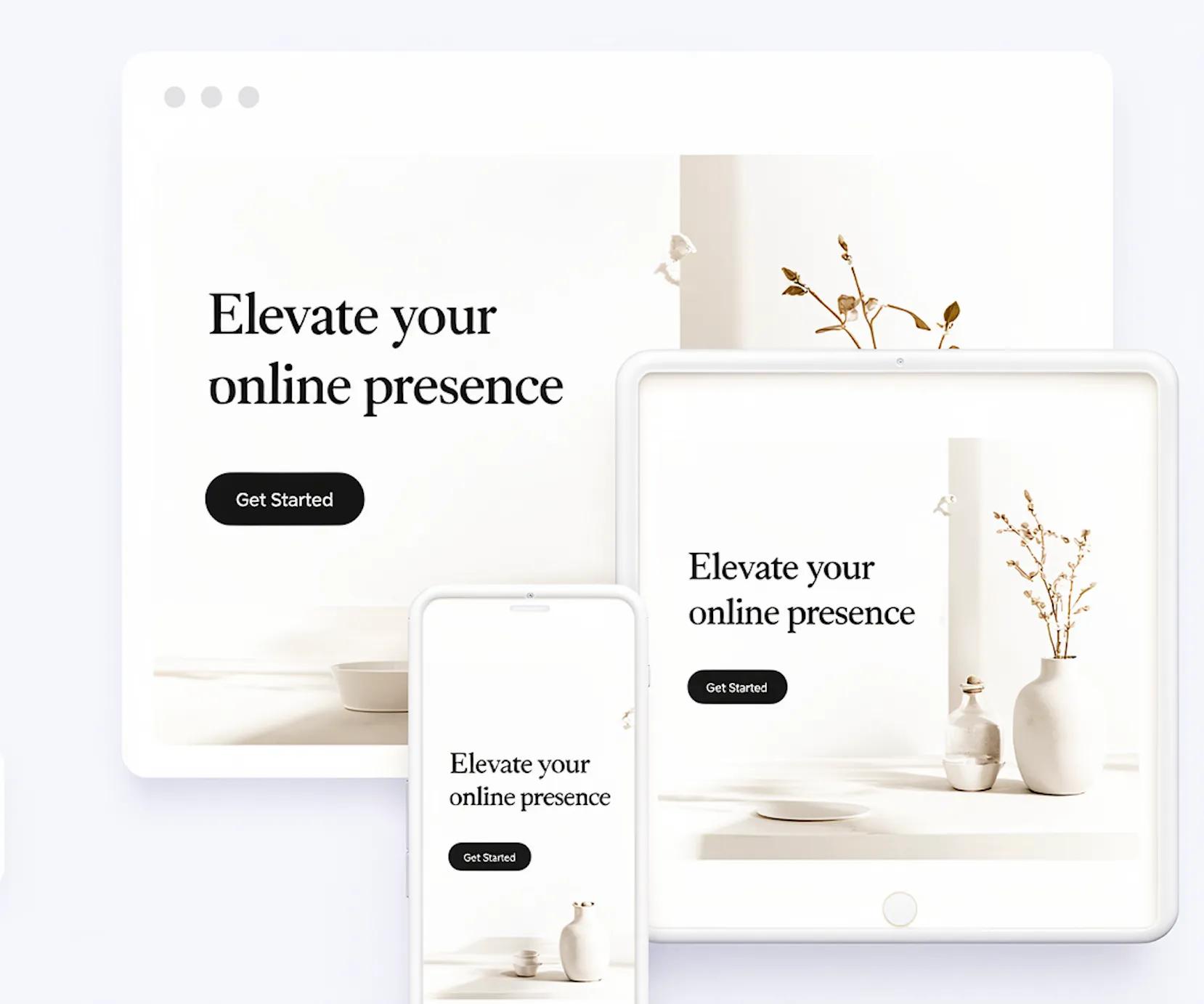
- Automatic Mobile Stacking: Layouts auto-adjust across desktop, tablet, and smartphone screens without manual tweaking.
- Frictionless Publishing: Input your core business details, review your pre-structured pages, and publish your complete site instantly.
The Pre-Launch Audit Checklist
Before pushing your site live to the public, complete this quick 5-minute pre-launch check:
- ☐ Check Every Button: Click every Call to Action button to verify links go to the correct pages.
- ☐ Test Form Submissions: Fill out your contact form to confirm notification emails arrive in your inbox.
- ☐ Verify Mobile Layouts: Open your site on a smartphone to make sure text is readable and menus function smoothly.
- ☐ Review Contact Info: Double-check your phone number, email address, and business hours for typos.
Deploy Your Multi-Page Site Infrastructure Today
Stop overcomplicating your website build or getting stuck in long development loops.
Focus on the essential pages that build trust, answer objections, and capture customer leads. Gather your basic business details, try BoltWeb's AI website creator, and launch your complete site infrastructure today.
Frequently Asked Questions About Business Website Pages
What Are the Absolute Minimum Basics You Need to Get Online?
You only need three elements: a domain name, secure web hosting, and a core 4-page site structure (Home, Services, About, Contact) to start capturing customer leads.
Do You Really Need Coding or Design Skills to Build a Multi-Page Site?
No. Modern no-code platforms build clean page layouts, handle mobile responsiveness, and manage site code automatically behind the scenes.
How Do You Pick a Domain Name That Customers Actually Remember?
Keep it short, easy to spell, and directly connected to your brand name. Stick with a standard .com extension for maximum trust and credibility.
How Many Pages Does Your Business Website Actually Need at Launch?
Most small businesses only need 4 to 6 essential pages to launch effectively. For a deep dive into matching page depth to your business model, see our breakdown on how many pages a website needs to succeed.
What Happens if Your Website Doesn't Work Properly on Mobile Phones?
Over 60% of web traffic comes from mobile screens. If your site looks broken on phones, visitors will leave immediately to find a competitor.
What Is Web Hosting, and Why Do You Need It to Stay Online?
Web hosting is the digital server space where your website files live so visitors can access your pages over the internet 24/7.
How Do You Make Sure Search Engines Can Find and Index Your Site?
Create clear, dedicated pages for specific offerings, use clean navigation menus, and ensure fast loading speeds on all devices.
What Copy and Photos Should You Prepare Before Building Your Site?
Gather your core headlines, service descriptions, team photos, customer testimonials, and main contact details before starting to avoid launch bottlenecks.
How Long Does It Actually Take to Go From Idea to a Live Website?
Custom agency builds take 1 to 3 months. To learn what factors control your build speed, read our guide on how long it takes to build a website.
How Can You Launch a Professional Multi-Page Site Without Paying Agency Fees?
Use an automated site creator like BoltWeb. It turns your business details into structured, responsive web pages at a fraction of agency costs in under 10 minutes.