You spent months polishing your projects, editing videos, and fine-tuning your best work.
Then you sit down to create your portfolio... and hit a total wall.
Where do you put the main showcase image? How do you organize case studies so people actually read them? How do you make sure the whole thing doesn't break when viewed on an iPhone?
Here is the truth: a great portfolio isn't just an image gallery—it is a sales tool built to get you hired.
If you are tired of wrestling with software and want a site that turns casual scrollers into paying clients, this guide gives you the exact roadmap.
I Need Somewhere Professional to Show My Work
Choosing the right portfolio website builder comes down to one fundamental question: Does this tool get out of my way so my work takes center stage?
When you pick a platform, you shouldn't need a background in software engineering just to upload a fresh image. Your focus must stay on presenting your skill level clearly to potential clients.
A solid platform handles four foundational elements automatically:
- Fast image delivery so your pages load instantly without losing quality.
- Structured layouts that guide visitor eyes naturally toward your top work.
- Clean mobile formatting so your projects look sharp on smartphones.
- A direct path for clients to book your services or request a quote.
What Should Your Portfolio Website Actually Do for You?
Here is a mistake most creatives make: they build an online portfolio that acts like an art gallery. Visitors drop in, look around for thirty seconds, say "nice work," and leave forever.
If you want your site to generate real income, every project display must serve a specific conversion goal.
[ Visitor Lands on Site ] ➔ [ Sees Best Work First ] ➔ [ Reads 3-Sentence Story ] ➔ [ Hits "Book Me" Button ]
Your portfolio should answer three instant questions within five seconds:
- What specific creative problem do you solve?
- Who have you delivered these results for in the past?
- How can a new client hire you today?
When you align your site around these three answers, your work transforms from passive artwork into an active client magnet. From there, your next step is picking a clean portfolio layout that highlights your top projects immediately.
Choose a Portfolio Layout That Puts Your Best Work First
Showing forty average projects is the fastest way to lose a client's interest. Lead with your top five.
Clients judge your skill level by the weakest project you show. Curate your displays carefully using proven layout principles:

- Visual Proximity: Group project images, titles, and brief descriptions close together so visitors instantly link the context.
- Hero Alignment: Place your single most impressive project right at the top of the page in high resolution.
- Focal Contrast: Keep your background clean and uncluttered so your project colors and typography pull full attention.
Organizing your work cleanly gives visitors an instant sense of quality before they even read a single line of text.
How Easy Is It to Build and Update Your Portfolio?
Have you ever delayed updating your site because logging into the editor felt like a chore?
If adding a new client project requires fighting with complex software, updating CSS margins, or fixing broken alignment grid lines, your portfolio will sit outdated for months.
Using an easy portfolio website builder eliminates this friction completely. You should be able to drag a new image onto your screen, type a headline, and push live in under two minutes—without touching a line of code.
Build Your Portfolio Without Starting With a Blank Screen
Starting a new portfolio from scratch is downright exhausting.
A beginner shouldn't have to spend days stressing over:
- Where the main header section belongs.
- How to space project grids evenly across different screens.
- How to keep image aspect ratios clean and undistorted.
- How to configure mobile navigation menus.
- How to link case study pages together smoothly.
- How to handle backend publishing, hosting, and security records.
This is exactly where BoltWeb changes the game.
Instead of staring at an empty workspace wondering where to begin, you describe your creative specialty in one sentence. BoltWeb uses intelligent layout rules to build a finished, fully structured professional portfolio website instantly.
[ Describe Your Specialty ] ➔ [ Autonomous Layout Generation ] ➔ [ Swap Projects & Text ] ➔ [ Instant Publish ]
It places your headers in the right spot, spaces your image grids correctly, formats your case studies, and sets up your mobile layout automatically. You skip the design frustration entirely and jump straight to sharing your work.
BoltWeb: The All-in-One Portfolio Builder That Works for You
We respect your time and know the true value of your work. BoltWeb handles the heavy lifting so you don't have to waste hours on technical setup. It builds a complete, high-converting showcase for your projects giving prospective clients the exact clarity they need to hire you.
With intelligent, built-in layout designs that adapt to any creative discipline, your work takes main stage in a polished, agency-grade structure right out of the box. You get full creative control to swap titles, edit case study notes, or build custom layouts from scratch in seconds—without touching a single line of code.
In-House Layout Styles Included with BoltWeb
- Curated Gallery Grid: High-impact image displays designed for photographers, visual artists, and brand designers.
- Interactive Case Study Showcase: Structured narrative blocks that highlight project goals, execution steps, and client outcomes for UI/UX and product designers.
- Split-Screen Studio View: A modern, side-by-side layout that pairs key visuals directly with service details and client testimonials.
- Minimalist Single-Page Flow: A clean, fast-loading visual feed built for quick scanning, complete with an integrated inquiry form.


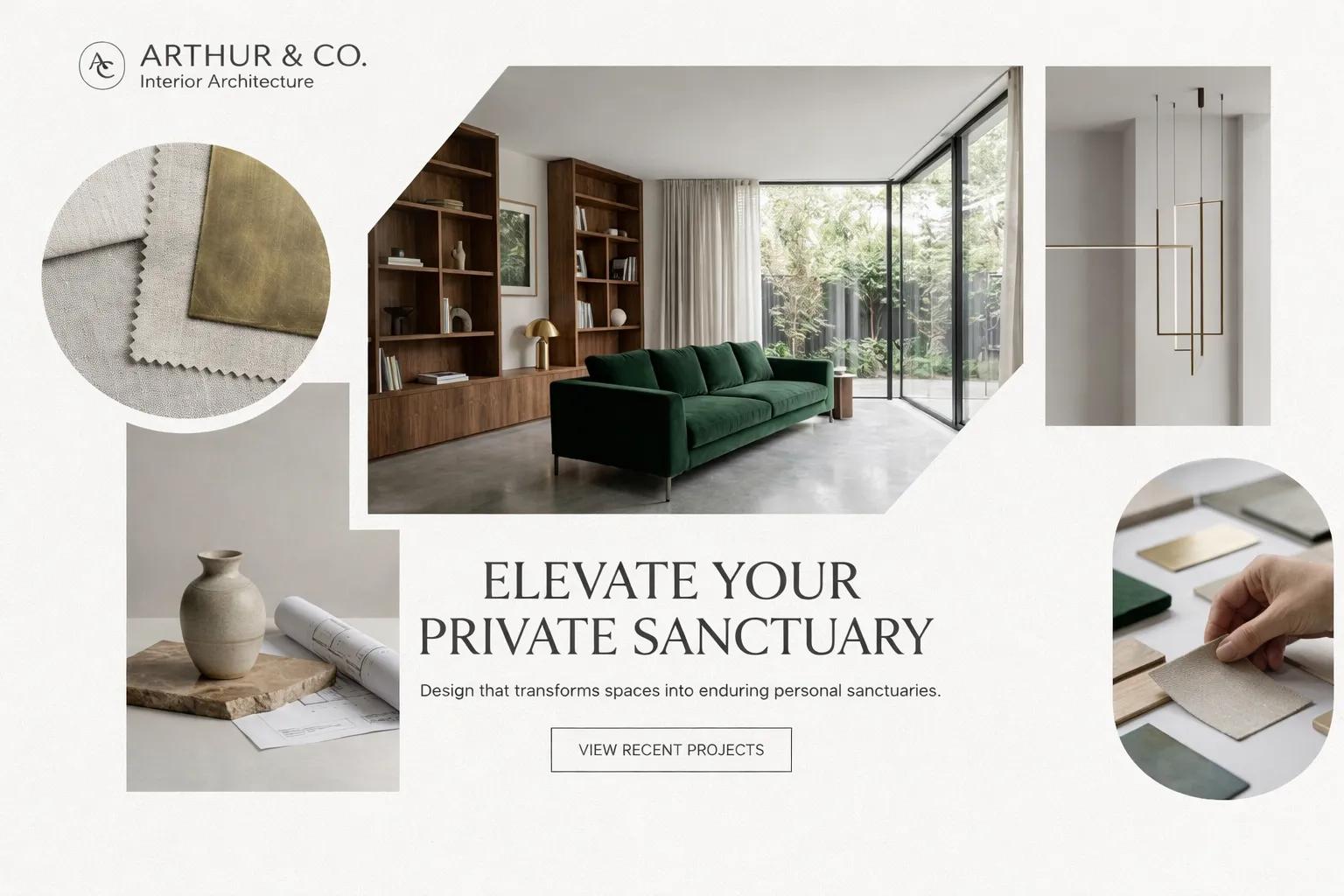
Every portfolio featured here was generated directly with BoltWeb—an intuitive website builder engineered to publish complete, high-converting sites without the technical friction.
We respect your time and know the true value of your work. Instead of forcing you to waste hours fighting with complex design menus, BoltWeb handles the structural heavy lifting for you. It builds a complete showcase for your products and services—giving prospective clients the visual clarity they need to evaluate your work and hire you.
BoltWeb supports every type of creative portfolio out of the box. You keep full creative freedom to swap project titles, edit descriptions, adjust built-in layouts, or create your own custom look anytime—without touching a single line of code.
Show Your Projects With Images, Videos, and Case Studies
A beautiful image catches the eye, but the story behind the project earns the contract.
When presenting your best work, use a simple three-part case study format:
| Case Study Element | What to Show | Customer Value |
|---|---|---|
| The Challenge | What problem did the client have before hiring you? | Shows you understand real business goals. |
| The Execution | 3–4 high-impact visuals of your process and final design. | Proves your skill level and craft. |
| The Result | The final outcome (e.g., "Increased sales by 40%" or "Delivered brand identity in 2 weeks"). | Gives prospective clients confidence in your value. |
When you show the strategy behind your creative work, you can charge premium rates for your services. Once your project stories are written, optimizing them for search discovery brings steady organic traffic.
Make Your Portfolio Look Professional on Every Screen
Over 60% of potential clients, creative directors, and agency leaders will view your site on their mobile phones while on the go.
If your images overflow off the edge of the screen, text overlaps, or pages load slowly, visitors will close the tab instantly.
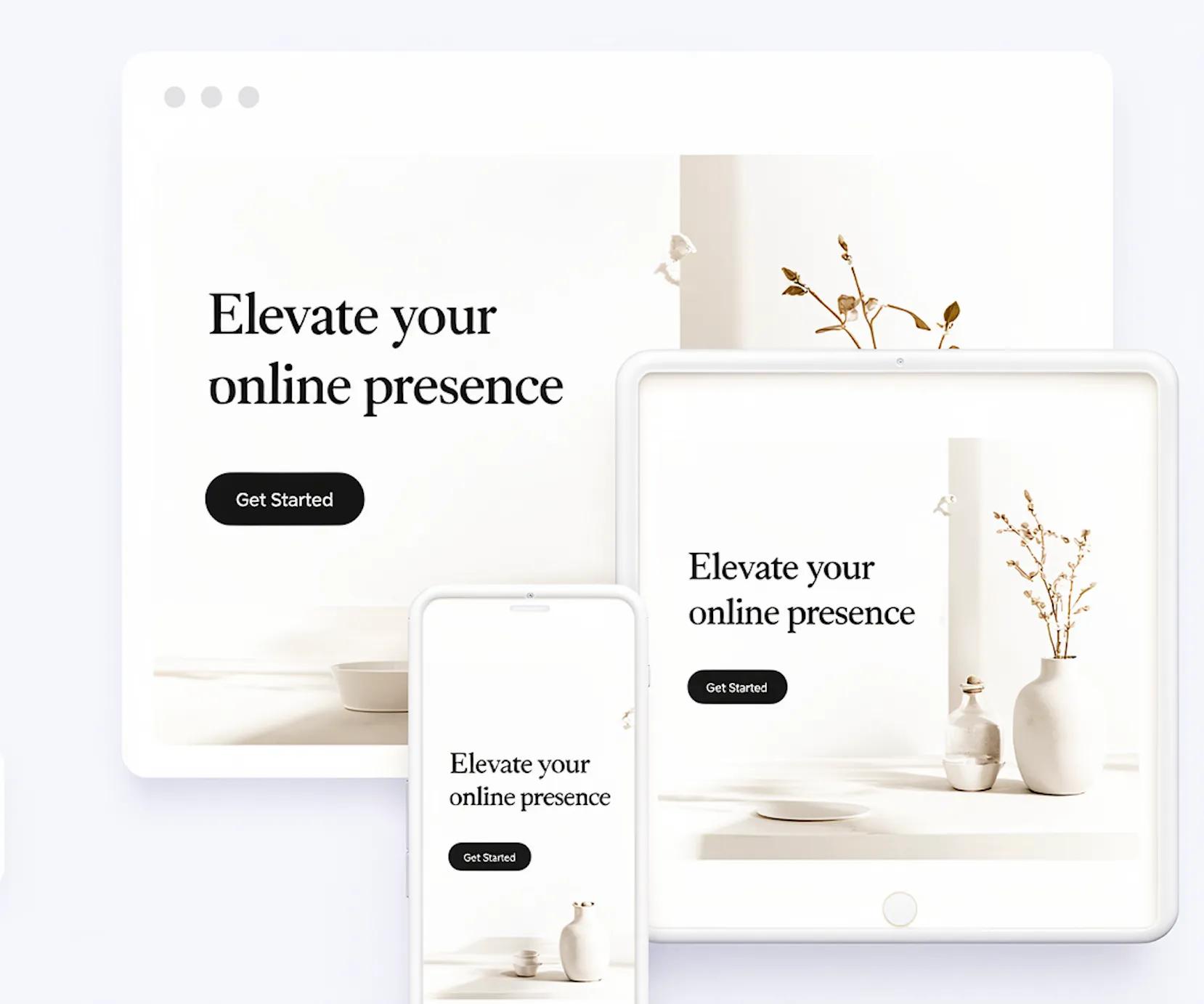
A responsive portfolio website automatically resizes images, stacks project grids vertically, and scales text sizes so your work looks clean whether viewed on a 32-inch monitor or an iPhone screen.
8. Add the Pages That Help Visitors Take the Next Step
Keep your site structure lean and focused. To build a complete creative portfolio, you only need four core pages:
- Projects Gallery: The main showcase displaying your best curated work.
- About Me Page: Your background, client history, and core creative philosophy.
- Services / Pricing Page: Clear details on what you deliver and how you work.
- Contact Page: A quick form with a direct call-to-action button to book a consultation.
[ Projects Gallery ] ➔ [ About Page ] ➔ [ Services Page ] ➔ [ Contact Form ]
Keeping your site clean prevents confusion and guides prospective clients straight to reaching out.
Use Your Portfolio to Get Found on Google
A stunning portfolio does you no good if no one ever finds it.
To attract steady organic searches, apply basic portfolio website SEO:
- Use descriptive image alt text: Name your files clearly (e.g., modern-brand-identity-design.jpg instead of IMG_0094.jpg).
- Target service-based keywords: Include phrases your clients actually search for, like "Freelance UI Designer in Chicago" or "Product Photographer for E-commerce."
- Speed up your page load: Keep image file sizes compressed so your site opens in a flash.
When search engines read your page context clearly, they rank you higher when prospective clients search for your skills.
Connect Your Domain and Make Your Portfolio Your Own
Nothing looks more amateur than sharing a default URL like yourname.freebuilderplatform.com. It signals to potential clients that you aren't serious about your business.
Connecting a custom domain (e.g., yourname.com) gives your business instant credibility.
Default Free URL
yourname.freebuilderplatform.net
(Looks Amateur)
Custom Domain
www.yourname.com
(Instant Trust)
Pairing your custom domain with SSL encryption (the secure lock icon in address bars) builds trust instantly before a client even opens your project gallery.
What to Look for When Comparing Portfolio Builders
Before committing your time and energy to a software platform, run it through this quick evaluation checklist:
- Time-to-Launch: Can you publish a complete draft in minutes, or does it take days of manual setup?
- Zero-Code Asset Swapping: Can you update photos, videos, and copy without touching code?
- Automatic Mobile Stacking: Does the site adapt natively across mobile viewports?
- All-in-One Infrastructure: Are hosting, security, and custom domain routing handled under one roof?
Ready to Build Your Portfolio? Create It With BoltWeb
Stop wasting weekends wrestling with complex tools, broken layouts, and frustrating design settings. Your creative work deserves to be seen right now.
With BoltWeb, you don't need to learn web design or spend days setting up pages manually.
Log into your dashboard, describe your creative specialty in one sentence, and let our AI website builder construct a polished, high-converting portfolio automatically.
Launch your portfolio with BoltWeb today.
Frequently Asked Questions
What makes a portfolio website builder high-converting for creative professionals?
A high-converting portfolio website builder focuses on clear visual hierarchy, rapid load speeds, and low-friction inquiry paths. Instead of requiring manual code or complex grid math, it structures your projects around a clear client outcome and provides direct contact touchpoints that turn visitors into paying clients.
How many projects should I show on my portfolio website?
You should showcase 5 to 7 of your best, most relevant projects. Curating a smaller selection of high-impact work establishes a higher standard of quality, whereas displaying dozens of average pieces lowers client trust and creates decision fatigue.
How do I write a concise case study for my creative portfolio?
Use a simple 3-part framework consisting of The Challenge, The Execution, and The Outcome:
- The Challenge: sentence explaining the client's goal or business problem.
- The Execution:3:4 high-impact visuals paired with 1 sentence on your process.
- The Outcome:1 sentence highlighting the final result, deliverable, or metric achieved
How does BoltWeb generate a portfolio website without manual coding?
BoltWeb uses autonomous layout rules to convert a single-sentence description of your creative specialty into a fully structured, responsive website. It automatically places header sections, formats image galleries, scales text, and sets up contact forms without requiring manual CSS or drag-and-drop adjustments.
Why is mobile responsiveness critical for portfolio websites?
Over 60% of prospective clients, creative directors, and agency leaders review portfolios on mobile devices. A responsive portfolio automatically stacks project grids vertically, resizes images, and scales typography so your work looks crisp on smartphones without broken horizontal scrollbars.
What core pages are required for a complete creative portfolio website?
A complete, high-converting creative portfolio requires only 4 core pages:
- Projects Gallery: A curated display of your top creative work.
- About Page: Your background, philosophy, and client history.
- Services & Pricing: Clear details on deliverables and engagement models.
- Contact Page: A streamlined form with a direct call-to-action button.
How do I optimize my portfolio images for fast page load speed?
Optimize portfolio images by compressing file sizes without sacrificing visual clarity, using web-ready formats (such as WebP), and setting clear image dimensions. Fast-loading images keep bounce rates low and improve search engine rankings.
How do I optimize my portfolio website for Google search indexing (SEO)?
Optimize your portfolio by including service-based keywords (e.g., "Freelance UI Designer in Chicago"), writing descriptive image alt text (modern-brand-identity.jpg), generating an automatic XML sitemap, and connecting a secure custom domain.
Should I use a custom domain name for my creative portfolio?
Yes, using a custom domain name (e.g., yourname.com) builds immediate credibility and trust with prospective clients. Generic or sub-domain addresses (yourname.freebuilderplatform.net) signal an unestablished business and reduce conversion rates.
What is the difference between a traditional site builder and BoltWeb?
Traditional site builders hand you an empty canvas or rigid template that requires hours of manual pixel alignment, mobile adjustments, and backend configuration. BoltWeb generates a fully formatted, mobile-responsive layout instantly from a text description, allowing you to publish and share your work in minutes.
What is the best call-to-action (CTA) for a portfolio website?
The best call-to-action uses specific, value-driven language paired with a minimal contact form. Replacing generic labels like "Submit" with actionable phrases such as "Request a Quote" or "Book a Project Call" increases client inquiry rates significantly.
How often should I update my creative portfolio website?
Update your portfolio every 3 to 6 months or immediately after completing a flagship project. Using a zero-code platform like BoltWeb allows you to swap assets, add new case study notes, or update your bio in under two minutes without breaking your layout structure.