Every week, homeowners in your local area spend thousands of dollars on yard redesigns, seasonal cleanups, and routine lawn maintenance. They are actively searching online for a reliable crew to take care of their property, but if your work isn’t sitting right in front of them on a clean, professional site, those high-paying jobs go straight to your competitors. You do incredible work out in the field, yet without a quick, visual way to prove it, potential customers move on in seconds.
Building a site that consistently generates phone calls and quote requests doesn't require hiring an expensive agency or wrestling with code. With BoltWeb, you can launch a complete site with built-in service pages, clear quote forms, and local search setup in minutes.
Here is how to set up a site that turns local homeowners into paying clients.
1. Build a Landscaping Website That Shows Customers What You Can Do
Homeowners do not hire a lawn care team based on promises. They hire based on proof.
Think about how your last big client found you. They likely looked at a yard you recently transformed down the street or took a look at a picture of your past work. When someone lands on your homepage, they want to see that exact same proof immediately.
Here is the truth:
If your site looks outdated, slow, or empty, visitors will assume your field work looks the exact same way.
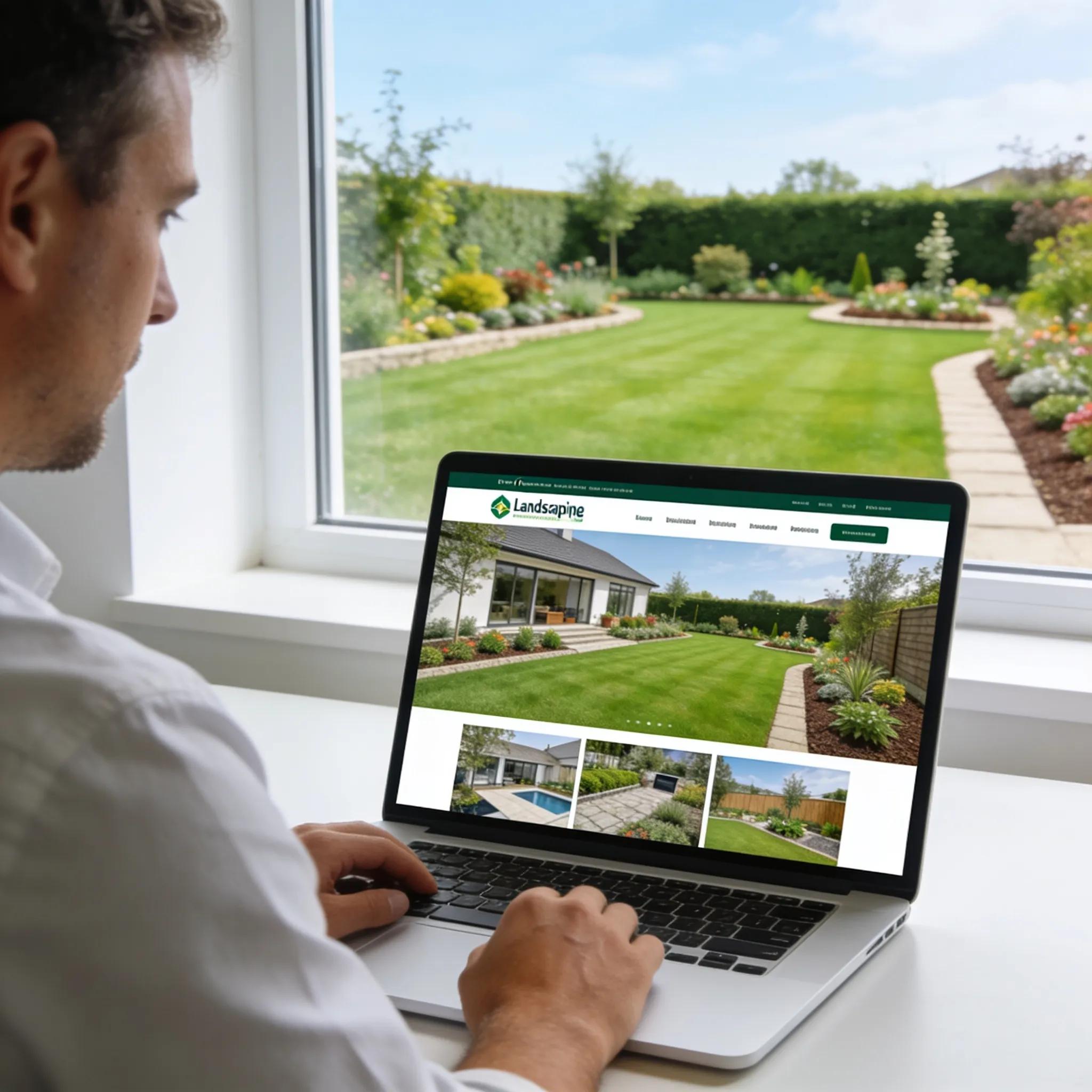
By using an intuitive website builder for a landscaping business, you can instantly display your best work right at the top of the page. Place a bold headline that states your primary service area alongside a photo of your proudest project. This captures attention instantly and reassures visitors that they have landed on a legitimate, high-quality local business.
When you use a dedicated landscaping website builder, you do not need to worry about spacing, layout code, or mobile formatting. You simply pick a clean layout, drop in your business details, and let the software handle the technical polish.
2. Turn Your Landscaping Services Into Pages Customers Can Actually Find
Most visitors will not dig through a crowded homepage to figure out if you trim trees, install stone patios, or build retaining walls.
They want quick answers.
If you clump all your offerings into one long paragraph, people will leave out of frustration. Instead, give each major service its own dedicated section or page:
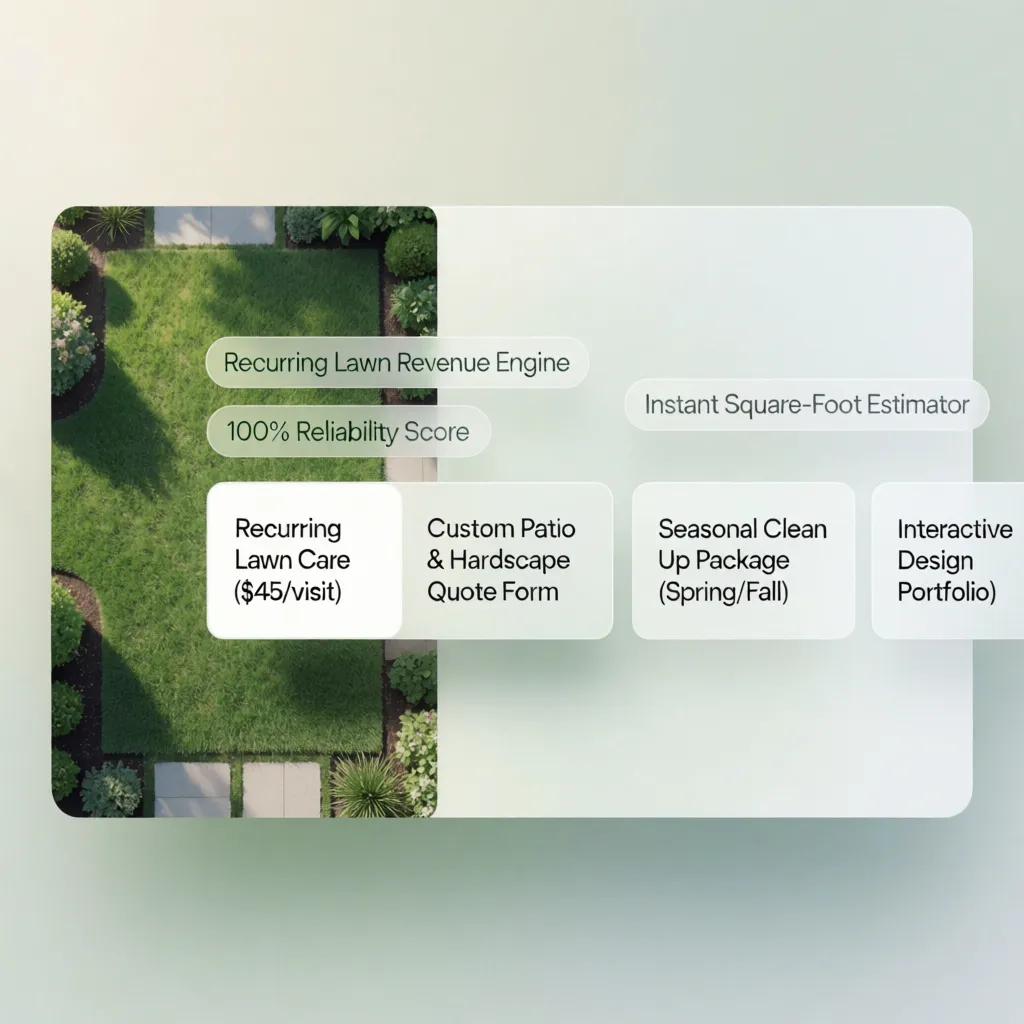
- Lawn Care & Mowing: Routine upkeep, fertilization, and weed control.
- Landscape Design & Installation: Complete yard redesigns, mulch application, and flowerbed planting.
- Hardscaping: Paver patios, walkways, retaining walls, and fire pits.
- Tree & Shrub Care: Trimming, pruning, and seasonal removal.
Organizing your landscaping business website this way solves two massive problems at once. First, it makes it effortless for property owners to find the exact service they need. Second, it creates focused pages that search engines can easily index.
If you are unsure how to group your services or structure your layout, starting with a tailored website builder for landscapers ensures every page is laid out logically from day one.
3. Put Your Best Yard Transformations Front and Center
What is the fastest way to build instant trust with a homeowner?
Show them a drastic before-and-after picture of a yard you recently fixed.
People hesitate to hire a contractor when they aren't sure what the finished product will look like. High-resolution photos eliminate that doubt completely.
When planning your landscaping website design, make room for a dedicated gallery section. Include:
- Side-by-Side Comparison Photos: An overgrown lawn next to a crisp, freshly manicured yard.
- Project Context: A two-sentence caption explaining what the homeowner wanted and how your team delivered it.
- Real Crew Photos: Shots of your team working on-site in uniform to build human credibility.
You don't need a professional photographer. Clean photos taken on your smartphone in good daylight work exceptionally well. Modern landscaping website templates make it simple to drop these photos into responsive grids that look stunning on both desktop screens and mobile phones.
4. Make It Easy for Homeowners to Request a Landscaping Estimate
Inquiries often stall for a simple reason: submitting a request feels like too much work.
If a homeowner has to search around for an email address, copy it into their mail app, and guess what details you need, they will close the tab and try someone else.
You need to catch them while their interest is fresh.
Using a landscaping website builder with quote form functionality allows you to embed an interactive request form directly onto your site. To keep conversion rates high while qualifying your leads, ask only for essential details:
- Full Name and Contact Number
- Property Street Address (to verify your service zone)
- Service Type (dropdown selection: Mowing, Hardscaping, Clean-up, Design)
- Preferred Project Timeline
- Optional Photo Upload (allowing them to snap a picture of their current yard)
By streamlining this process through a powerful landscaping business website builder, you reduce friction, eliminate phone tag, and gather all the necessary project details before making your initial call.
5. Show Customers Which Neighborhoods and Towns You Serve
Nothing wastes more time than taking a detailed call only to realize the homeowner lives an hour outside your service territory.
Clear location boundaries save you time and build local authority.
State the exact towns, counties, and zip codes you cover right on your main pages. If you cover several surrounding suburbs, list them clearly in a "Service Areas" block near the footer.
Why does this matter?
It instantly signals to local visitors that you are nearby and ready to dispatch a crew. Additionally, explicitly stating your coverage areas helps your landscaping website SEO rank for local intent searches like "lawn care in [Town Name]."
If you want to secure even more regional jobs, creating hyper-local service landing pages on your landscaping company website gives local search engines direct signals that your business serves those specific neighborhoods.
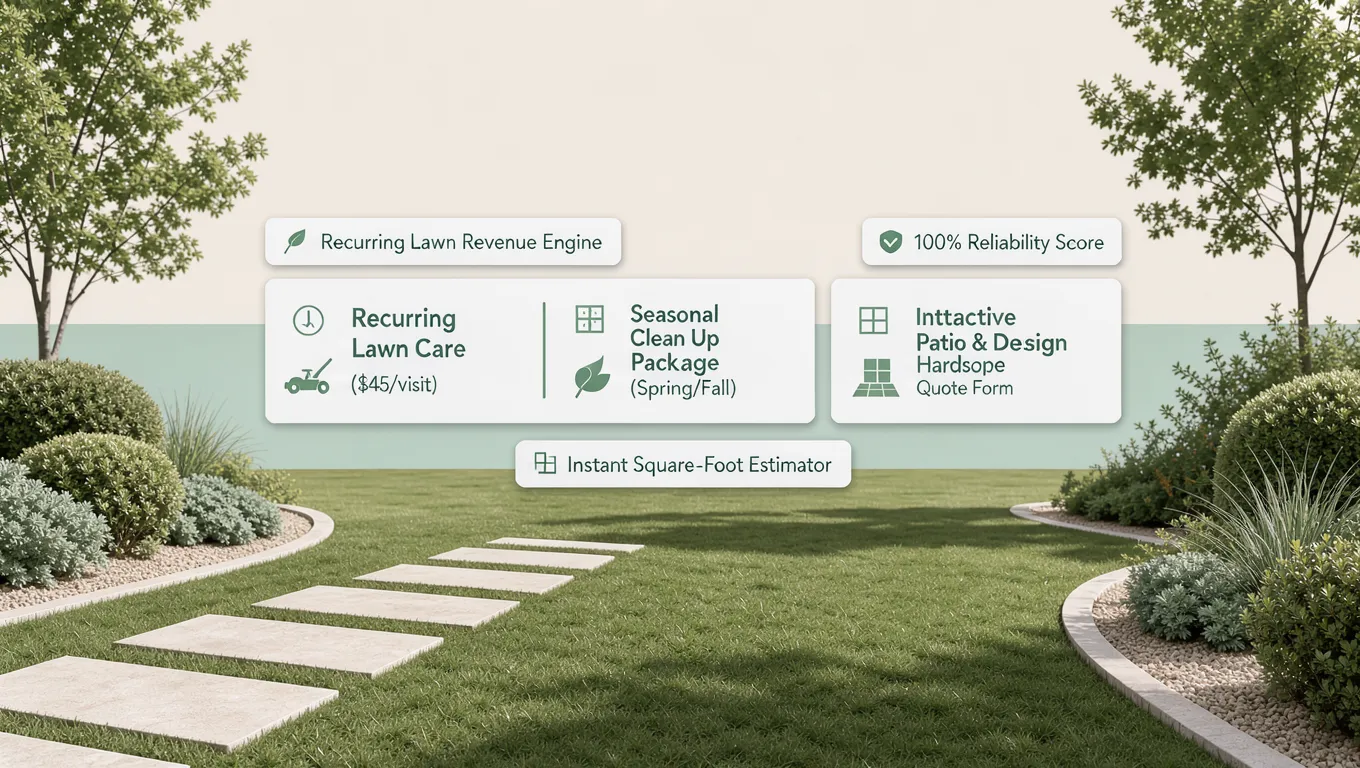
6. Separate One-Time Landscaping Projects From Ongoing Lawn Care
A homeowner looking for a $15,000 backyard patio build has a completely different mindset than someone looking for a $50 weekly lawn mowing service.
If you treat these two customers identically, you risk confusing both.
Structure your site to guide each visitor down their specific path:
- Weekly / Bi-Weekly Mowing
- Seasonal Yard Cleanup
- Aeration & Fertilization
- Patio & Hardscape Build
- Full Landscape Redesign
- Retaining Wall Install
When you use a flexible lawn care website builder, you can set up distinct sections for recurring services alongside high-ticket installations. This choice architecture helps property owners immediately self-select what they need without getting overwhelmed by irrelevant information.
Once you set up these core sections on your landscaping business website, the next natural step is keeping those pages updated as the weather changes.
7. Keep Your Website Useful Through Every Landscaping Season
Landscaping is inherently seasonal. Your website needs to reflect what homeowners are thinking about right now.
If a customer visits your site in November and sees a prominent banner advertising spring lawn planting, your business looks inactive.
Keep your site relevant year-round by adjusting your main offers seasonally:
- Spring: Focus on lawn aeration, bed mulching, weed prevention, and initial spring cleanups.
- Summer: Highlight routine lawn mowing, irrigation maintenance, patio builds, and bush trimming.
- Autumn: Promote leaf removal, gutter cleaning, winterization, and fall planting.
- Winter: Feature snow removal, ice management, or early spring scheduling discounts.
With a fast landscaping website builder, updating text or swapping a seasonal banner takes less than two minutes. Keeping your lawn care business website aligned with the current weather keeps leads flowing consistently through all twelve months of the year.
8. Give Homeowners the Details They Need Before They Call
When homeowners browse contractor websites, they have underlying questions they might feel hesitant to ask directly over the phone.
If you answer these questions upfront, you build instant trust and remove hesitation.
Include an accessible FAQ section or detail block on your landscaping company website builder pages that addresses:
- Licensing & Insurance: Explicitly confirm that your business is fully insured and bonded to protect their property.
- Pricing Expectations: Provide starting rates or typical price ranges for popular services so clients know what to expect.
- Payment Methods: Let clients know if you accept credit cards, online invoices, or flexible payment schedules.
- Project Process: Outline your 3-step workflow (Request Quote → On-Site Estimate → Job Completed).
Pre-built landscaping website templates include dedicated content blocks designed specifically for these details, ensuring your visitors get quick answers before placing a call.
9. Let Customers Contact You Easily From Their Phones
Here is a statistic worth remembering:
Over 70% of homeowners searching for local home services look at contractor sites on their mobile phones while standing in their yard or sitting on the couch.
If your site is difficult to navigate on a mobile screen, those visitors will leave immediately.
Test your site on a mobile device and verify three critical items:
- Click-to-Call Buttons: Your phone number should sit at the top of the screen as an active link so users can tap and dial instantly.
- Short Forms: Inputs must be easy to select on touchscreens without horizontal scrolling.
- Fast Loading Images: High-resolution gallery images must be compressed so they load instantly over mobile data networks.
When you use a modern website builder for landscapers, mobile responsiveness is built right in. Your layout automatically adjusts to fit any screen size seamlessly, preserving every detail of your landscaping website design.
10. Help Local Customers Find Your Landscaping Business on Google
Having a stunning website won't help your business if nobody can find it online.
You need to ensure local customers can find your business when searching on Google.
Search engine visibility comes down to clean, straightforward optimization:
- Page Titles: Include your main service and city name (e.g., Landscaping Services & Lawn Maintenance in [City Name]).
- Meta Descriptions: Write a compelling 2-sentence preview encouraging searchers to click for a free estimate.
- Google Business Profile: Add your website URL directly to your official business listing so map searches send traffic straight to your quote form.
While a builder handles clean code, proper headings, and rapid load speeds for your landscaping website SEO, you provide the local details that matter. Adding location-specific terms across your landscaping business website ensures search engines display your business to nearby property owners.
11. Create Your Landscaping Website Without Hiring a Developer
A common misconception is that building a site requires months of custom coding or spending thousands on an agency.
That is no longer true.
You can launch a fully functional site yourself in five simple steps:
- Choose Your Template: Select a layout designed specifically for local home services.
- Add Your Business Info: Insert your logo, phone number, physical address, and service areas.
- Upload Your Project Photos: Drop your best before-and-after project images directly into the gallery.
- Set Up Your Quote Form: Customize your inquiry form fields to gather essential project details.
- Connect Your Custom Domain: Point your domain (e.g., YourNameLandscaping.com) to your site and hit publish.
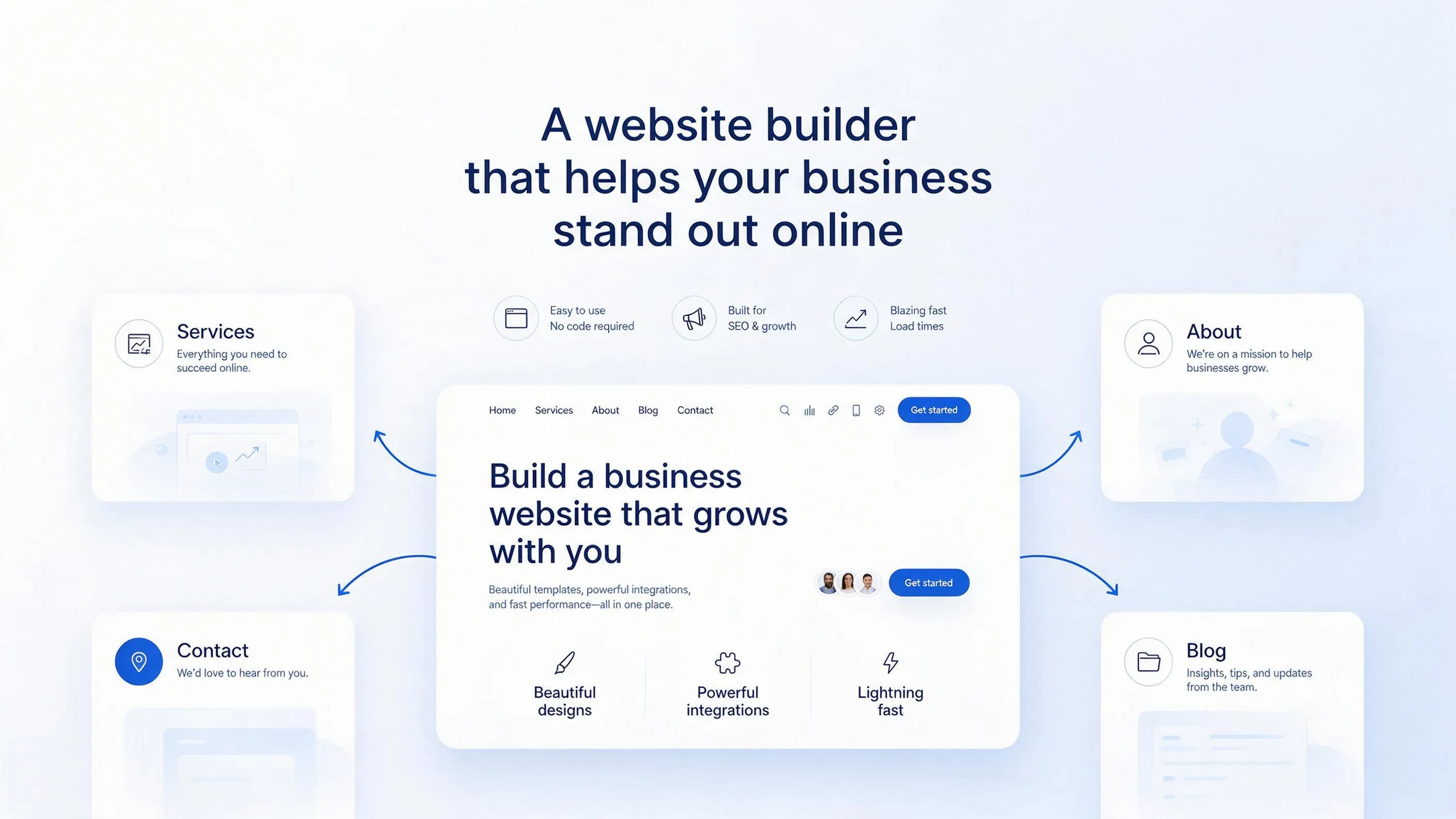
By using an easy landscaping website builder like BoltWeb, you skip complex setups entirely. The platform generates tailored copy and layout structures automatically, allowing you to go live in minutes.
12. Launch Your Landscaping Website With the Essentials in Place
Before sharing your new site with local homeowners, run through this quick pre-launch checklist to make sure every element is set up to generate leads:
- ✔ Phone number is click-to-call enabled
- ✔ Quote form sends test emails
- ✔ Service areas and zip codes listed
- ✔ Before-and-after photos load fast
- ✔ Licensing and trust badges visible
- ✔ Custom domain connected securely
- ✔ Google Business Profile links directly to website
Once every box is checked on your landscaping website builder, your business is ready to capture leads online.
Instead of relying purely on word-of-mouth or expensive print ads, your website serves as a dedicated sales tool that works for your business around the clock.
Ready to start attracting more local landscaping clients? Build and launch your custom site in minutes with BoltWeb today.
Faq Website Builder for a Landscaping Business
1. How do I stop homeowners from price-shopping my landscaping services against cheap lawn cutters?
Here is the hard truth every professional landscaper faces:
When a property owner lands on a vague website, they assume all lawn care companies are identical and immediately chase the lowest price. Break out of that race to the bottom by using a specialized website builder for a landscaping business. Display clear service breakdowns, professional crew photos, and high-contrast quote buttons right on your homepage to prove your premium quality before price ever becomes an argument.
2. Can I separate routine lawn mowing from high-ticket patio builds and hardscaping on my site?
Yes, and keeping them distinct is crucial for your profit margins.
Lumping $50 weekly mowing services in with $20,000 paver patio builds confuses visitors and dilutes your high-ticket offerings. When you use a dedicated landscaping website builder, you can launch distinct pages for lawn care maintenance, hardscaping, drainage solutions, and landscape design in minutes. This allows clients looking for an easy landscaping website builder experience to find exact details on the specific service they need without getting lost.
3. How do I get my landscaping company to show up when nearby homeowners search "lawn care near me"?
Let’s look at how local homeowners actually look for landscaping help:
They pull out their phones and search Google for immediate regional services in their exact neighborhood. Using a specialized website builder for landscapers ensures your page headers, meta descriptions, and coverage areas are optimized around localized search intent like landscaping business website or local service pages. This signals your exact route zones clearly to search engines, putting your business right in front of nearby property owners.
4. What is the best way to get property owners to send lawn photos and lot sizes before I drive out to quote?
Driving 20 miles across town just to give an estimate on a tiny yard touch-up burns time, fuel, and labor.
The solution is simple:
Embed an interactive landscaping website builder with quote form functionality directly onto your core pages. Ask homeowners to select their service type, input their approximate yard size, and upload smartphone photos of their overgrown beds or drainage issues. You receive structured, qualified project details right in your inbox before making your initial call or site visit.
5. Most homeowners search for landscapers on their phones while looking at their yards. Will my site look right?
Think about how your last customer decided to upgrade their yard:
They stood right on their back patio, looked at their overgrown grass, pulled out their smartphone, and searched online. If your site takes ten seconds to load or makes visitors struggle with tiny text, they bounce instantly. Modern landscaping website design layouts automatically adjust to any touchscreen with lightning-fast load times, responsive photo grids, and single-tap phone links built for mobile networks.
6. How do I keep my website generating steady leads during slow autumn and winter months?
Landscaping cash flow often swings wildly with the weather, leaving your crews underutilized during seasonal shifts.
Turn seasonal slowdowns into reliable revenue.
Use pre-built landscaping website templates to quickly update your main offers as the weather turns—switching seamlessly from spring planting and summer mowing to fall leaf cleanups, aeration, and winter snow removal. Keeping your lawn care business website aligned with current weather conditions keeps lead inquiries flowing steadily through all twelve months of the year.
7. What is the best way to convince skeptical homeowners that my crew will respect their property?
Inviting a landscaping crew onto a private property creates anxiety about broken sprinkler heads, damaged flower beds, or unlatched dog gates.
Vague claims like "we do great work" carry zero weight online.
Instead, feature verifiable trust signals right on your landscaping company website. Display active liability insurance details, state licensing badges, and real customer reviews praising your crew's punctuality, clean habits, and careful gate procedures.
8. Can I show real before-and-after yard transformations instead of generic stock photos of grass?
Homeowners spot fake stock photography instantly—and it destroys your credibility.
Want to stand out from local competitors?
Drop genuine, high-resolution before-and-after photos of overgrown lawns transformed into pristine outdoor living spaces directly into responsive portfolio galleries. Showing authentic visual proof of your team's hard work proves your professional standards far better than generic stock images ever could.
9. How do I explain what affects landscaping costs so homeowners don't get sticker shock?
Property owners often fail to realize how slope, soil conditions, materials, and access impact total project costs, leading to hesitation when they receive an estimate.
Remove that barrier upfront.
Add an educational guide to your site breaking down the factors that influence project pricing—from square footage and plant selection to excavation labor. Educating leads upfront filters out low-budget tire kickers and positions your landscaping company website builder presence as a transparent, high-quality authority.
10. I spend my days operating machinery and managing crews. How hard is it to update my services myself?
Here is the reality:
You shouldn't have to call a web designer and wait three days just to add a new town to your service radius or update your weekly mowing rates. By building your digital storefront on BoltWeb, you can edit text, swap job site photos, or launch seasonal cleanup promos in seconds right from your phone or laptop—giving you complete control over your site without technical headaches.
11. How fast can I launch a professional landscaping website that generates estimate requests?
You don't need to spend six weeks waiting on an expensive agency design cycle or fighting with complicated web code.
With BoltWeb, built-in AI structures your page layouts, writes persuasive, industry-tailored copy, and sets up your local search foundations in minutes. Simply enter your business details, service towns, and recent project photos, connect your custom domain, and start capturing local lawn care website builder leads right away.