Launching an AI-built site that falls flat on its face is a silent killer for small business owners. Every hour your site sits online looking like a generic, copy-paste template, you are burning real money, hemorrhaging high-value leads, and handing eager clients straight to your boldest local rivals.
The problem isn't that artificial intelligence can't build elite sites—it’s that generic tools force software to guess what makes your business unique.
That is precisely where BoltWeb rewrites the rules.
Unlike basic generators that spit out repetitive, cookie-cutter layouts, BoltWeb is an advanced platform engineered to build high-converting, search-ready digital storefronts. It acts as an AI website builder for a contractor, home service provider, or retail shop, structuring clean local SEO, organizing friction-free navigation, and writing hyper-persuasive copy tailored to your exact industry.
Here is how to transform an average initial draft into an irresistible, lead-generating machine.
1. Why Your AI-Built Website Doesn't Look the Way You Imagined
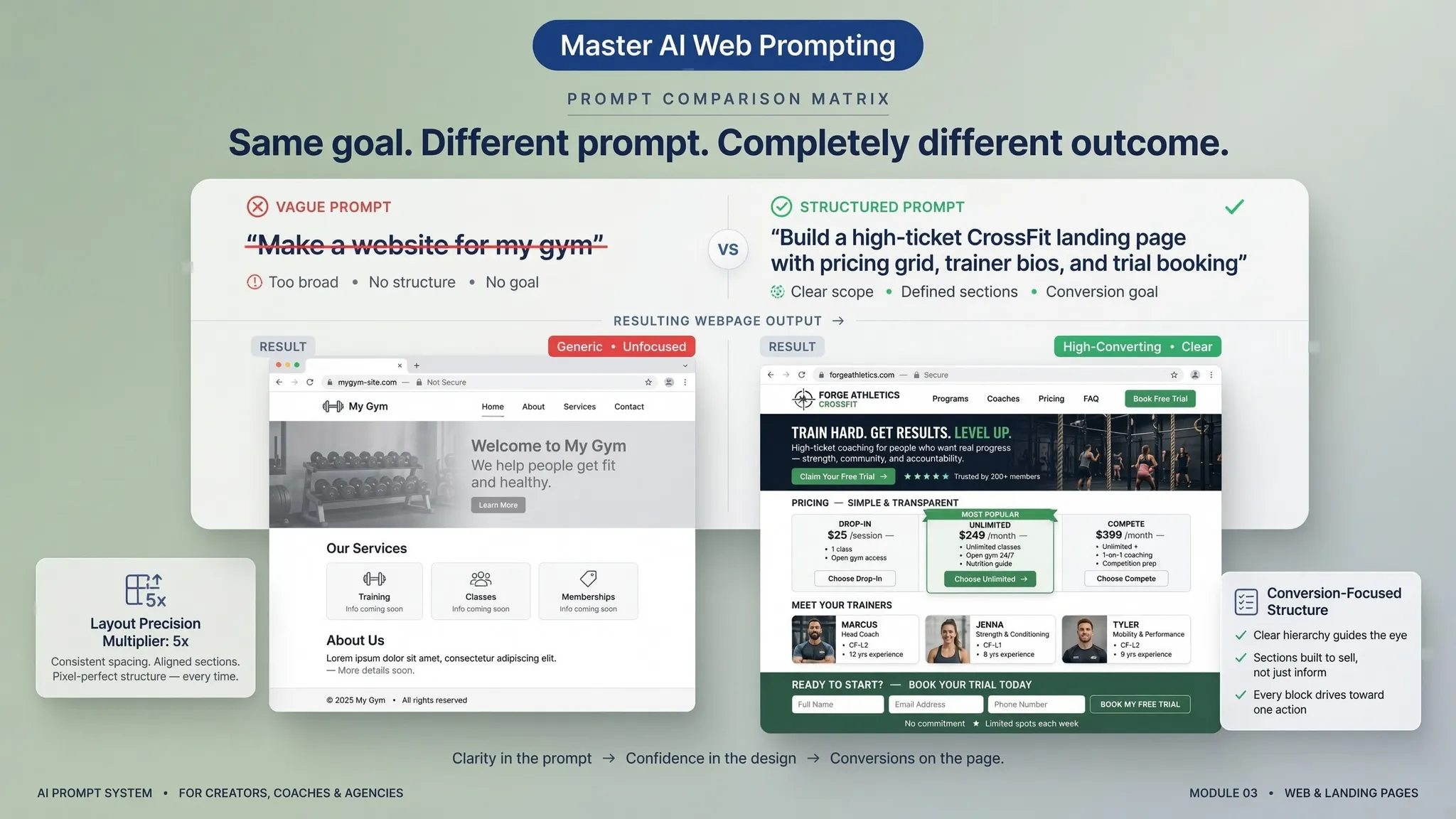
You typed in a quick description, hit generate, and waited for magic. But instead of a sleek, high-converting storefront, you ended up with a bland template packed with uninspired corporate jargon.
Why does this happen?
When an AI website builder receives vague inputs, it fills in the blanks with mathematical averages pulled from millions of generic sites. It guesses your audience, assumes your pricing, and defaults to floating cards and meaningless stock graphics.
Stopping generic output requires eliminating the guesswork. To turn a basic layout into a powerful sales channel, you must feed your AI website builder for business precise operational facts, exact location boundaries, and explicit client outcomes.
2. Give AI a Clear Business Goal Before Changing the Design
Focusing on button colors, font pairings, and visual flourishes right out of the gate is a trap.
A visually stunning site that fails to guide visitors toward scheduling an appointment or requesting an estimate is just an expensive digital ornament.
Before adjusting a single line or padding value, define the exact job your site must execute:
- Urgent Mobile Calls: Essential for emergency plumbing, auto repair, or roof leak dispatch.
- Structured Quote Requests: Critical for high-ticket moving, remodeling, and hardscaping contracts.
- Direct Online Bookings: Mandatory for salons, fitness centers, and medical practices.
Using a top-tier AI website builder for small business with clear conversion goals ensures every heading, button, and image gallery actively drives local revenue.
3. Replace Vague Instructions With Specific Visual Changes
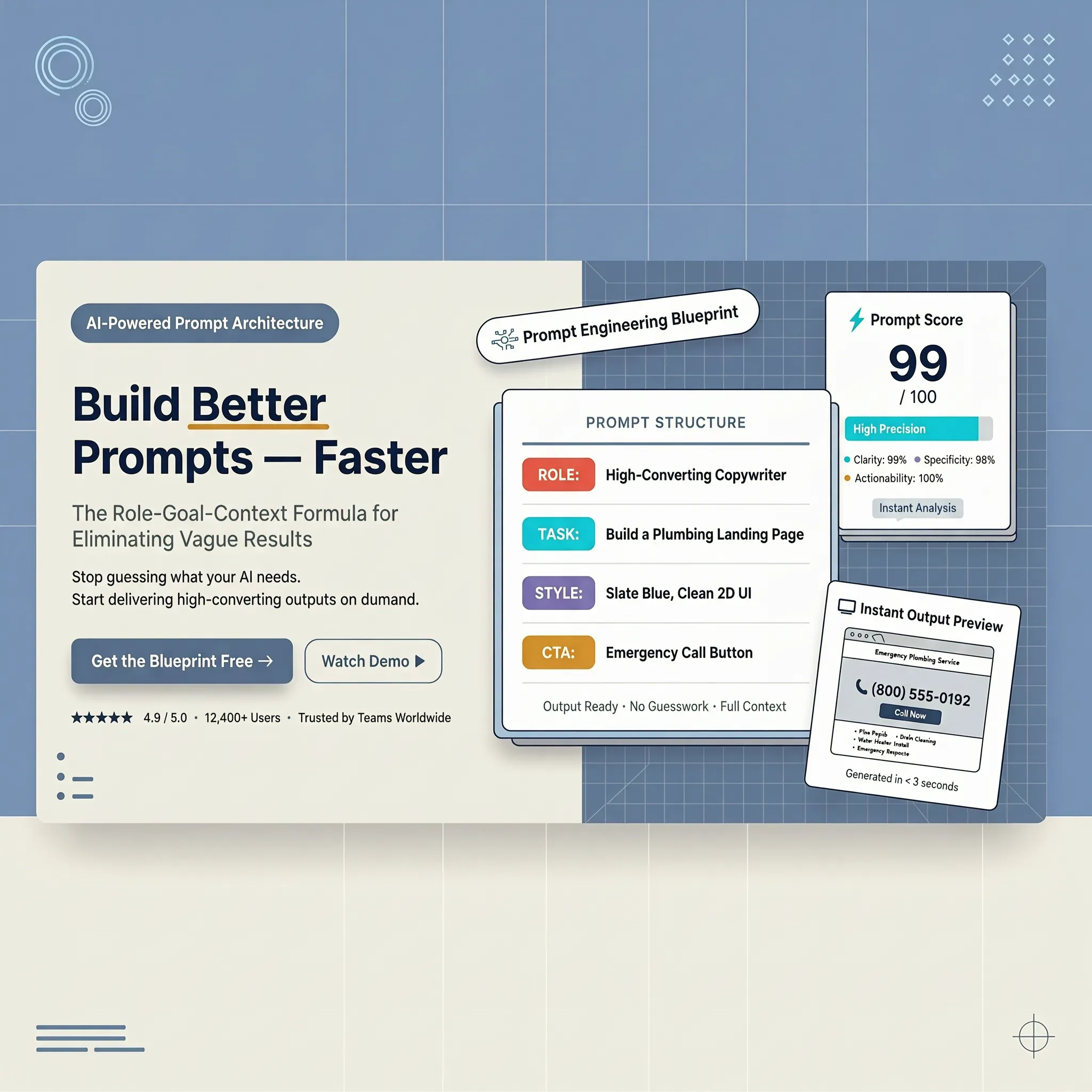
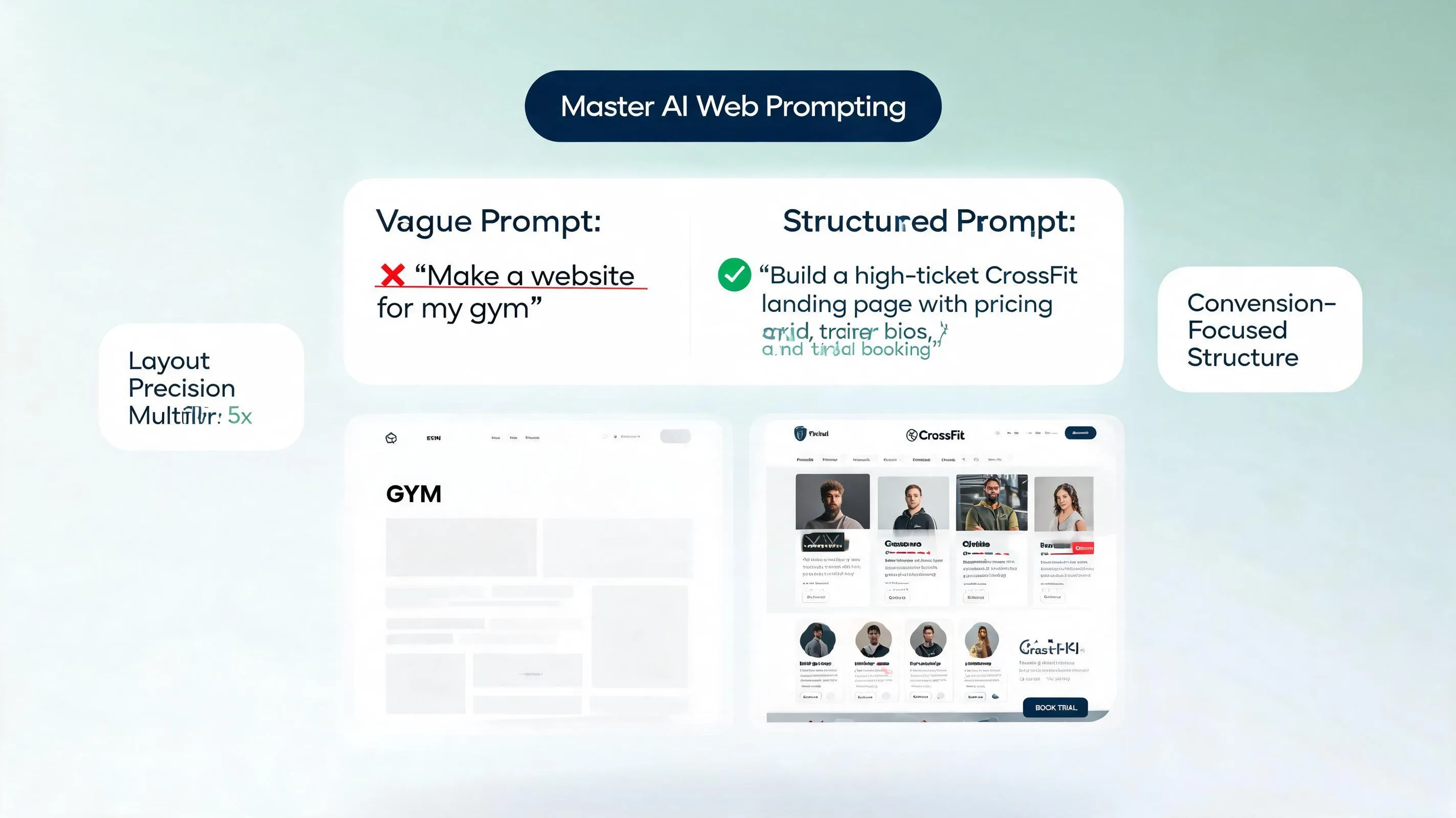
Typing "make it look modern" or "make it look better" forces the system to make wild guesses. What seems "modern" to a designer might look cluttered to an active vehicle owner looking for a garage.
Turn subjective feedback into actionable directives:
- Instead of: "Make the hero section look stronger."
- Try: "Increase the primary headline size to 48px, add a high-contrast emergency phone button in Safety Orange (#FF5722), and place our real job site photo on the right side."
Providing explicit layout directives allows an AI website builder with custom design tools to adjust visual elements without destroying your fundamental page hierarchy.
4. Fix the Biggest Problem First Instead of Redesigning Everything
Attempting to fix your navigation menu, rewrite all service copy, swap out background graphics, and adjust color schemes simultaneously creates visual chaos.
Every time you change ten elements at once, you lose track of what actually worked.
Follow a disciplined, step-by-step revision method:
- Identify the Primary Friction Point: Is your phone number hidden on mobile? Is the quote form too long?
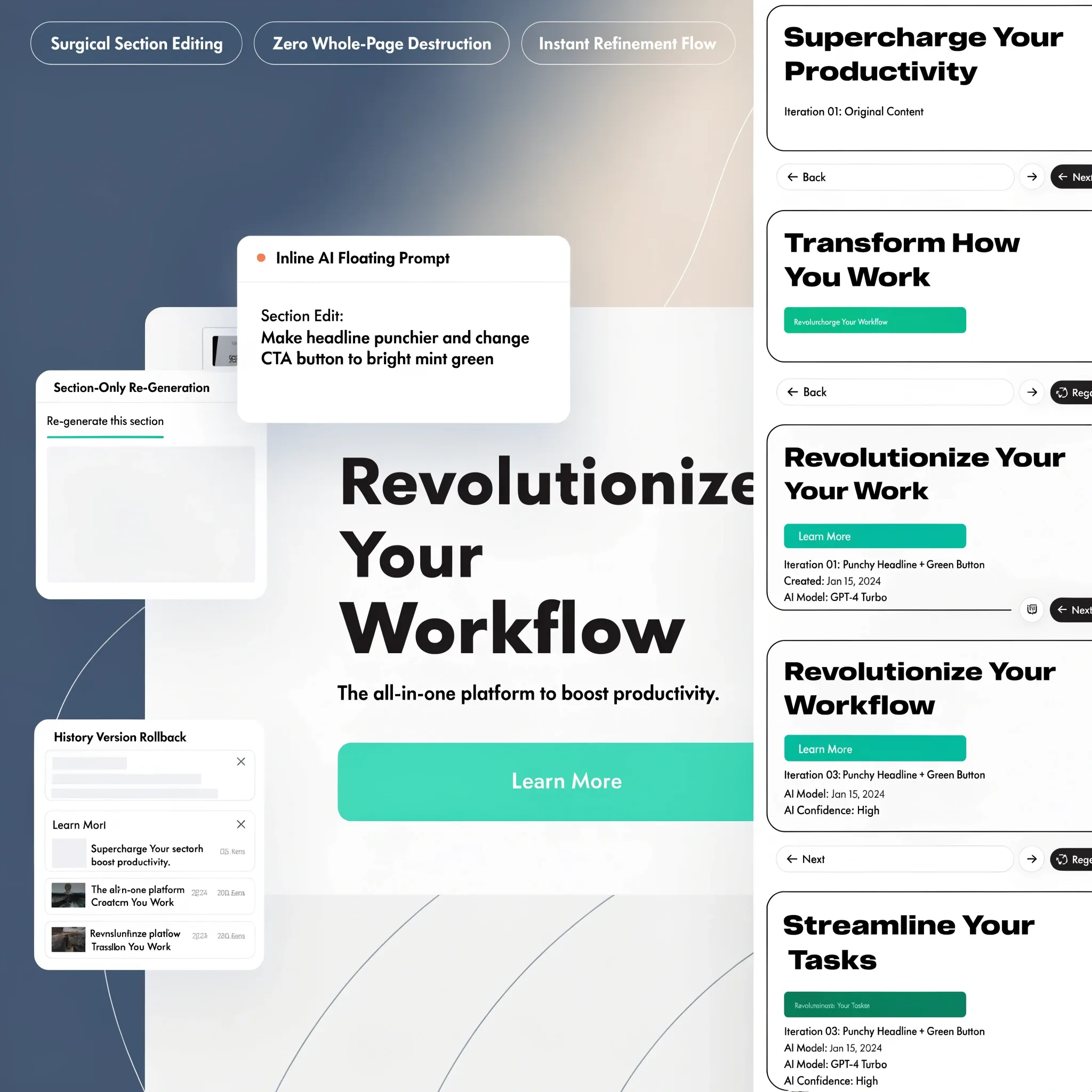
- Execute One Targeted Edit: Adjust that exact section while explicitly locking all surrounding blocks.
- Inspect on Mobile and Desktop: Verify the change resolves the issue before touching the next section.
Using a modern easy-to-use AI website builder allows you to make isolated edits effortlessly, keeping your design clean and structured throughout the process.
5. Make Your Website Look Less Like a Generic Template
Prospective clients spot generic stock photography and uninspired corporate fluff instantly—and it destroys buyer trust.
If your site features stock photos of smiling models in pristine hardhats or unverified claims like "we offer top-quality service," visitors will leave to find a genuine local team.
Ground your digital storefront in authentic visual proof:
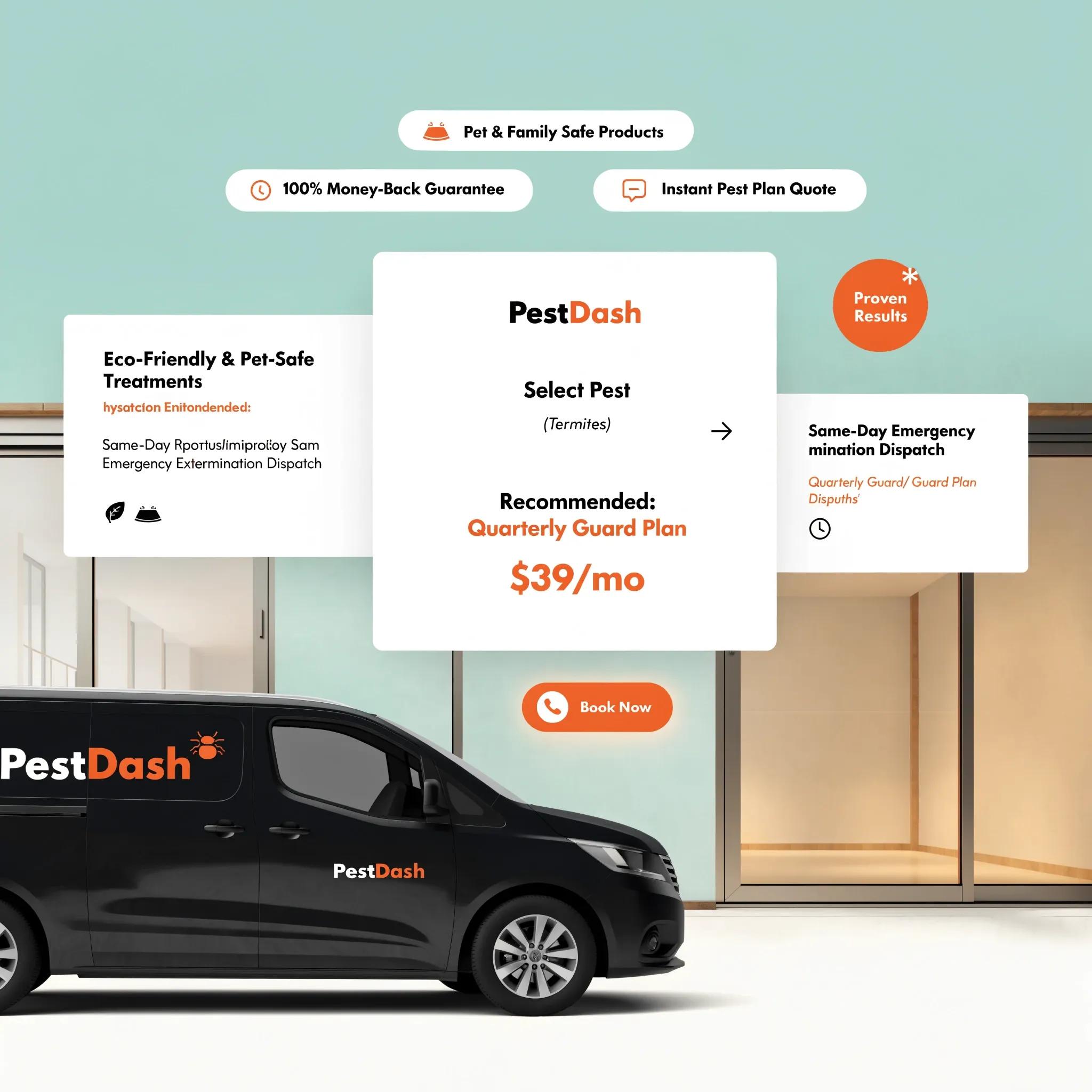
- Real Field Media: Drop high-resolution photos of your actual crew executing jobs, branded service vehicles, and completed projects into clean portfolio grids.
- Verifiable Trust Signals: Display state contractor license numbers, active insurance badges, and real customer reviews imported from your Google Business Profile.
- Distinct Local Branding: Integrate your physical store colors, typography, and logo files cleanly across every section.
- • Real Field Photos
- • Verified Feedback
- • Official Badges
Infusing authentic proof into a flexible AI website builder with website editing controls turns an average layout into an undeniable showcase of local authority.
6. Get Website Copy That Sounds Like Your Business
Polished, clinical prose that sounds like it was written by a corporate lawyer fails to connect with real clients.
Your website copy should act as an authentic mirror, reflecting the exact worries, priorities, and needs of your local customers.
Upgrade your copy using authentic Voice of Customer insights:
- Address Specific Anxieties: Directly answer common fears like "Will my home be left messy?" or "Are there hidden trip fees?"
- Detail Service Boundaries: Explicitly list the neighborhoods, suburbs, and zip codes your team services.
- Highlight Clear Differentiators: Feature concrete guarantees like "24-hour emergency response times" or "10-year workmanship warranties."
Injecting real customer concerns into an AI website builder for lead generation generates persuasive copy that turns hesitant visitors into scheduled appointments.
7. Give AI Better Images and More Useful Design References
When an AI website builder lacks real visual references, it defaults to standard stock galleries that make your business look like a generic placeholder.
Guide visual generation with concrete references:
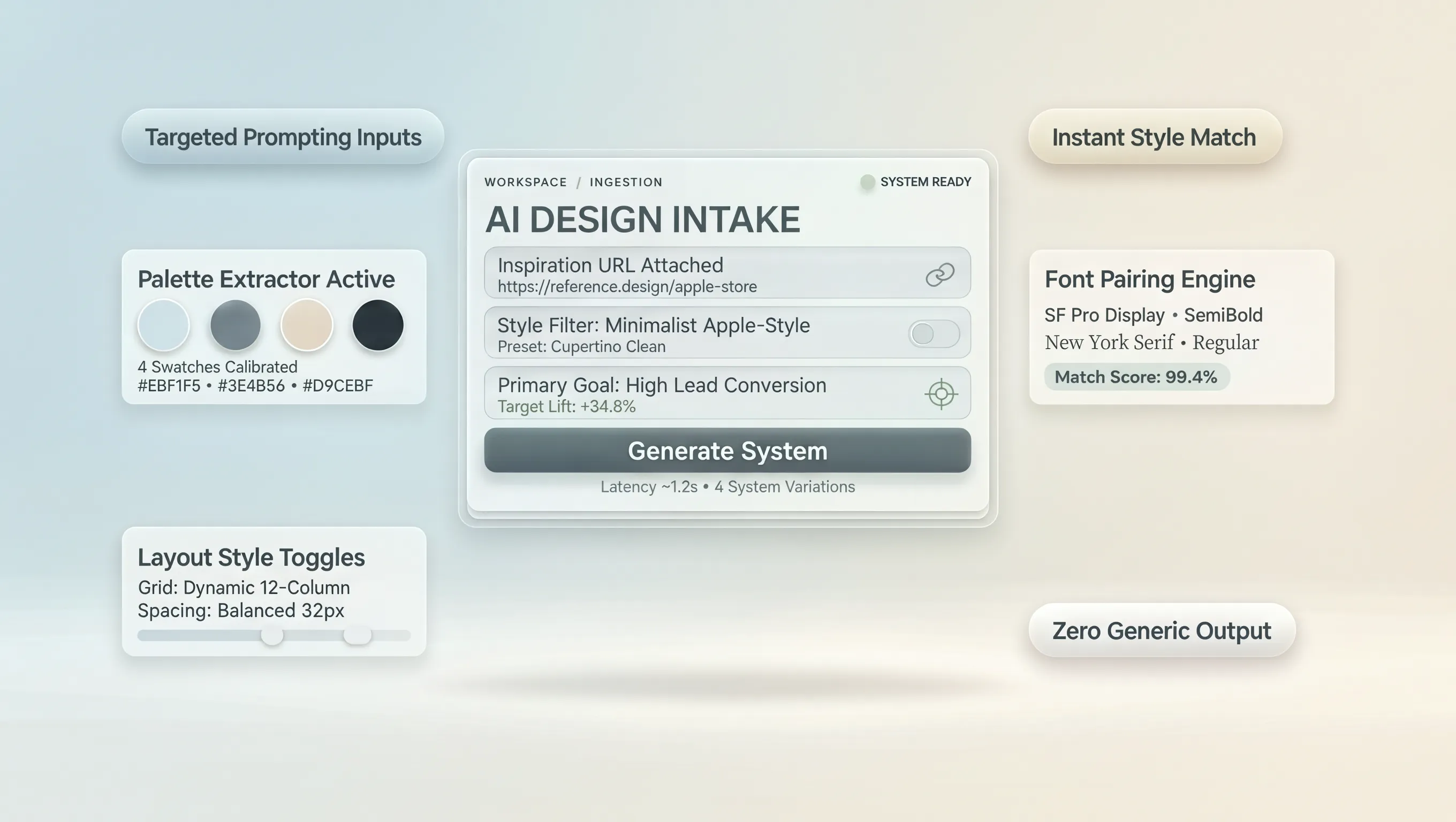
- Upload High-Resolution Assets: Provide clear PNG logo files, vector graphics, and original photos of your work.
- Specify Exact Style Directions: Request clean layouts with generous whitespace, high-contrast action buttons, and dark industrial accents.
- Define What to Exclude: Explicitly forbid auto-playing video banners, heavy drop shadows, or crowded multi-column text blocks.
Providing clear visual references to a best AI website builder for small business platform ensures your final layout reflects your physical brand identity.
8. Tell AI Exactly What to Keep When You Request a Change
One of the most frustrating moments in web generation is asking for a small tweak—only for the system to rewrite your entire page and erase your best sections.
Prevent unwanted redesigns by establishing strict preservation boundaries:
Example Prompt: "Rewrite the copy in the hero section to focus on 24-hour emergency roof repairs. Do NOT change the header background image, keep the primary orange call button intact, and leave the lower customer review section completely untouched."
Establishing clear boundaries protects your progress, allowing you to refine specific sections without sacrificing high-performing elements.
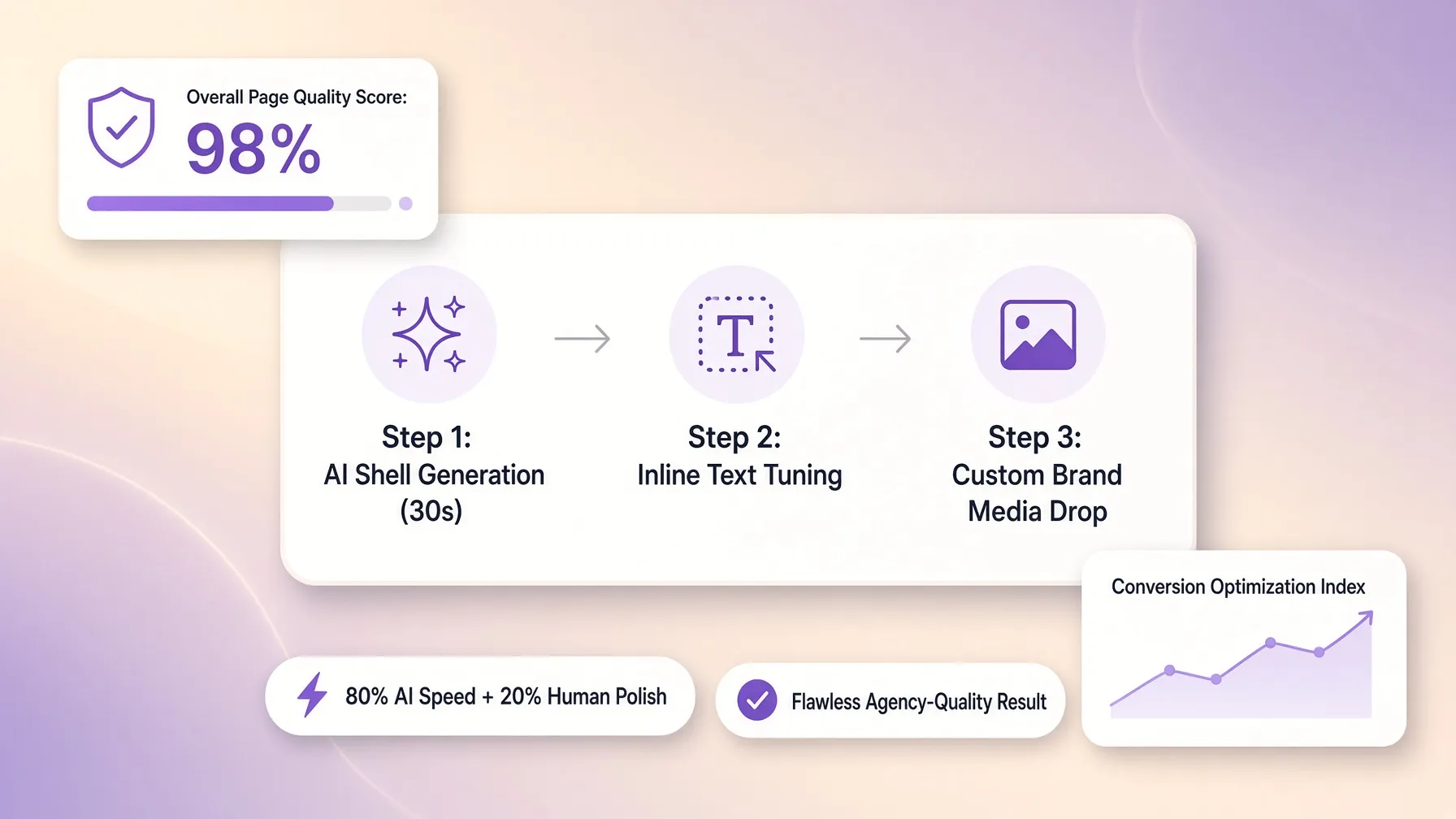
9. Improve One Page at a Time Without Losing Consistency
A stunning homepage linked to poorly designed service pages destroys credibility immediately.
Every subpage across your site must feel like part of a single, coherent brand identity:
- • Matching Hex Color Palette
- • Unified Header & Navigation
- • Persistent Sticky Tap-to-Call
- • Consistent Heading Scale
- • Identical Contact Form UI
- • Unified Footer Trust Badges
Maintaining visual consistency using a versatile AI website builder with drag and drop editor tools ensures visitors enjoy a seamless browsing experience across all device viewports.
10. Ask for Changes That Make the Website Easier to Use
A flashy website packed with complex animations is useless if visitors struggle to find a phone number or quote form.
Prioritize usability over decorative complexity:
- Thumb-Friendly Mobile Headers: Pin a persistent tap-to-call button to the top of mobile screens for instant outreach.
- Streamlined Form Intake: Keep initial quote forms under four fields—asking for name, phone number, location, and service need.
- Clear Reading Hierarchy: Structure pages with distinct H2 and H3 headings so visitors can scan details in seconds.
Lowering friction on an easy AI website builder turns high-intent search traffic into qualified phone leads.
11. Check Whether the Website Features Actually Work
A visually polished booking section is completely useless if submitted appointment requests disappear into thin air.
Never assume an interactive element works simply because it looks good on screen. Test every functional pathway thoroughly before taking your site live:
- Form Deliverability: Submit test inquiries and confirm notifications hit your smartphone or email inbox immediately.
- Booking System Integration: Ensure interactive calendars reflect open service slots accurately and allow seamless reservation bookings.
- Payment Gateway Verification: Run small test transactions to confirm payment systems process cards securely.
- • Lead Forms ➔ Verify alerts
- • Booking UI ➔ Confirm sync
- • Checkout UI ➔ Verify process
Testing functional workflows on an AI website builder with forms, an AI website builder with booking, or an AI website builder with payments ensures your site captures and processes lead data reliably.
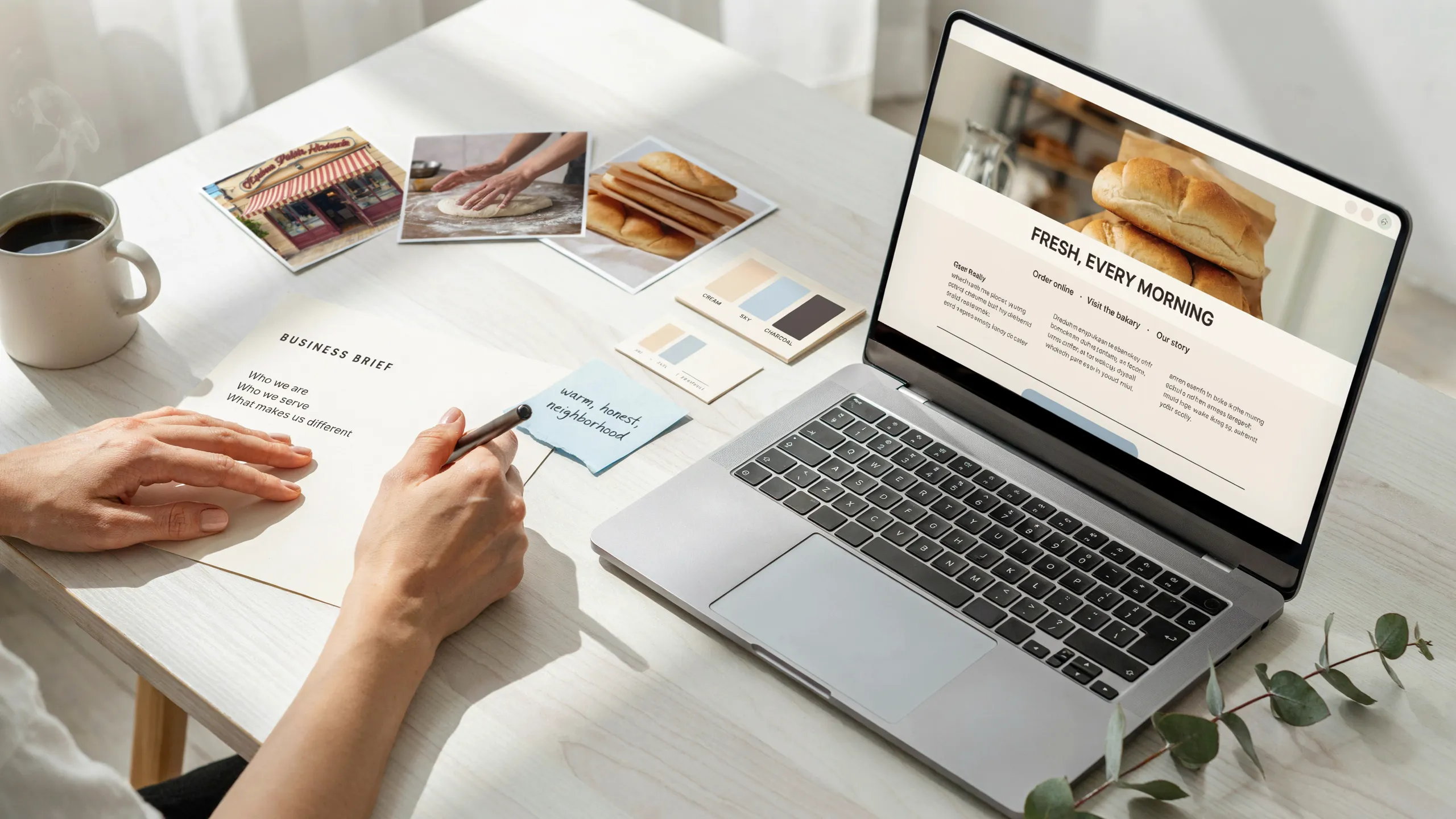
12. Improve Your Website's SEO Without Stuffing It With Keywords
Plastering identical phrases across your text sounds robotic and harms your search engine rankings.
Search engines prioritize sites that provide genuine local answers over those that force repetitive keyword strings.
Build clean search relevance by organizing page structure:
- Targeted Meta Titles: Include specific locations and service parameters (e.g., Emergency Roof Leak Repair in Dallas, TX | Apex Roofing).
- Structured Headings: Organize text logically with clear H2 and H3 tags answering real customer questions.
- Clean Internal Links: Connect primary service pages directly to your quote forms and location hubs to guide visitors naturally.
Utilizing a high-performing AI website builder with SEO tools ensures your digital storefront builds long-term search authority automatically.
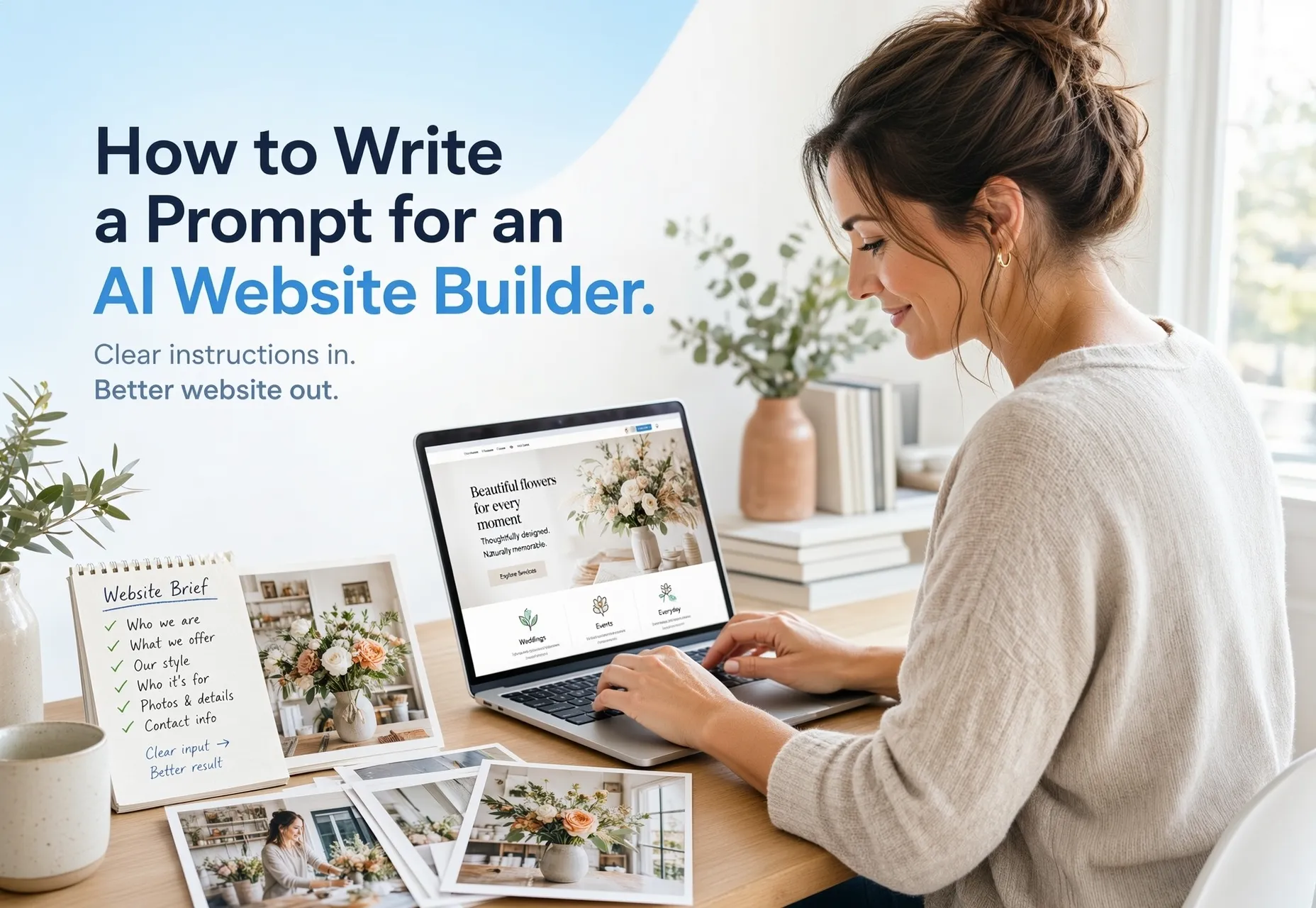
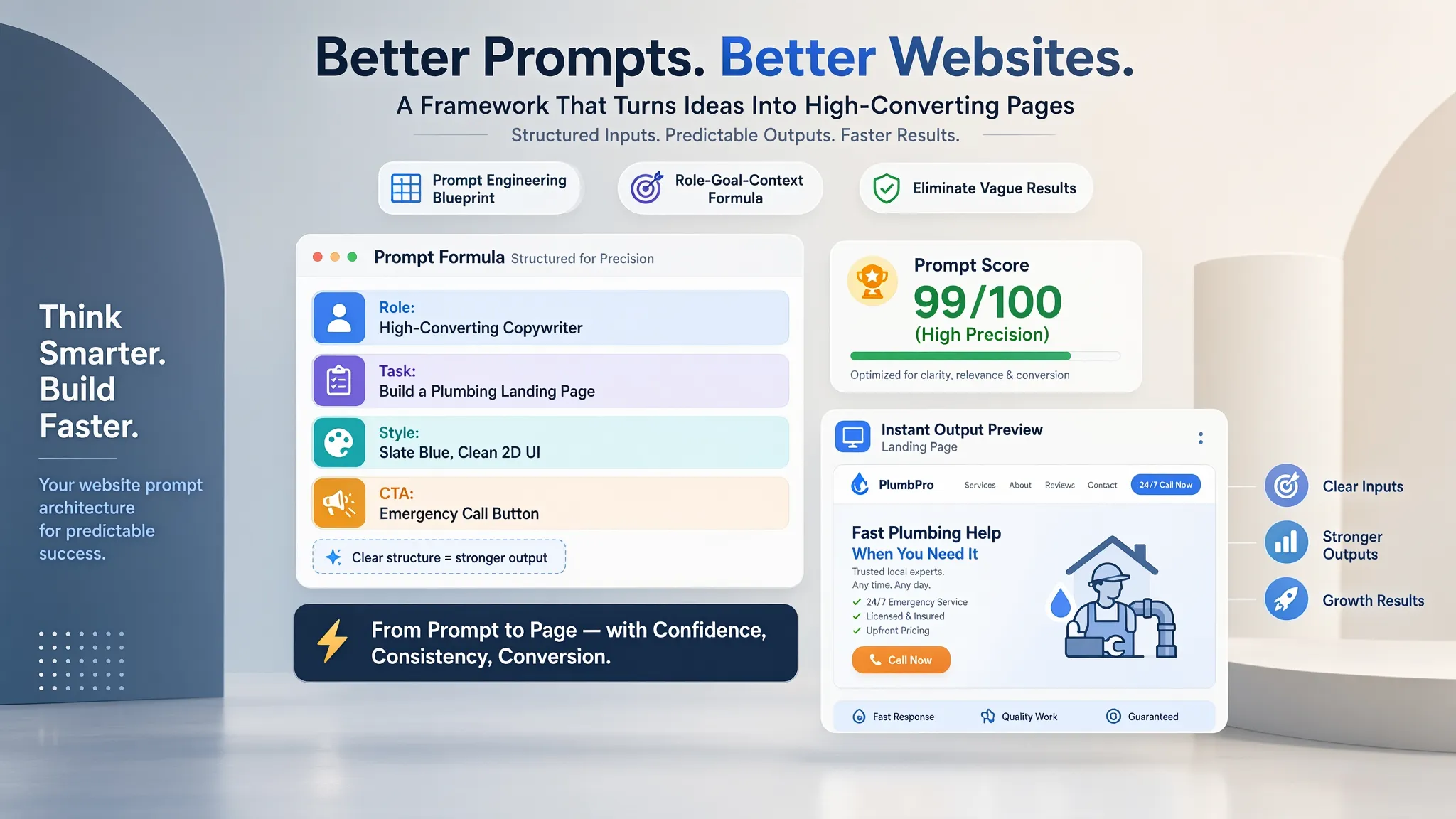
13. Use This Follow-Up Prompt to Improve an Existing Website
Copy and adapt this master follow-up prompt to refine your existing layout without losing high-performing sections:
• Primary Goal: Increase immediate phone calls from mobile visitors
• Add a high-contrast, sticky tap-to-call button using Primary Accent Color (#FF5722)
• Embed a 3-field short quote form with an optional photo upload input
• Keep the existing background color palette and typography scales intact.
• Leave the lower customer review section and footer elements completely untouched.
Using a structured revision prompt allows BoltWeb to execute precise adjustments, turning your initial draft into a high-converting digital storefront.
14. Know When to Stop Editing and Get Ready to Publish
Endlessly tweaking button margins and font weights delays your launch and costs you money. Every day your site remains unpublished is another day local competitors capture high-value contracts.
Run through your final launch checklist:
- Factual Accuracy: Confirm phone numbers, physical addresses, service hours, and license credentials are 100% correct.
- Mobile Usability: Verify fast load times and clean button responsiveness on smartphone touchscreens.
- Form & Link Testing: Verify tap-to-call links dial correctly and form submissions trigger instant alerts.
- Custom Domain Setup: Connect your custom web domain so search engine crawlers can index your pages under your brand address.
Stop tweaking and launch your digital storefront with BoltWeb today to start capturing high-value local leads.
How to Get Better Results From an AI Website Builder: 12 FAQs
1. Why does my AI-built website look like a generic template instead of a real business?
Here’s the hard truth:
When you give an AI builder vague inputs like "build a website for my repair shop," it defaults to mathematical averages pulled from millions of generic sites. The software fills in the gaps with corporate fluff like "we offer quality service" and placeholders that look identical to every competitor in town. To get a custom, high-converting result on your first try, you must feed the AI concrete facts: your exact service scope, target zip codes, unique warranties, real team credentials, and high-resolution field photos.
2. Should I describe my design preferences first or my business goals first?
Always define your business goals first—period.
A visually stunning website that fails to guide visitors toward making a phone call or filling out an estimate form is just an expensive digital ornament. Before telling the AI about colors or fonts, specify the exact job the site must execute: do you need immediate tap-to-call mobile phone inquiries for emergency jobs, multi-field quote request forms for high-ticket contracts, or an online appointment calendar? Establishing your conversion targets first ensures the AI puts your call-to-action buttons in prime real estate across every screen.
3. How do I stop the AI from making up fake prices, fake reviews, or wrong service details?
AI hallucination happens when the builder lacks strict boundaries and fills missing information with guesses.
You can eliminate this risk completely by setting explicit guardrails in your initial prompt. Instruct the builder with strict rules: "Do not invent flat-rate prices or package rates; state 'Contact us for a custom estimate' instead. Use only provided Google Business Profile reviews. Do not list unverified trade certifications or licenses." Enforcing factual boundaries protects your brand reputation while delivering an accurate draft.
4. What is the best way to prompt an AI builder so I don't get generic sales copy?
Generic prompts produce generic copy.
If you want headlines that resonate with real customers, supply the AI with authentic Voice of Customer insights. Tell the software the exact worries, fears, and objections your clients voice on the phone—such as "Will my home be left messy?", "How fast can someone get here?", or "Are there hidden trip charges?" Feeding real customer anxieties into BoltWeb allows the engine to write sharp, benefit-driven copy that directly resolves buyer doubts and builds instant trust.
5. How can I explain the visual style I want without using vague words like "modern" or "professional"?
Vague words like "modern" leave far too much open to interpretation—what looks modern to a graphic designer might look cluttered to an active vehicle owner looking for a local garage.
Translate abstract ideas into concrete visual instructions:
- Exact Hex Codes: Specify brand colors (e.g., Primary Charcoal #1E293B with Safety Orange #FF5722 accents).
- Layout Density: Request generous whitespace with large typography or a data-dense, dashboard-style feel.
- Explicit Exclusions: Explicitly forbid unwanted design trends like auto-playing video banners, heavy drop shadows, or crowded multi-column text blocks.
6. Should I use stock photos or upload my own project pictures to get better AI results?
Stock photos of smiling models in crisp hardhats carry zero authenticity—and local property owners spot fake stock photography instantly.
Uploading real visual evidence dramatically elevates your final layout. Drop high-resolution photos of your actual crew working on active job sites, branded service trucks, completed installations, and physical shop facilities directly into the builder. Displaying authentic proof of your team's craftsmanship turns a basic draft into an undeniable showcase of local authority.
7. How do I get an AI website builder to structure my site for local SEO on Google?
Search engines don't rank websites based on fancy graphics; they rank them based on clear geographic signals, structured metadata, and clean page hierarchy.
To get optimal search results from an AI builder, specify your target coverage radius, primary city names, surrounding suburbs, and core service keywords in your prompt. An advanced builder automatically integrates these parameters into localized H1/H2 tags, descriptive page titles, meta descriptions, and clean schema markup behind the scenes—ensuring search crawlers index your business cleanly from day one.
8. What is the best strategy for making revisions when the first AI draft isn't quite right?
The biggest mistake business owners make is asking for a complete redesign or trying to fix ten things at once.
Follow a focused, step-by-step iteration method instead:
- Isolate the Specific Issue: Point directly to the section needing adjustment (e.g., "The hero section headline is too vague").
- Give Direct Instructions: State the exact text or visual change required.
- Establish Preservation Boundaries: Explicitly lock elements that are working well (e.g., "Keep the current color palette, navigation header, and contact form layout completely untouched while updating the headline copy").
9. How can I ensure my AI-built website works seamlessly on mobile phones?
Over 70% of local service searches happen on mobile devices while people are actively dealing with an urgent problem.
When configuring your site, instruct the AI to prioritize mobile user experience: request a persistent tap-to-call button fixed to the top mobile header, short thumb-friendly form fields, and large touch targets for easy button clicking. A mobile-optimized layout generated by BoltWeb loads rapidly over mobile networks and captures high-intent leads before they click away to call a competitor.
10. How do I combine all my business information into one master brief for the AI?
Feeding disconnected instructions to a builder leads to fragmented page layouts and missing details.
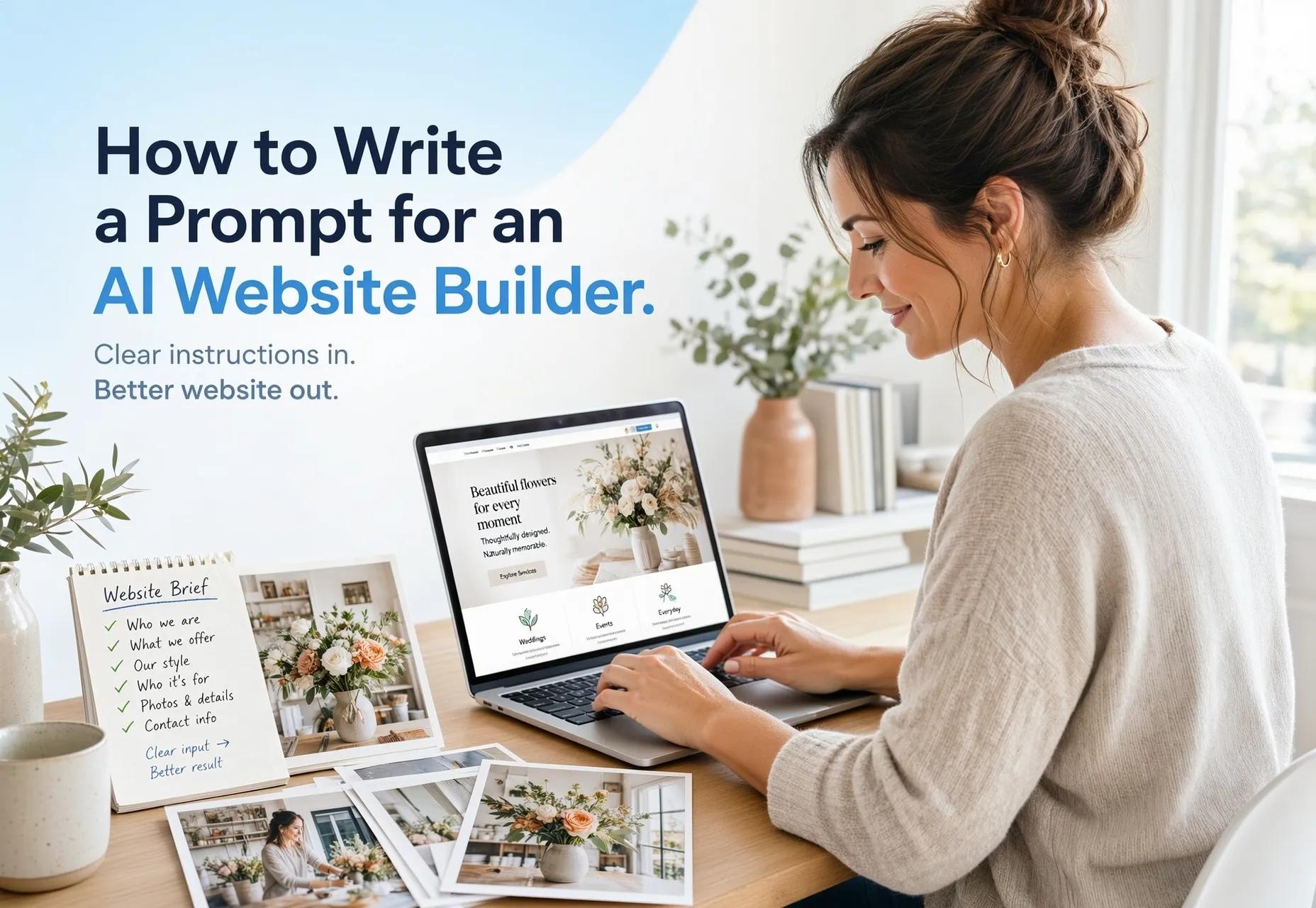
Consolidate all your requirements into a single master text brief containing these key sections:
- Business Profile: Official name, phone, physical address, service territory, and active license numbers.
- Conversion Objective: Primary target action (e.g., immediate phone call, online booking, or quote request).
- Sitemap Requirements: List of required pages (e.g., Homepage, Dedicated Service Hubs, About Us, Contact).
- Visual Direction: Hex codes, typography style, and real image files.
- Guardrails: Explicit prohibitions against invented pricing or manufactured reviews.
11. How do I test my AI website to make sure interactive features actually work before launching?
Never assume an interactive feature works simply because it looks good on a desktop screen.
Run through a strict functional audit before connecting your custom domain: submit test inquiries through every quote form to verify notifications hit your smartphone or email inbox immediately, test live calendar links to confirm open service slots sync properly, and tap mobile phone links to make sure they dial your office line correctly. Distinguishing visual appearance from working functionality prevents lost leads on launch day.
12. How do I know when my website is good enough to launch versus continuing to edit?
Endlessly tweaking button margins, font weights, and background shades delays your launch and bleeds potential revenue.
Your site is ready to go live when it meets four core criteria: 100% factual accuracy across all text, verified mobile phone and form pathways, authentic project photography, and a connected custom domain. Once these fundamentals are locked in, publish your digital storefront with BoltWeb to start capturing local leads right away—you can always iterate and add new location pages as your business grows.