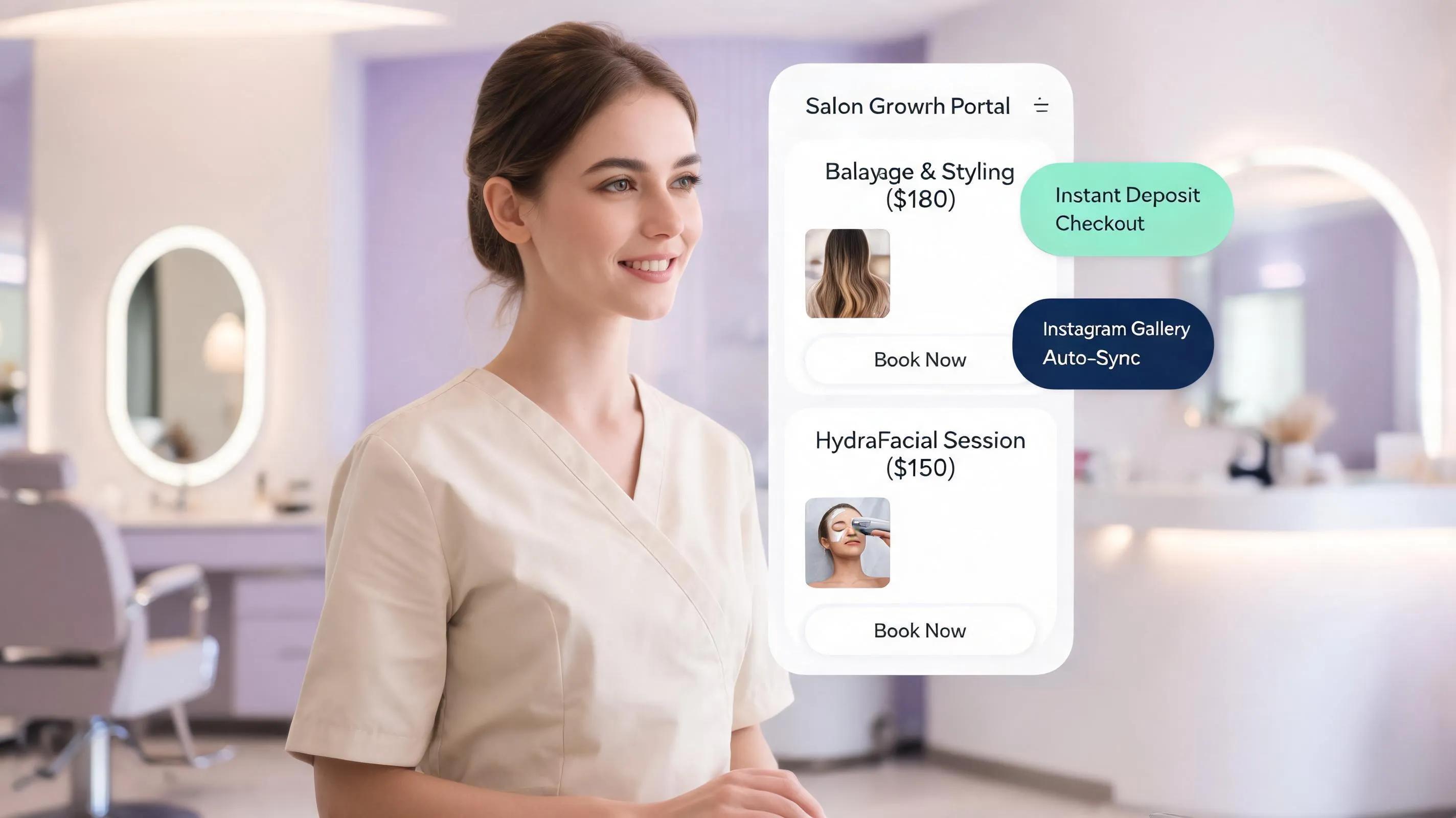
TL;DR: Getting local clients into your salon chairs shouldn't feel like burning cash on fleeting ads or wrestling with complicated software. Traditional sites act like silent online brochures that get lost in local search. An intelligent, high-performance platform like BoltWeb solves this by building a personalized, SEO-driven website tailored specifically for salon bookings. With instant layout generation, smart service menus, real client transformation galleries, and geo-targeted local search optimization, BoltWeb ensures your salon gets indexed and recommended across Google, ChatGPT, Gemini, and Perplexity when local clients ask for the best salon nearby.
1. Website Builder for a Salon: Build a Website That Makes People Want to Book
When starting a salon, one burning question dominates every owner's mind: How do we consistently get local, high-paying clients into our chairs without burning a hole through our budget on paid ads?
Running social media ads feels like paying rent on borrowed attention—the second you stop paying, the calls stop coming.
And relying solely on traditional site platforms often ends in total frustration. You spend hundreds of dollars and endless hours searching for the best website builder for salons, only to end up with a static digital flyer. It looks okay, but it doesn't speak to your audience, doesn't capture search traffic, and generates zero actual booking inquiries.
Here is the truth:
The Old Way: Static site + paid ads = constant cash burn for temporary clicks.
The Modern Way: GEO-optimized beauty salon website + smart local search indexing = organic, high-intent client bookings on autopilot.
When someone searches for a hair transformation nearby, your site needs to captivate them instantly and guide them seamlessly to book.
2. Let Your Best Work Make the First Impression Before You Start Explaining It
Visitors don't land on a hair salon website to read long, dry blocks of text. They visit to see what they will look like when they walk out of your doors.
When your visual transformations take center stage, trust builds instantly.
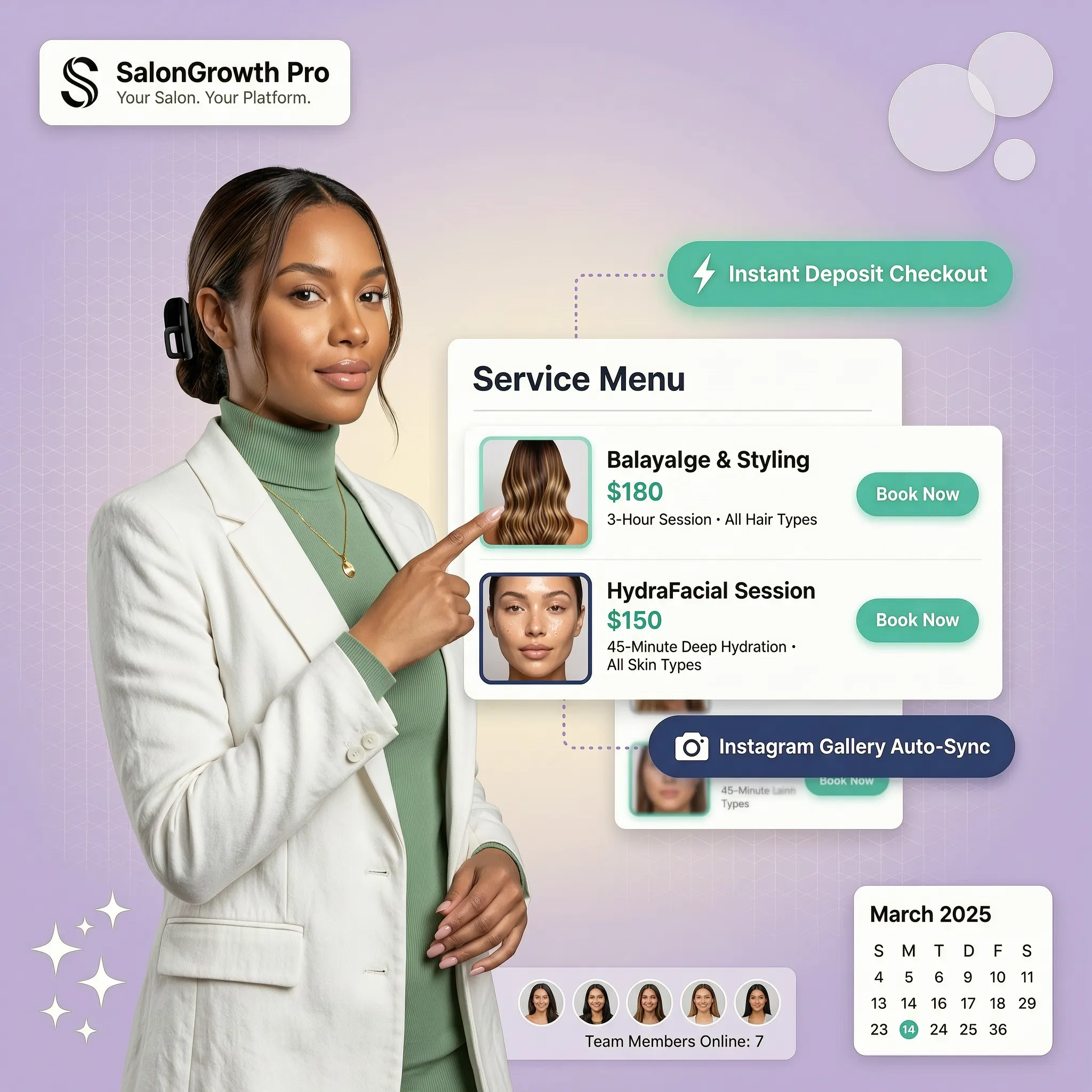
By placing your proudest balayage, precision cuts, or skincare transformations at the very top of your homepage, you turn passive scrollers into eager clients:
- Hero Transformation Spotlights: Highlight your top 3 signature looks right when the page loads.
- Side-by-Side Comparison Sliders: Show the dramatic, real-life shift from root outgrowth to seamless blend.
- Filterable Work Categories: Let visitors quickly sort your gallery by hair length, color type, or treatment style.
If you are just getting started with organizing your site structure, explore our practical walkthrough on how to plan a website.

3. Help Someone Find the Service That Matches What They Want to Look Like
Most clients don't think in technical industry jargon. They don't search for "full foil highlight with gloss toner"—they search for "how to fix brassy blonde hair" or "low-maintenance hair color for dark bases."
A high-converting salon services website bridges this exact gap:
Organizing your service menu around personal outcomes helps clients recognize what they want instantly:
- Goal-Based Categories: Group your offerings under headings like Root Refresh, Complete Transformation, or Scalp Health & Recovery.
- Visual Style Tags: Pair each service listing with a thumbnail photo showing the typical result.
- Ideal Client Profiles: Add brief tags indicating who the service is best suited for (e.g., Great for fine hair or Best for dark brunette bases).
4. Show What Each Service Includes Before Someone Has to Ask
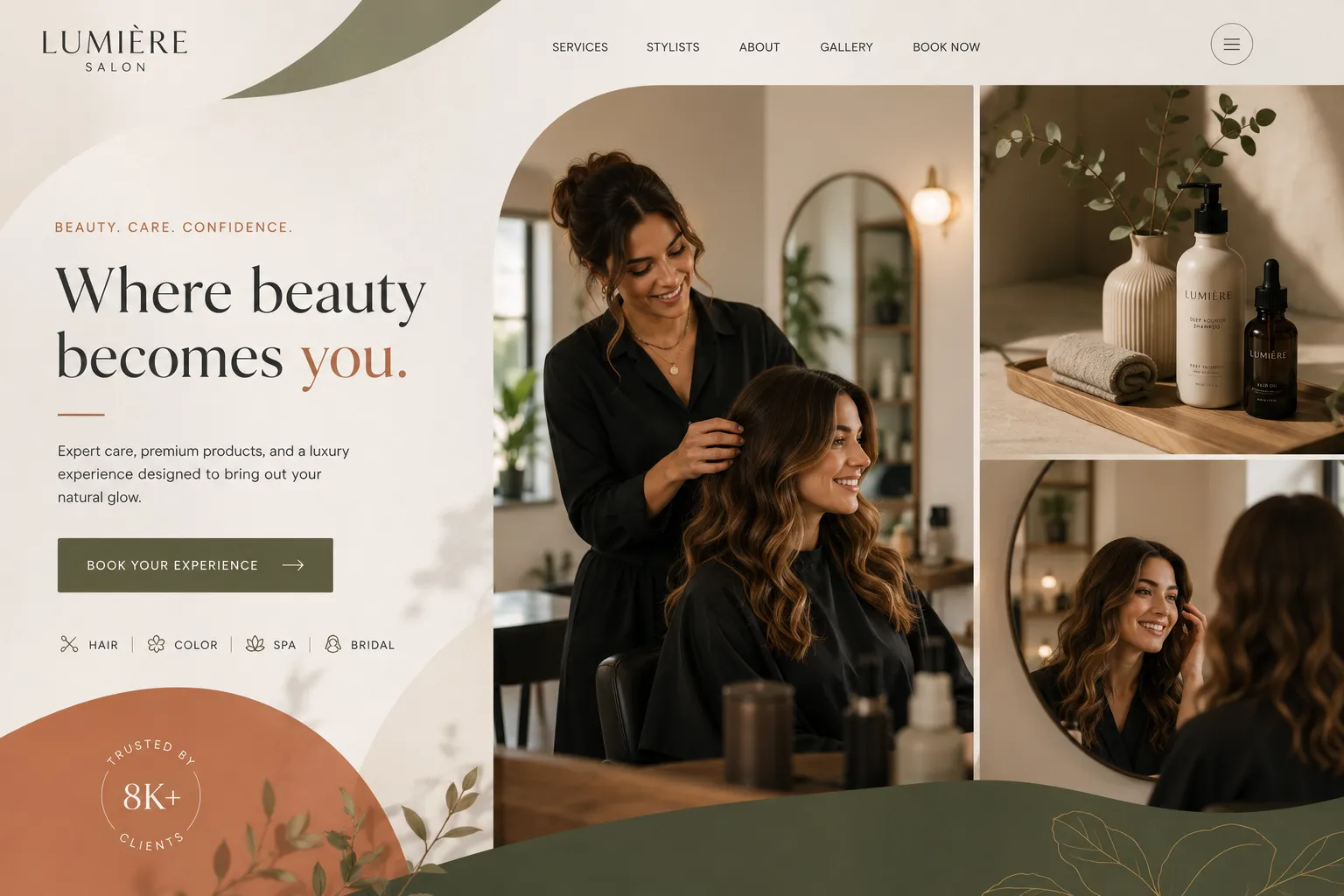
Uncertainty is the single biggest killer of online bookings. When visitors can't find clear answers about pricing or appointment length, they hesitate, leave, and call another local business.
Removing pricing friction protects your team's time and gives potential clients immediate confidence to proceed.
| Information Element | Why It Matters To The Visitor | What To Display Clear As Day |
|---|---|---|
| Clear Pricing Tier | Eliminates surprise bill anxiety at checkout. | "Starting at $180" or exact flat rate packages. |
| Expected Duration | Helps clients plan their schedule and childcare. | "2 hours 30 mins" estimated appointment time. |
| Included Steps | Clarifies total value and sets expectations. | "Includes consultation, deep conditioning, and signature blowout." |
| Preparation Tips | Prevents miscommunication on appointment day. | "Please arrive with dry, clean hair unwashed for 24 hours." |
Clear expectations create smooth booking experiences. Learn more about writing conversion-focused text with our guide on how to write SEO-friendly website content.
5. Make Your Stylists Part of the Reason Clients Feel Comfortable Booking
A salon appointment is an intimate personal experience. Clients want to know who is behind the chair long before they step foot inside your studio.
Showcasing your team through dedicated profiles builds familiarity and trust:
When crafting profiles for your stylist website section, include:
- Real Headshots & Personalities: Warm, professional photos that showcase their individual vibe.
- Specialties & Certifications: Highlight specific expertise like Curly Hair Specialist, Balayage Master, or Keratin Certified.
- Direct Booking Buttons: Let visitors book directly with their preferred specialist in one click.

6. Use Real Client Results to Replace the Doubt Behind "Will It Look Good on Me?"
Social proof is the ultimate confidence engine for any beauty salon website. Potential clients need proof that you can deliver incredible results on people with hair textures, skin tones, or styles similar to theirs.
Supercharge your proof sections by weaving reviews right into your transformation portfolios:
- Tagged Before & After Photos: Show realistic, unedited results under natural lighting.
- Verified Client Reviews: Display genuine feedback pulled straight from your Google Business Profile.
- Transformation Stories: Share short, relatable narratives about fixing damaged hair or creating wedding-day hair transformations.
7. Give Visitors Enough Confidence to Book Without Calling the Salon First
"If they have to call just to ask basic questions, we could lose the booking."
Modern consumers hate having to call during business hours just to schedule a basic trim. If your website forces them to pick up the phone, a huge percentage of high-intent visitors will simply bounce to a competitor with a direct salon booking website.
Streamline the conversion process by addressing common pre-booking friction right above your call to action:
- Clear Physical Location & Parking Info: "Located in Central Plaza with dedicated rear parking for salon guests."
- Hours & Real-Time Availability: Display open days clearly and connect your live schedule.
- Cancellation & Deposit Policies: State terms in warm, friendly, plain English.
- One Dominant Action Button: Keep prominent "Book Your Appointment" buttons visible at all times, especially on mobile devices.

8. Turn "I Like This Look" Into One Clear Next Step
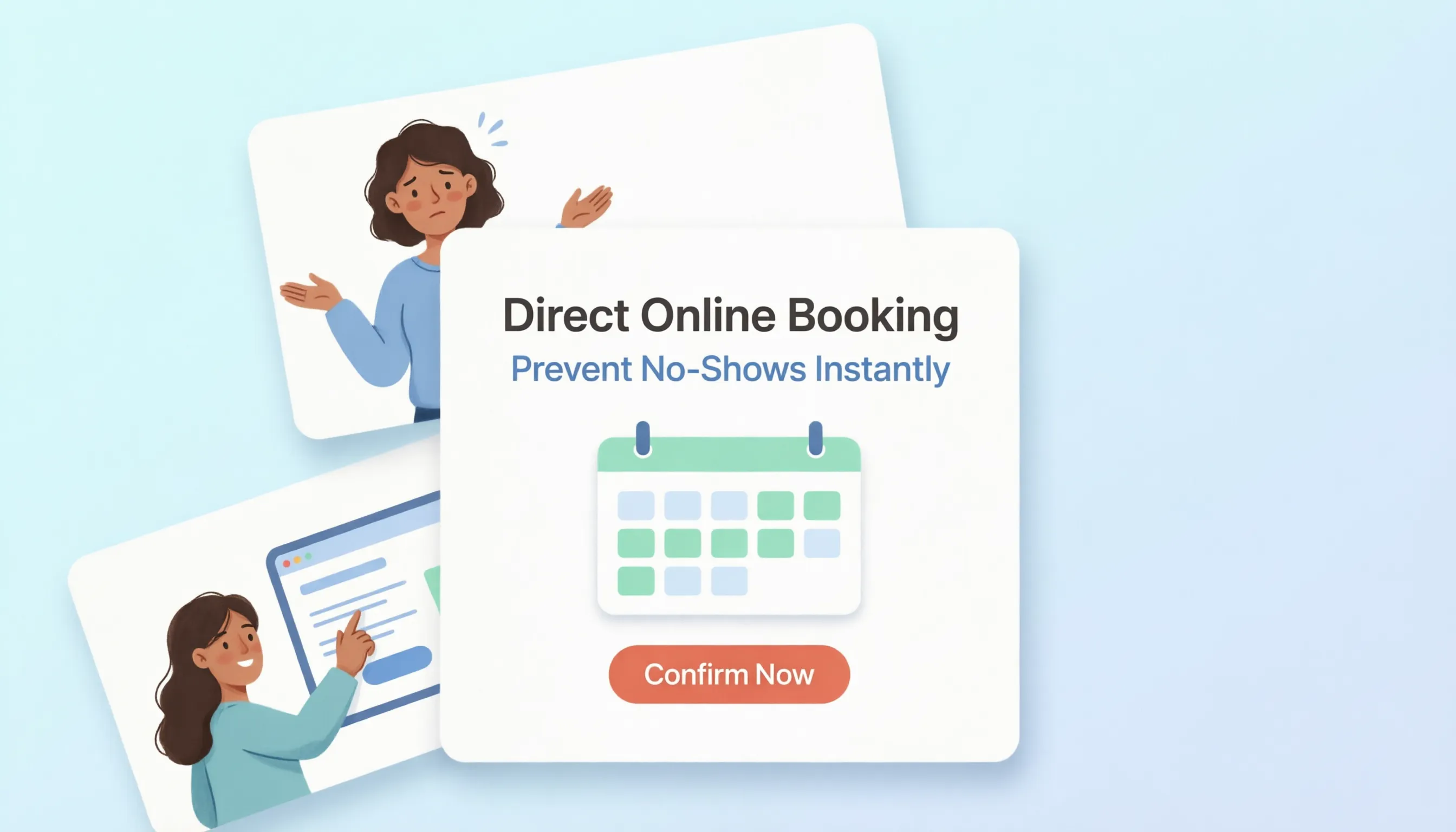
When a visitor falls in love with a photo in your gallery, the path from admiration to appointment must feel effortless.
Don't hide your booking link in a crowded footer or deep within a multi-level navigation menu.
By placing persistent action prompts next to every service description and portfolio showcase, you capture clients right at the peak of their visual interest.
9. Make Your Salon Easy to Find When Someone Is Ready to Book Nearby
When locals pick up their phones and search for a hair salon near me or ask AI assistants like ChatGPT, Gemini, and Perplexity for "the best balayage salon in town," where does your business appear?
Traditional site templates often lack the structured metadata needed for modern local search visibility.
To dominate local search results, your website platform must handle essential SEO fundamentals automatically:
- Local Schema Markup: Structured code that explicitly tells search crawlers your address, phone, service area, and rating.
- Localized Content Strings: Natural integration of local neighborhoods, city landmarks, and regional search terms.
- Google Business Profile Synchronization: Seamless alignment between your website details, local map pins, and customer reviews.
For a comprehensive look at setting up your digital foundation, check out our master guide on how to build a website.
10. Keep Your Website as Fresh as the Work Your Salon Is Known For
Your hair artistry evolves weekly, and your digital storefront should reflect that same energy.
Unfortunately, many salon owners use complex website platforms that require hiring a developer every time they need to update pricing or add a new seasonal promotional banner.
Using an easy salon website builder lets you manage your site as effortlessly as posting to social media. You log in, drag in fresh transformation photos, update holiday hours, and publish live changes in seconds without touching code.
11. What Should a Salon Website Builder Actually Make Easier?
When evaluating the best website builder for salons, ignore generic marketing fluff and focus strictly on features that directly generate client appointments:
- Instant Mobile Responsiveness: Over 80% of salon bookings happen on smartphones. Your site must load instantly and look flawless on mobile.
- Built-In Local SEO Infrastructure: Automatic schema markup and local geo-targeting to show up in local "near me" searches and AI search engines.
- Zero-Code Drag and Drop Editor: The ability to add new sections, swap team photos, and update service costs effortlessly.
- Speed & Cloud Hosting: Pages that load in milliseconds so visitors never leave due to lag.
- Integrated AI Copywriting & Layouts: Automated help generating persuasive service descriptions and headlines tailored specifically to salon clients.
If you are evaluating tech options, read our detailed comparison on AI website builder vs traditional website builder.
12. Create Your Salon Website Without Taking Time Away From Your Clients
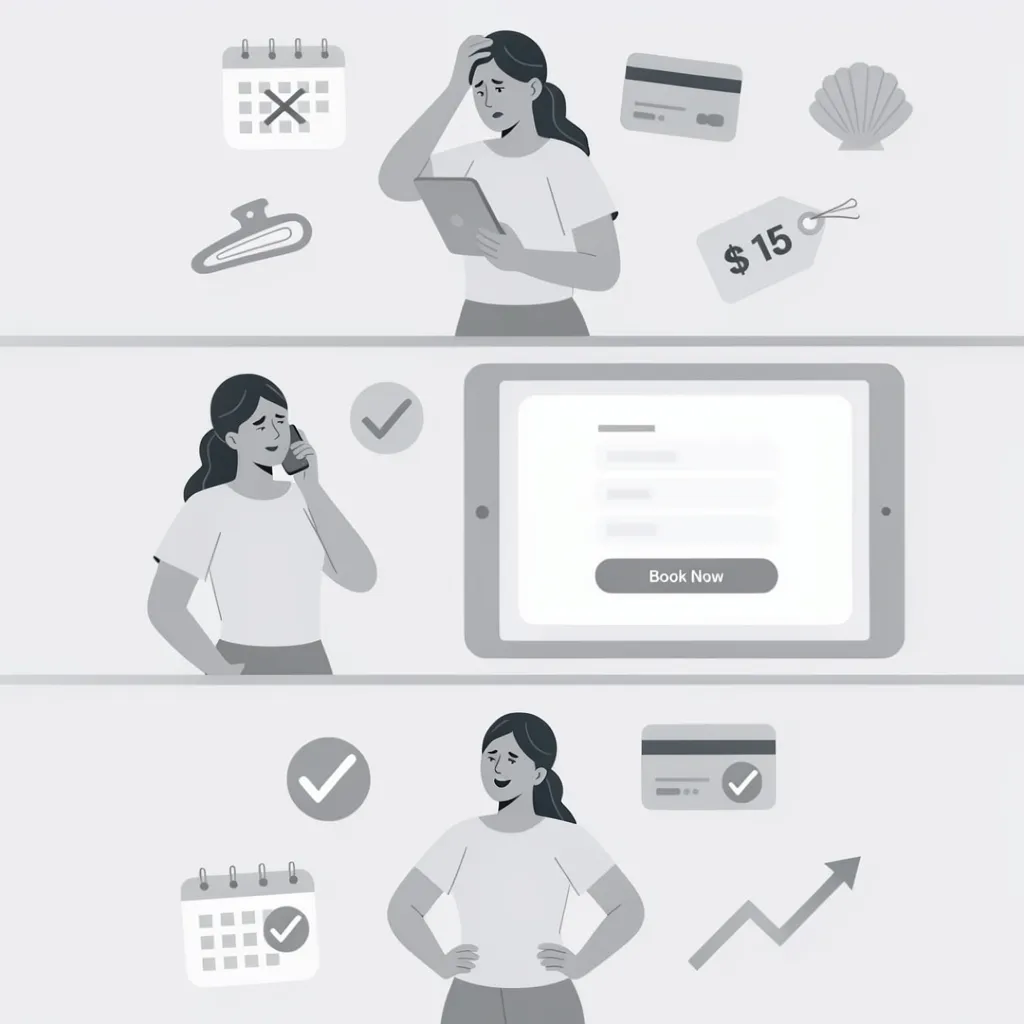
You didn't open a salon to spend your evenings struggling with complex web software, managing developer contracts, or wasting money on ads that don't convert.
You need a platform that handles the heavy technical lifting automatically while giving you full creative freedom.
This is precisely where BoltWeb transforms your salon business.
BoltWeb is the ultimate high-performance salon website builder designed to turn online attention into real, in-chair bookings:
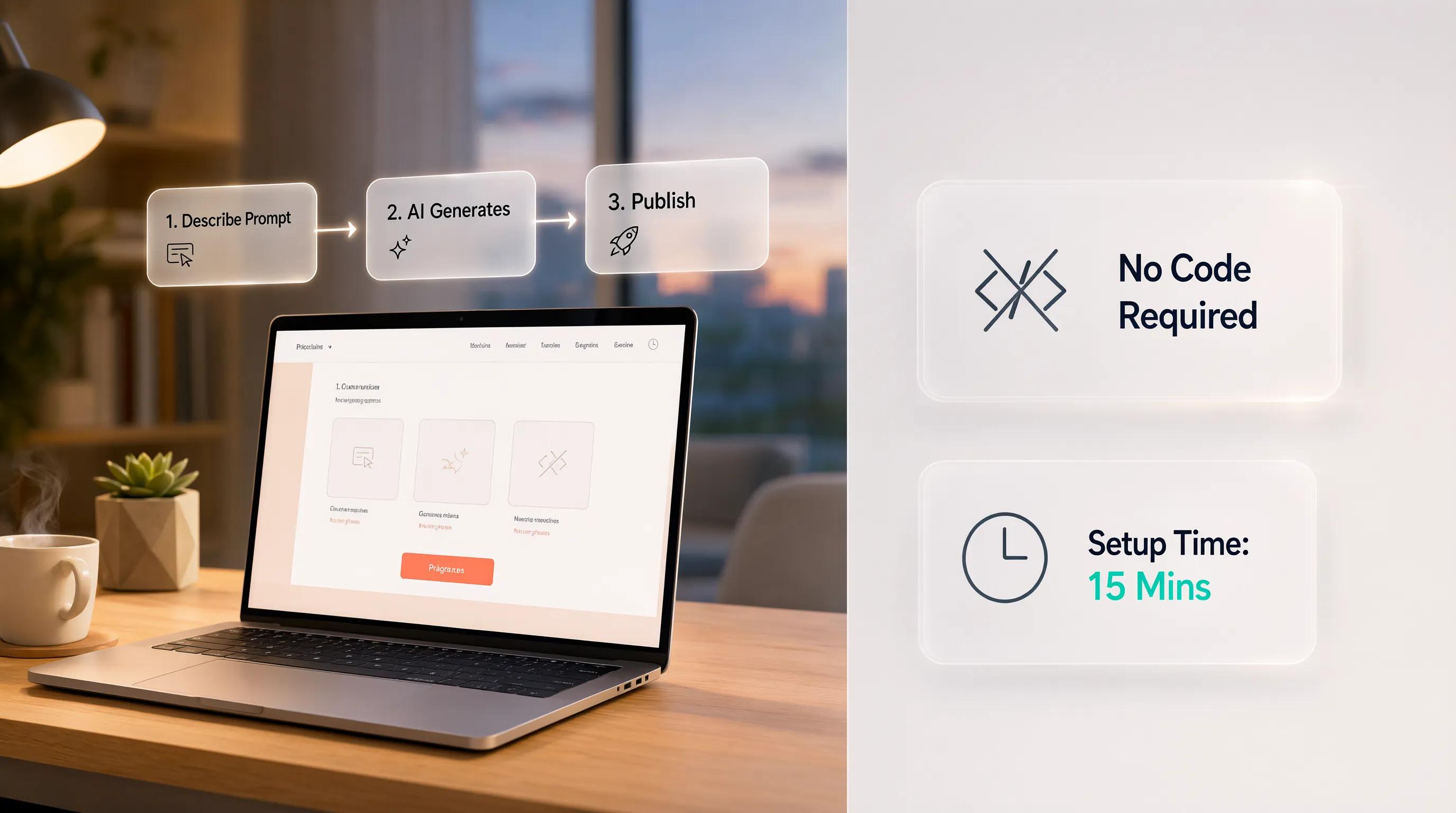
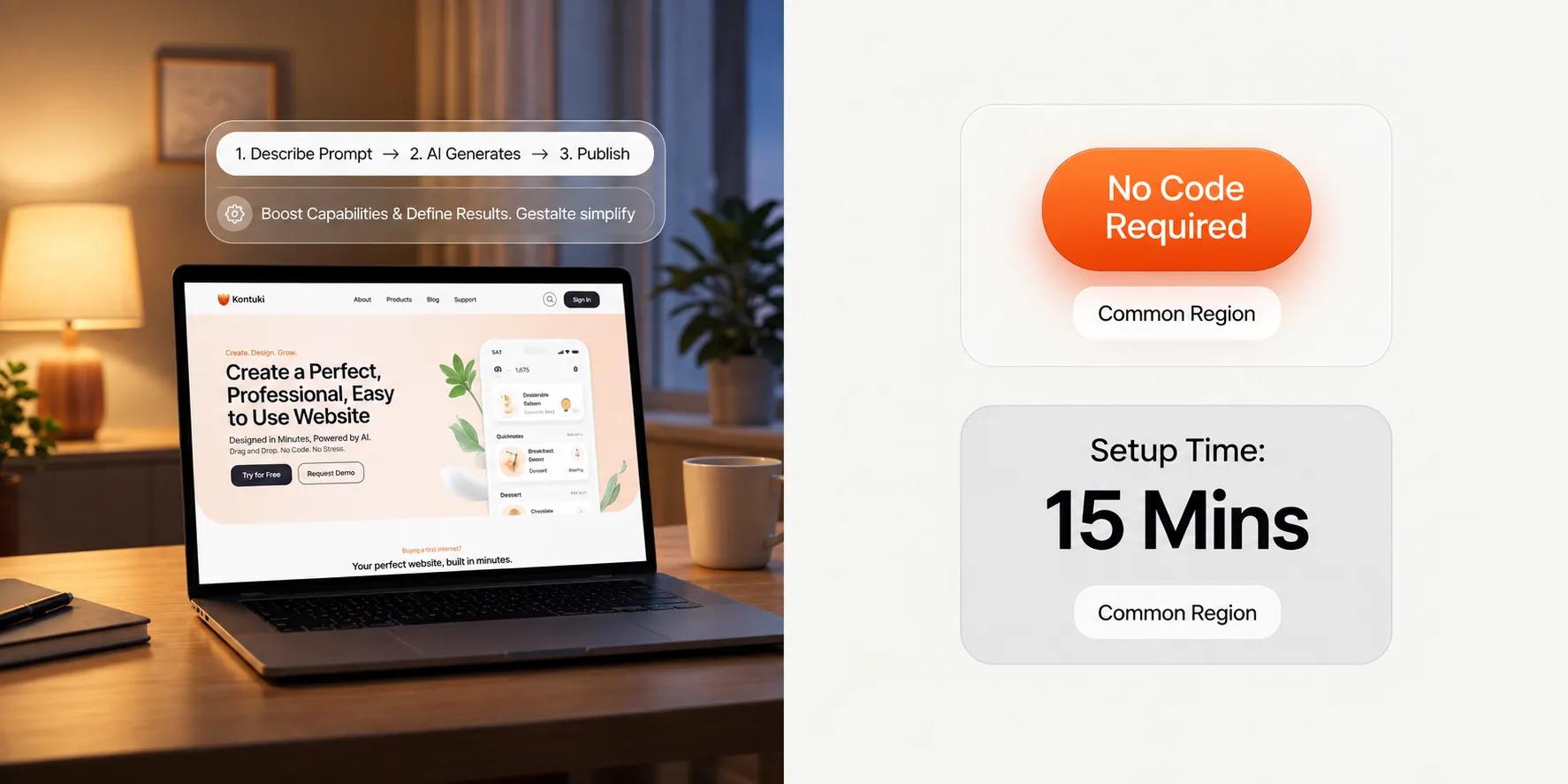
- Instant Multi-Page Generation: Enter your salon name, location, and services, and our AI website creator generates a custom, beautifully structured beauty salon website complete with tailored copy, service grids, and galleries in under 60 seconds.
- Effortless Visual Control: Customize your site anytime using our intuitive website drag and drop builder. Update pricing, add seasonal promos, or showcase your latest team member with zero coding required.
- Pre-Trained AI Geo & Local SEO: BoltWeb builds your site on high-performance architecture optimized for local SEO. When potential clients search for salons nearby or query AI platforms like ChatGPT, Gemini, and Perplexity, your site gets indexed cleanly and put right in front of them.
- All-in-One Growth Stack: Access over 20 built-in marketing tools, rapid cloud hosting, security, and booking integration features without paying for extra plugins or agency retainers.
Salon Website Builder FAQs
How does a salon website builder bring in more paying clients?
Getting people to visit your page is only step one. The real magic happens when a stranger browsing on their phone transforms into a confirmed booking in your chair.
Here is the truth: doubt destroys bookings.
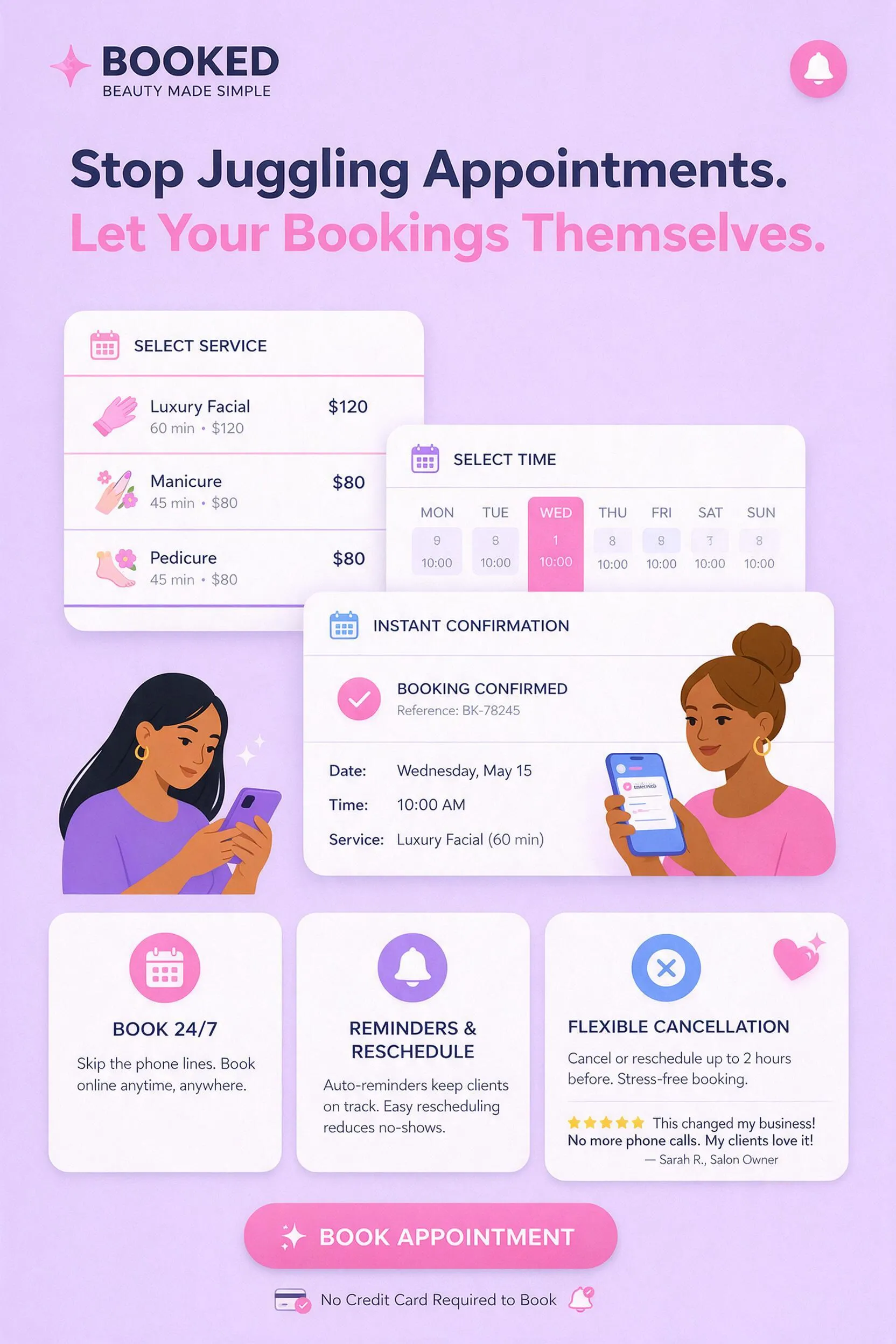
When prospective clients visit your site, they want to see what your work looks like and book a spot without jumping through hoops. A specialized salon website builder lets you feature vibrant hair transformations, showcase staff specialties, list transparent pricing, and place a direct salon online booking link right at the top of the screen.
Can I display my hair and beauty menu without making clients download slow PDFs?
Yes. Sending visitors to a downloadable PDF file creates immediate friction. People hate pinching, zooming, and scrolling sideways on mobile phones just to check what a haircut or balayage costs.
That frustration drives potential clients straight to your competitors.
An easy salon website builder features clean, built-in digital menu sections made specifically for mobile screens. You can categorize haircutting, hair coloring, facial treatments, and nail services cleanly so guests can review options in seconds.
Will my beauty salon website look incredible on mobile devices?
Over 85% of hair and beauty appointments start on a smartphone screen. If your pages take forever to load photo galleries or look distorted on mobile, visitors leave instantly.
A modern hair salon website builder crafts fully responsive layouts from day one.
Whether a guest checks your salon membership plans or browses stylist portfolios on a phone, tablet, or desktop, every image, service price, and booking button adjusts seamlessly.
Can I offer salon memberships or package deals directly on my site?
Yes. Recurring VIP passes and bundled treatment packages are fantastic ways to build reliable, predictable revenue for your salon.
Displaying salon membership plans clearly online makes recurring packages easy to understand.
You can highlight monthly perks—like discounted touch-ups or complimentary blowout treatments—and let loyal clients subscribe directly through your site.
Can I connect my existing scheduling tool to my new salon website?
Yes. You don't have to abandon the software you already rely on to manage your calendar.
Top easy salon website builder platforms allow seamless embedding with popular scheduling systems like Vagaro, Boulevard, Mindbody, or Fresha. You simply paste your custom booking link into your page buttons, and appointments sync straight to your front desk.