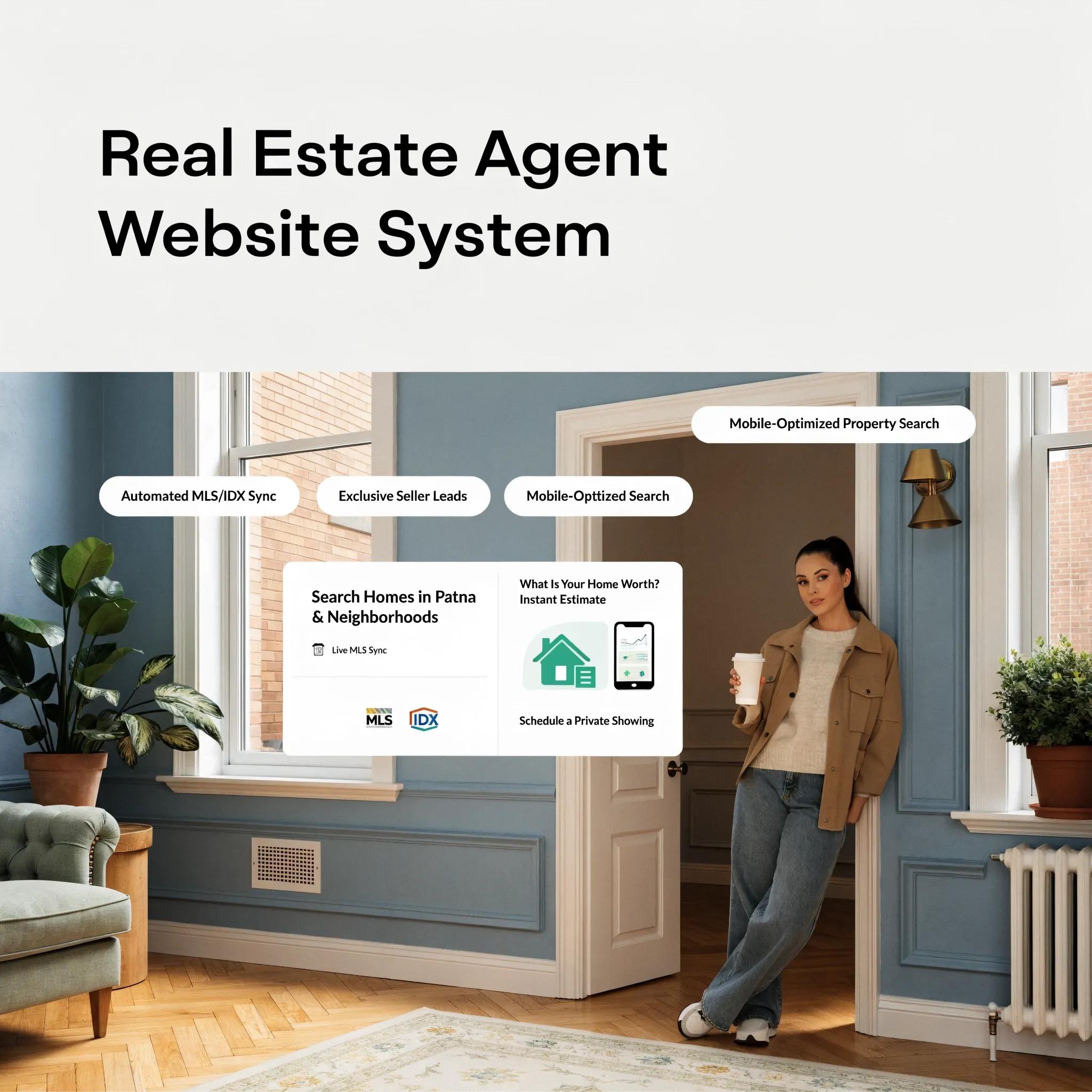
TL;DR: Winning high-value listings and motivated buyers requires an online presence built for immediate trust and action. Traditional web design agencies charge thousands and take months to deliver, while overly complex site tools leave you fighting clunky settings instead of closing deals. An automated website builder for a real estate agent generates a sleek, mobile-ready layout complete with property showcase blocks, neighborhood highlights, and strategic lead forms in under a minute. It allows you to spend your valuable hours pitching sellers and hosting open houses rather than wrestling with code.
1. Website Builder for a Real Estate Agent: Build a Website That Helps You Win More Clients
Every home buyer and seller in your market googles your name before signing a listing agreement or hopping into your car for weekend showings.
If your online presence looks outdated, slow, or hard to navigate on a phone, those prospective clients quietly walk away. They call the competing agent down the road whose digital front door looks polished and sharp.
Your site should serve as your top-performing sales representative—working 24/7 to capture inquiries, demonstrate local market dominance, and schedule walkthroughs.
Choosing a dedicated website builder for a real estate agent lets you launch a client-generating platform without burning time or draining your commission checks.
2. Make Your Real Estate Website Show Who You Help and Where You Work
When a home buyer lands on your homepage, you have less than three seconds to answer one core question: Does this agent specialize in my target neighborhood?
If visitors must scroll through generic market fluff to discover where you buy and sell homes, you lose them instantly.
Group your target zip codes, core neighborhood specialties, and property types directly in your main headline header.
Structuring your homepage around clear visual boundaries instantly signals to readers that you are the go-to expert in your local market. If you are starting your layout from scratch, read our simple guide on how to plan a website.
3. Make Your Property Listings Easy to Browse Before You Ask for a Lead
Nothing frustrates a motivated home buyer faster than aggressive sign-up popups appearing before they can even look at property photos.
Think about how people shop for real estate online:
- They want to glance at photo galleries, price points, bed/bath counts, and square footage.
- They evaluate neighborhood features and school districts.
- They request a private walkthrough once a specific home catches their eye.
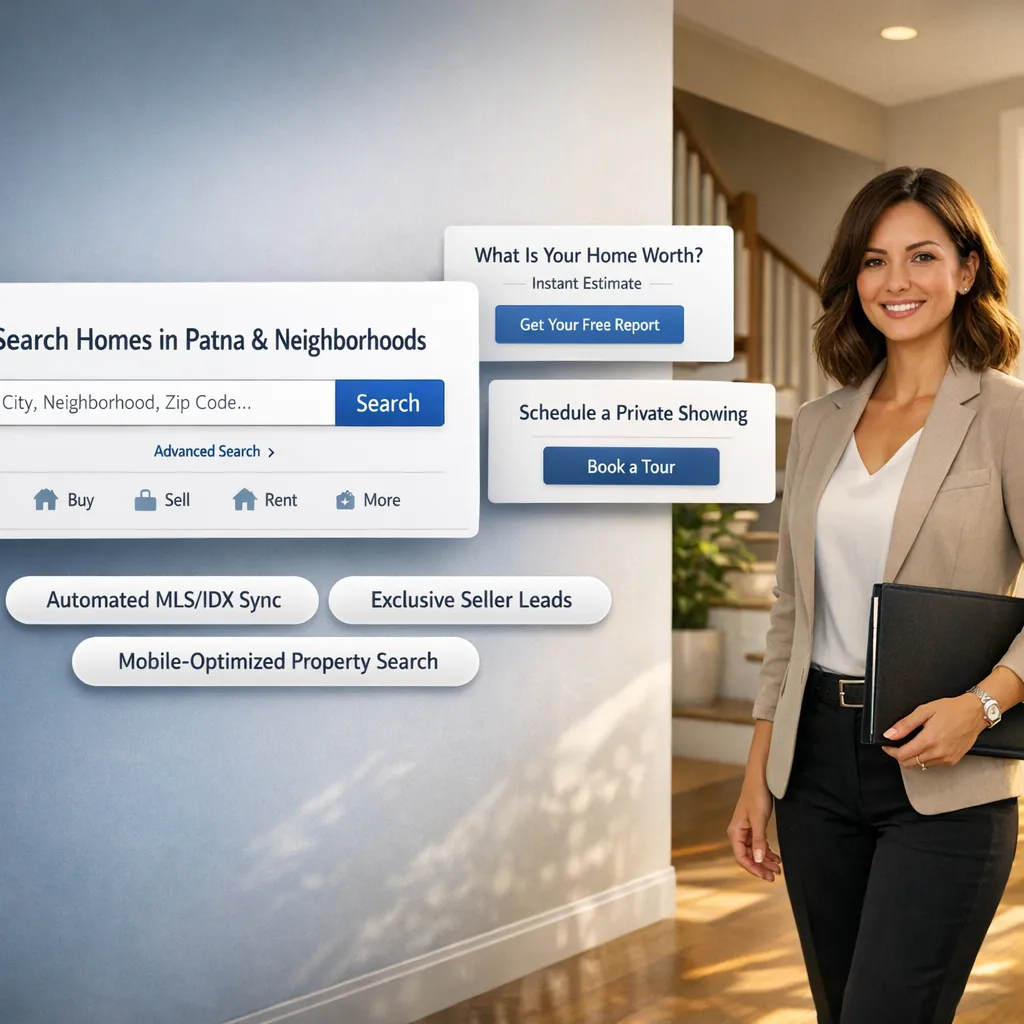
Present your property listings and homes for sale in clean, easy-to-scan grid cards first.
Allow visitors to preview essential home details naturally. Once they fall in love with a featured property, offering a direct walkthrough request becomes the natural next step rather than an annoying interruption.
4. Show Buyers and Sellers Why They Should Work With You
The real estate market is overflowing with agents making identical promises about "unmatched service" and "dedication."
Standing out requires proving your value through clear, concrete achievements.
When prospective clients compare a standard real estate agent website against a clear presentation of actual results, the choice becomes obvious:
- Highlight your average days on market compared to local MLS averages.
- Show off total listing volume closed over the past 12 months.
- Outline your multi-channel marketing plan for listing a client's home.
Give home sellers concrete reasons to trust your listing presentation long before you step foot in their living room.
5. Use Property Photos, Local Knowledge, and Results to Build Trust
Real estate transactions involve people's largest financial assets. Trust isn't optional—it is the entire decision driver.
An effective real estate website builds unshakeable credibility by pairing high-resolution property photography with real client stories.
Instead of burying client reviews on a hidden subpage:
- Feature quotes from happy sellers alongside photos of the actual properties you sold.
- Include neighborhood mini-guides highlighting local coffee shops, parks, and top-rated schools.
- Share video walkthroughs that highlight your hands-on staging and listing production quality.
Showing real proof of past success converts cautious readers into confident leads.
6. Create Separate Paths for Buyers and Sellers
Throwing generic information at every visitor creates confusion, and confusion kills conversions.
A home buyer wants neighborhood market reports, property search tools, and buyer guide downloads. A home seller wants accurate home valuation estimates, staging advice, and commission structure breakdowns.
Give your homepage choice cards two distinct visual pathways right below your primary header section.
Slicing your traffic into clear, dedicated journeys ensures every visitor gets the exact answers they need instantly.
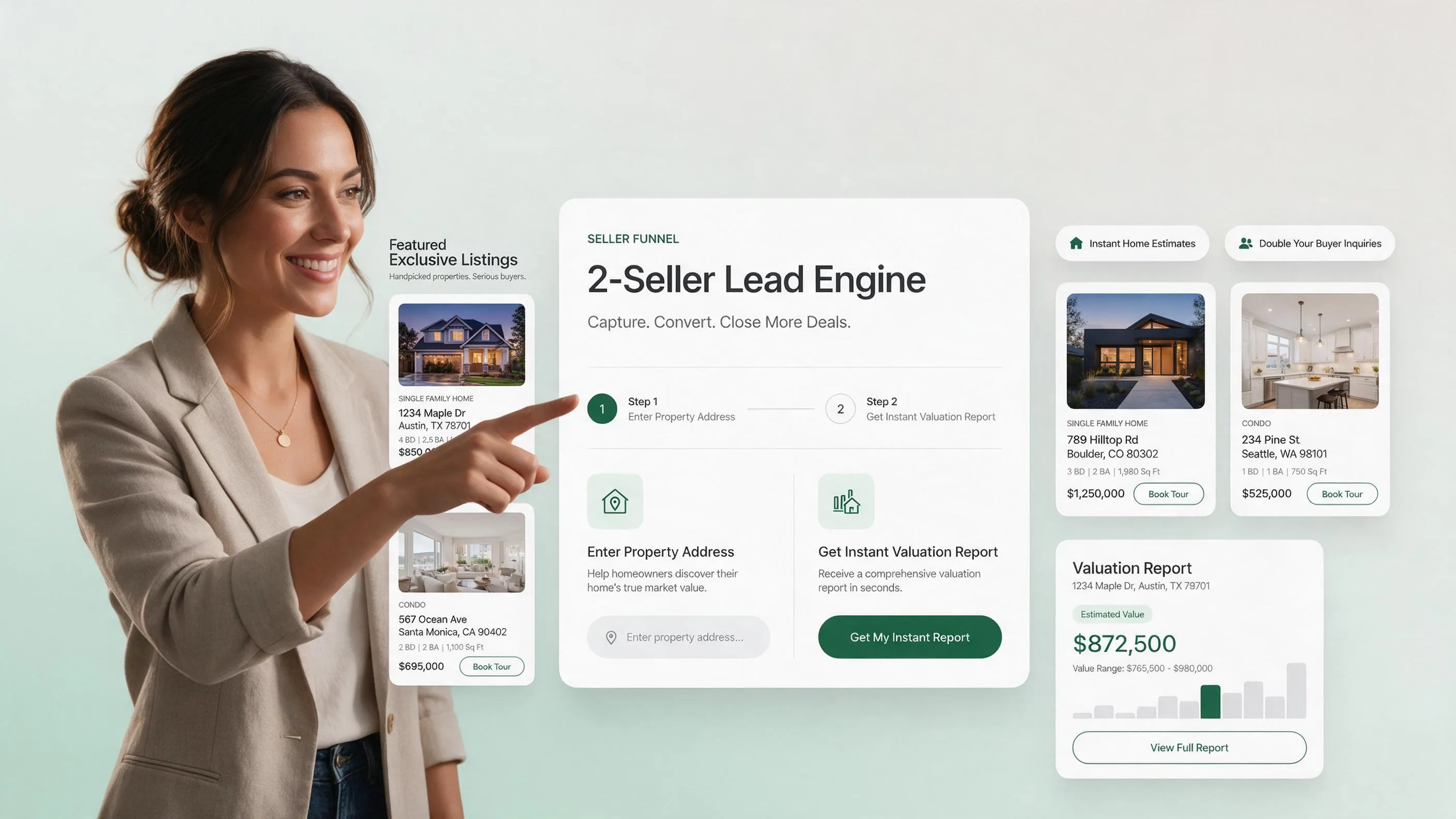
7. Make It Easy for Someone to Ask About a Property
The moment a prospective buyer finds an appealing listing on your site, friction is your biggest enemy.
If they must jump through multi-page surveys, register phone numbers prematurely, or search through hard-to-find footer links, they will close the tab and check another listing site.
Keep your inquiry process effortlessly simple:
- Place a clear "Schedule a Private Tour" button directly beside property photo galleries.
- Limit initial inquiry form fields to just three items: Name, Email, and Preferred Showing Date.
- Send an immediate automated confirmation email so the lead knows you are on it.
Reducing form friction directly increases the number of qualified walkthrough requests landing in your inbox.
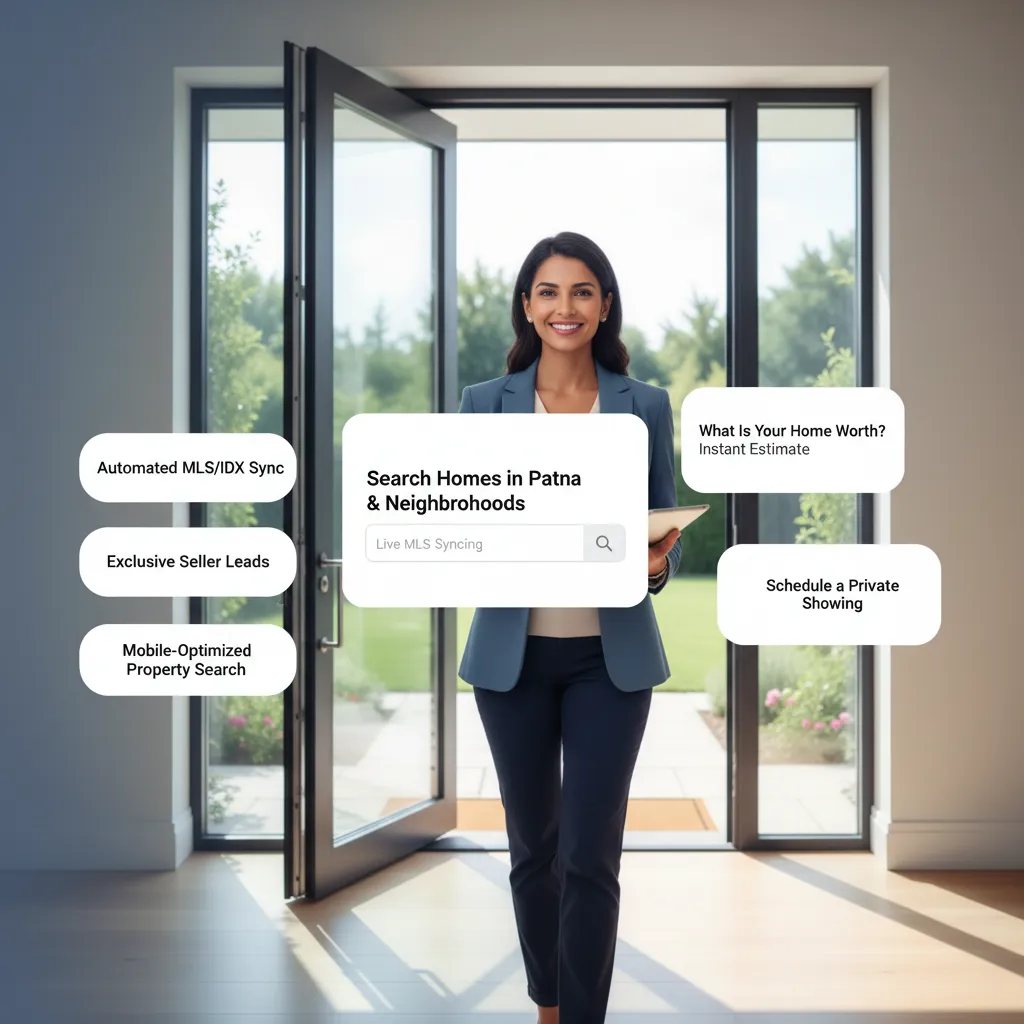
8. Add the Contact, Inquiry, and Booking Tools Your Real Estate Business Needs
You cannot answer your phone every second when you are hosting open houses or running client walk-throughs.
Your digital setup must handle initial lead intake automatically so prospective clients never feel ignored.
| Site Feature | Manual Agency Build | Modern Real Estate Builder |
|---|---|---|
| Listing Inquiry Forms | Requires manual coding and custom CRM plugins | Built directly into property section layouts |
| Home Valuation Requests | Requires expensive third-party form add-ons | Integrated lead-capture forms ready on launch |
| Instant Tour Booking | Requires complex external calendar integration | Syncs seamlessly with your existing calendar |
Deploying a flexible real estate website with contact forms ensures that high-intent buyer and seller inquiries capture automatically, keeping your pipeline full while you focus on closing active deals.
9. Build a Real Estate Website That Looks Professional on Every Device
Over 70% of real estate searches happen on mobile devices.
If a prospective buyer visits your property showcase on a smartphone and encounters broken image grids, tiny unclickable text, or overflowing contact forms, they bounce immediately.
A truly professional real estate website automatically adjusts every photo gallery, listing detail block, and contact form to fit small screens perfectly.
Test your listing pages on your own phone first. If tapping a button or dialing your office number takes more than one click, you are giving away commissions to competing local agents. To compare how automated platforms match up against traditional custom code, explore our deep dive on AI website builder vs custom development.
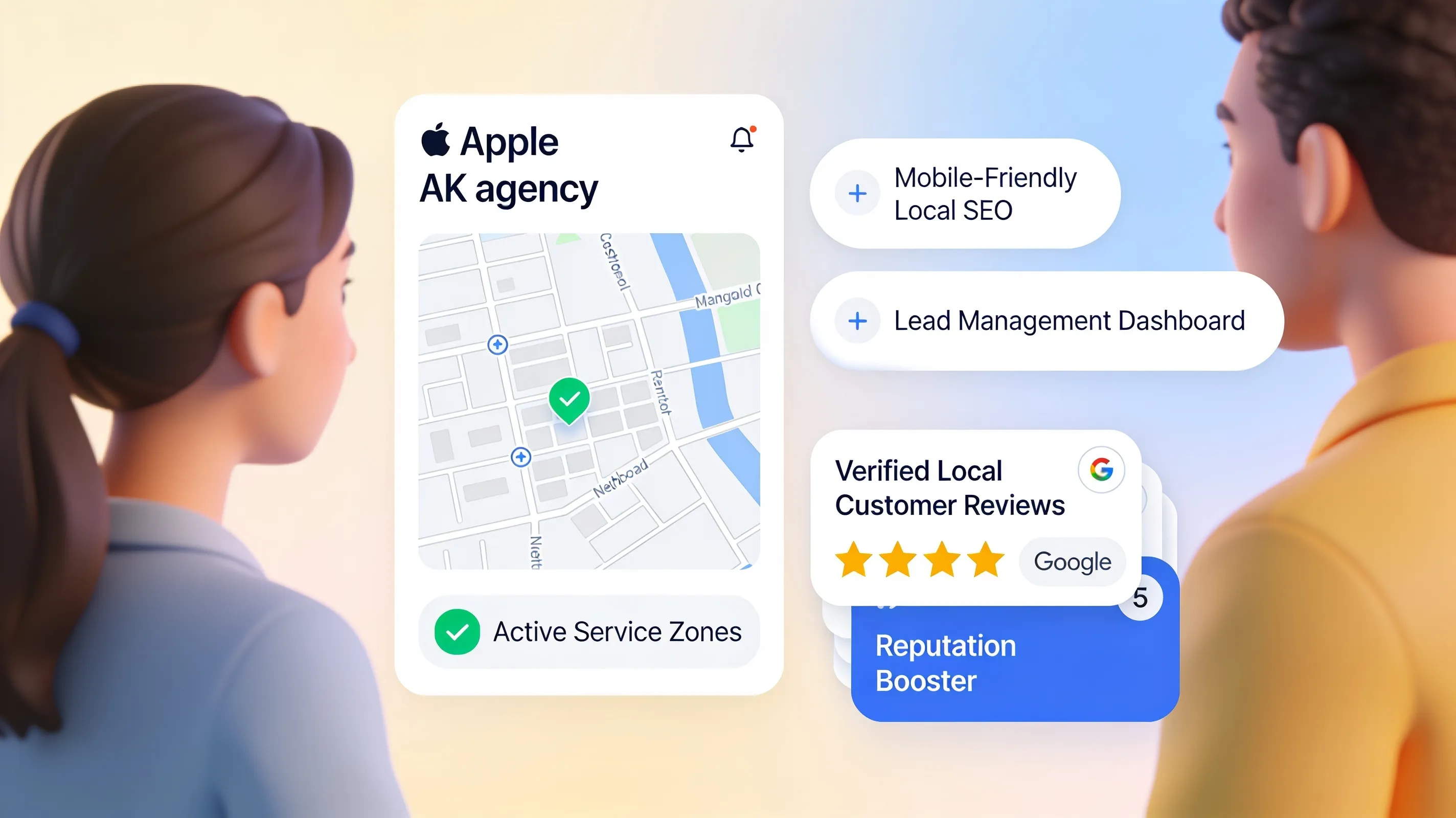
10. Help Local Buyers and Sellers Find Your Real Estate Business on Google
Having a beautiful layout means nothing if local clients cannot find your pages when searching online.
Ranking in local search results requires building pages around specific geographic search phrases that buyers and sellers actually type into Google.
Winning local search results requires simple optimizations:
- Title every property showcase page with your target city and neighborhood names.
- Publish neighborhood guide articles covering local amenities, school ratings, and market trends.
- Connect your site directly to your verified Google Business Profile.
Building out dedicated local pages captures high-intent search traffic right when homeowners decide to list. Learn how to write search-optimized headlines by reading our step-by-step guide on how to write SEO-friendly website content.
11. What to Look for When Choosing the Best Website Builder for Real Estate Agents
Not all site platforms are designed to handle high-resolution property showcases, fast lead collection, and local personal branding.
When evaluating the best website builder for real estate agents, ensure your choice includes these essential capabilities:
- Instant Page Generation: Can you create full listing pages and neighborhood guides in minutes without coding?
- Mobile-First Layouts: Do property photo galleries swipe smoothly and load instantly on smartphones?
- Simple Visual Editor: Can you swap listing photos, update property prices, and post sold banners in seconds?
- Built-in Lead Capture: Does the platform include simple inquiry forms that deliver leads straight to your email?
- Low Ongoing Costs: Does one simple plan cover your hosting, SSL security, and design editor without expensive plugins?
Skipping bloated corporate platforms in favor of an efficient, modern setup keeps your technical overhead near zero.

12. Build Your Real Estate Website Without Spending Your Time Managing Website Technology
Your time is worth hundreds of dollars an hour when spent pitching listing presentations, hosting open houses, and negotiating purchase contracts.
You shouldn't waste your precious evenings fighting technical settings, updating broken software plugins, or waiting weeks for web designers to fix simple text typos.
This is exactly why BoltWeb was developed.
BoltWeb provides the ideal platform for busy real estate agents who want speed, independence, and professional visual impact:
- Instant Real Estate Generation: Input your market location and agent specialty, and our AI website builder creates a polished multi-page layout with custom headlines, property grids, and seller lead capture blocks in under 60 seconds.
- Easy Visual Drag-and-Drop Editor: Update property statuses, add newly sold listing photos, or tweak neighborhood guides using our visual website drag and drop builder—no technical knowledge required.
- Built-in Marketing & Growth Tools: Expand your local presence easily. BoltWeb comes packed with over 20 built-in marketing and search tools, making it simple to create neighborhood landing pages, publish blog articles, and attract organic home buyer and seller leads.
Stop losing high-value listings to competing agents with better websites. Build your professional real estate presence on BoltWeb today!
Frequently Asked Questions
Will a real estate website actually bring in buyers and sellers, or is it just an online business card?
If your current site is just a static profile picture and an email link, it acts as a digital card—and most visitors leave in seconds. A purpose-built platform works as your 24/7 assistant. When a prospective seller or buyer lands on your page, clear layout zones guide their eyes straight from your neighborhood track record to property tours and tour-booking forms. Instead of just existing online, your site actively collects inquiries, answers initial questions, and fills your calendar while you are out hosting open houses.
How fast can I get my property site up and running without technical delays?
Traditional agencies take months to deliver a custom layout, while complicated platforms force you to learn web development. Using BoltWeb, you can input your main market locations, niche, and client achievements to generate a complete, responsive site with listing grids, neighborhood highlights, and lead capture forms in under a minute.
How do I turn passive site visitors into active walkthrough requests?
People leave sites when they hit immediate sign-up walls or hard-to-navigate forms. Group your high-resolution property photos, essential pricing, bed/bath counts, and neighborhood perks together in clean visual cards first. Once a buyer sees the exact details they want, place a low-friction inquiry form directly alongside the gallery asking for just their name, email, and preferred showing time. Removing unnecessary form fields makes asking about a home effortless.
How should I organize my site so both buyers and sellers find what they need instantly?
Home buyers and home sellers visit your page with entirely different goals. A buyer wants quick property filters and local neighborhood insights, while a seller wants home valuation estimates and your marketing strategy. Placing two distinct choice pathways right at the top of your homepage lets visitors naturally self-select their journey, ensuring neither group gets confused or bounces.
How can I showcase my track record so homeowners choose me over competing agents?
Generic claims like "dedicated service" fail to persuade hesitant sellers. Instead, group your actual market metrics—such as average days on market, list-to-sale price ratios, and total closed volume—right next to high-res photos of recently sold homes and verified client reviews. Pairing concrete numbers with visual proof creates an unmistakable picture of local market authority that earns immediate confidence.
Technical & Mobile Experience
Will my property galleries and tour forms work smoothly when clients browse on their phones?
Over 70% of property searches happen on mobile devices while buyers are sitting in their cars or walking neighborhoods. A modern layout automatically stacks photo galleries into smooth swipeable sliders, resizes listing details cleanly, and pins a clear "Schedule Showing" tap button to the bottom of small screens. This ensures mobile visitors can view photos and book a tour without zooming or fighting broken layouts.
Do I need to hire a developer every time I get a new listing or close a deal?
Not at all. You can swap listing photos, mark properties as "Sold," or update price points in seconds using an intuitive visual editor. Updating your site takes moments, leaving you free to focus on clients rather than backend software code.
How do I get my site to rank when local home buyers search on Google?
Winning local search results comes down to clear geographic targeting. Organize dedicated neighborhood pages built around specific search terms like "Homes for Sale in [Neighborhood Name]" or "Top Listing Agent in [City Name]." Connect these pages to your verified Google Business Profile and regularly publish local area guides to capture buyers and sellers right when they start searching.
Can I host video walkthroughs and high-resolution photo galleries without slowing down my site?
Yes. Modern site architectures automatically compress and deliver media files over fast global delivery networks. Your image grids and video tours load crisp and fast on cellular data without causing site lag or drop-offs.
How do I ensure leads don't slip through the cracks while I am at showings?
Integrated contact forms deliver incoming inquiries straight to your phone instantly. You can also connect calendar tools so clients can schedule discovery calls or walkthroughs directly based on your real-time availability, keeping your sales pipeline moving forward even when you are away from your desk.