An exceptional photography portfolio does not merely function as a digital gallery. It operates as a high-converting client acquisition system designed to turn passive viewers into high-ticket bookings.
When prospective clients land on your site, every image, layout decision, and strategic call-to-action must validate your expertise and guide them seamlessly toward securing your services.
1. Website Builder for a Photographer: Turn Your Best Photos Into a Website That Gets You Booked
High-paying commercial clients, couples, and brands do not hire photographers based on generic image dumps. They make hiring decisions based on visual narrative clarity, brand authority, and immediate confidence in your execution.
Many talented image-makers fall into the trap of using their domain as an unorganized archive of every shoot they have ever completed.
Deploying a targeted website builder for a photographer transforms a static digital gallery into an active client booking engine. Your platform does not require endless pages of unedited albums; it demands a structured showcase that positions your visual style as the definitive choice for your target audience.
2. Let Your Photography Do the First Selling Before You Start Explaining
A prospect spending five seconds on your homepage needs instant answers to three fundamental visual questions:
- What specific photography genre or visual style do you specialize in?
- Does your work reflect the exact quality and mood they are looking for?
- Can you deliver consistent results across real-world shooting environments?
Observe how visual positioning impacts prospective client perception:
Framing your featured work around targeted client desires on your photography portfolio website filters out low-budget requests while immediately capturing premium clients searching for a distinct aesthetic.
3. Choose a Photographer Website Builder That Makes Your Work the Focus
Your time is best spent behind the lens or in post-production, not wrestling with cluttered interfaces, broken scripts, or bloated layout templates.
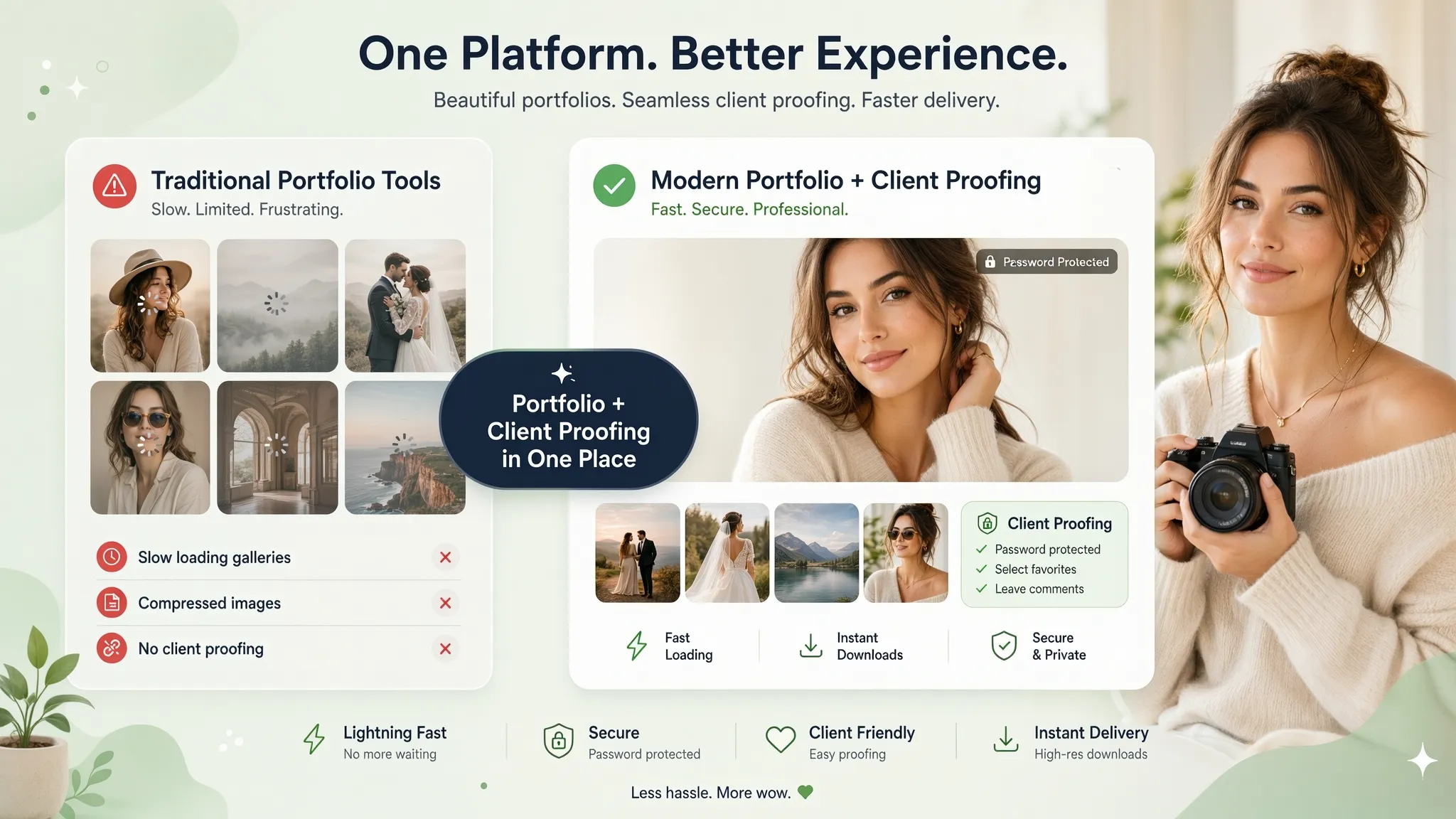
Traditional site platforms often overwhelm visual artists with complex layout configurations, slow image loading speeds, and unnecessary design distractions that draw attention away from the imagery itself.
Using a dedicated photographer website builder eliminates technical visual clutter, allowing you to publish full-resolution, rapid-loading galleries that keep your imagery front and center.
4. Organize Your Photography Portfolio Around the Work You Want to Get More Of
Displaying every genre you have ever shot creates decision friction and dilutes your core authority. If a corporate brand sees newborn portraits mixed alongside commercial product shots, your specialization comes into question.
Instead of displaying an uncurated mix of past projects, organize your photography portfolio into distinct, high-intent galleries:
| Gallery Category | Target Audience | Core Focus |
|---|---|---|
| Commercial & Product | Brands & Agencies | High-impact studio & lifestyle campaign imagery |
| Editorial & Portraits | Publications & Executives | Professional headshots & creative portraiture |
| Events & Weddings | Private Clients & Venues | Full-day documentary coverage & curated highlights |
Structuring your photographer portfolio website around high-margin specialties establishes clear positioning and attracts the specific clients you want to work with.
5. Create Photography Service Pages That Tell Clients Exactly What You Offer
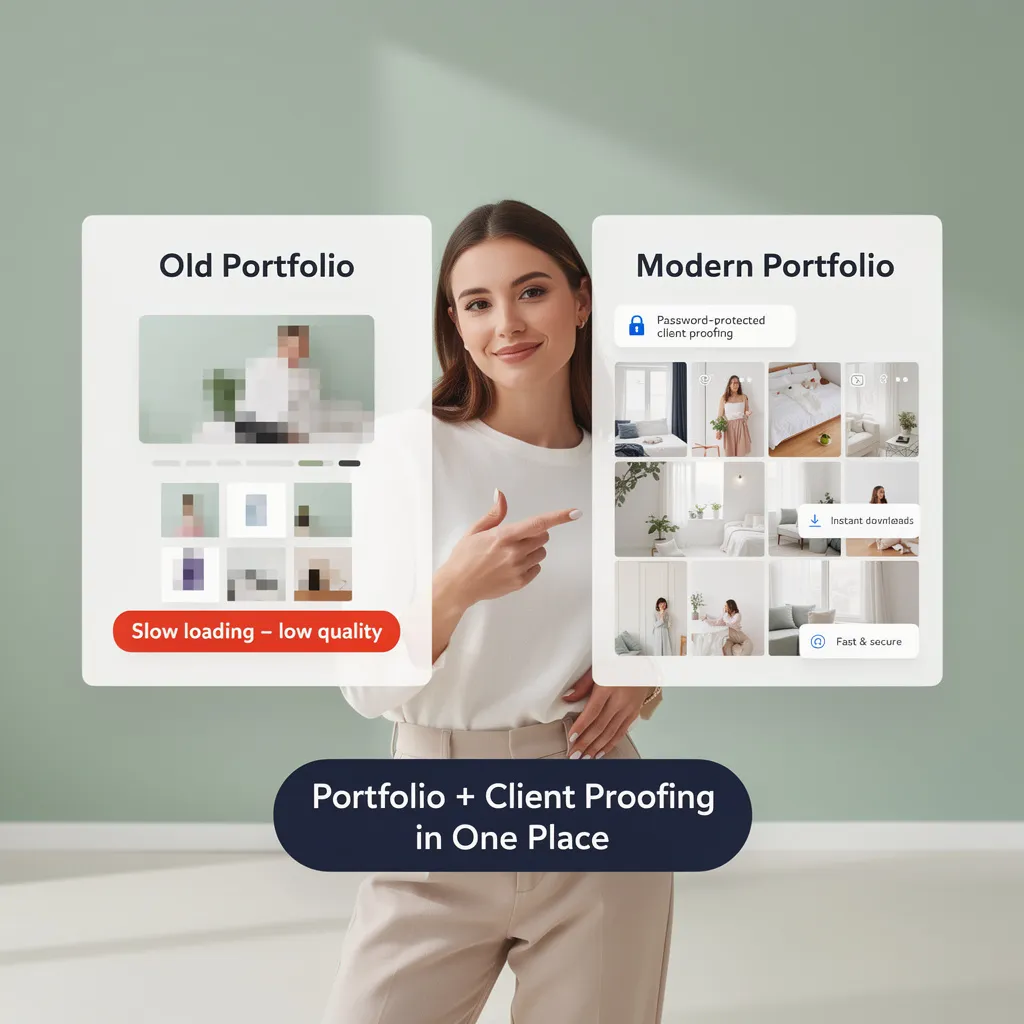
Stunning imagery piques interest, but explicit service breakdowns close bookings. Clients need to know what working with you actually looks like before committing to an initial consultation.
Detailing your process on dedicated photography services pages transforms visual inspiration into tangible commercial offers:
- Pre-Production Alignment: "Creative concepting, mood boards, location scouting, and shot list coordination."
- The Production Phase: "Full-day coverage with professional lighting setups and real-time client tethering."
- Post-Production Delivery: "Color-grading, high-resolution retouching, and password-protected digital gallery delivery."
Clarifying deliverables on your photography business website sets clear expectations, eliminates scope confusion, and accelerates client agreements.
6. Show Pricing, Packages, and What Clients Get Before They Have to Ask
Hiding rates completely forces prospective clients to guess whether your services fit their budget, leading to back-and-forth emails with unqualified leads.
Providing transparent starting rates or structured photography packages pre-qualifies incoming inquiries and builds instant trust:
- 4 Hours of Dedicated Studio or Location Shooting
- 25 Retouched High-Resolution Commercial Images
- Full Commercial Licensing & Digital Delivery within 7 Days
Displaying strategic starting rates on your photographer website streamlines inquiries and ensures you spend time consulting only with serious, budget-aligned buyers.

7. Use Real Client Work, Testimonials, and Results to Build Trust
A beautiful photo proves technical capability, but client reviews proves professional reliability, punctuality, and seamless execution under pressure.
Structure your client proof showcases using a clear narrative flow:
- The Challenge: "A national lifestyle brand needed 40 campaign assets delivered on a tight 48-hour deadline."
- The Execution: "Managed multi-location outdoor lighting setups and real-time asset selection."
- The Result: "Delivered 45 retouched files ahead of schedule, enabling a seamless national campaign launch."
Combining full-gallery deliverables with direct client quotes on your photography website removes booking risk and establishes undeniable authority.

8. Make It Easy for Someone to Go From Loving Your Work to Booking You
When a client falls in love with your visual style, the path to reserving a date on your calendar must be immediate and effortless.
A complicated inquiry process leads to abandoned bookings:
- Direct Call-to-Action: Position clear booking prompts immediately following featured galleries and package details.
- Targeted Intake: Collect critical shoot details up front—Target Date, Event Location, and Production Scope.
- Automated Follow-Up: Provide immediate confirmation messages and clear timeline expectations for response times.
Integrating an intuitive photography website with booking system captures interest at its peak and converts portfolio visitors into confirmed client consultations.
9. Build a Photography Website That Looks Great on Every Phone
Art directors, wedding planners, and event organizers regularly evaluate photography portfolios on mobile devices while traveling or on location.
If your image grids break on smaller screens or galleries take ages to load over cellular networks, clients will exit immediately.
Ensuring your site uses a responsive, mobile-friendly website architecture guarantees that your portfolio renders flawlessly across every display size.
10. Help People Find Your Photography Business When They're Searching for a Photographer
Local clients actively search search engines for specialized regional talent when planning events, brand launches, or portrait sessions.
Dominating local search results requires strategic search engine optimization:
Optimize metadata and page headers around localized queries like "Editorial Wedding Photographer in [City Name]" or "Commercial Product Photography Studio near me".
Maintain an active Google Business Profile for photographers with current studio details, client reviews, and direct links to your site.
Executing targeted photographer SEO ensures your business ranks at the top of search results right when high-intent clients are actively searching to hire.

11. What to Look for When Choosing the Best Website Builder for Photographers
Selecting a web builder requires looking beyond basic design templates to focus on features that directly impact visual presentation, client acquisition, and store monetization:
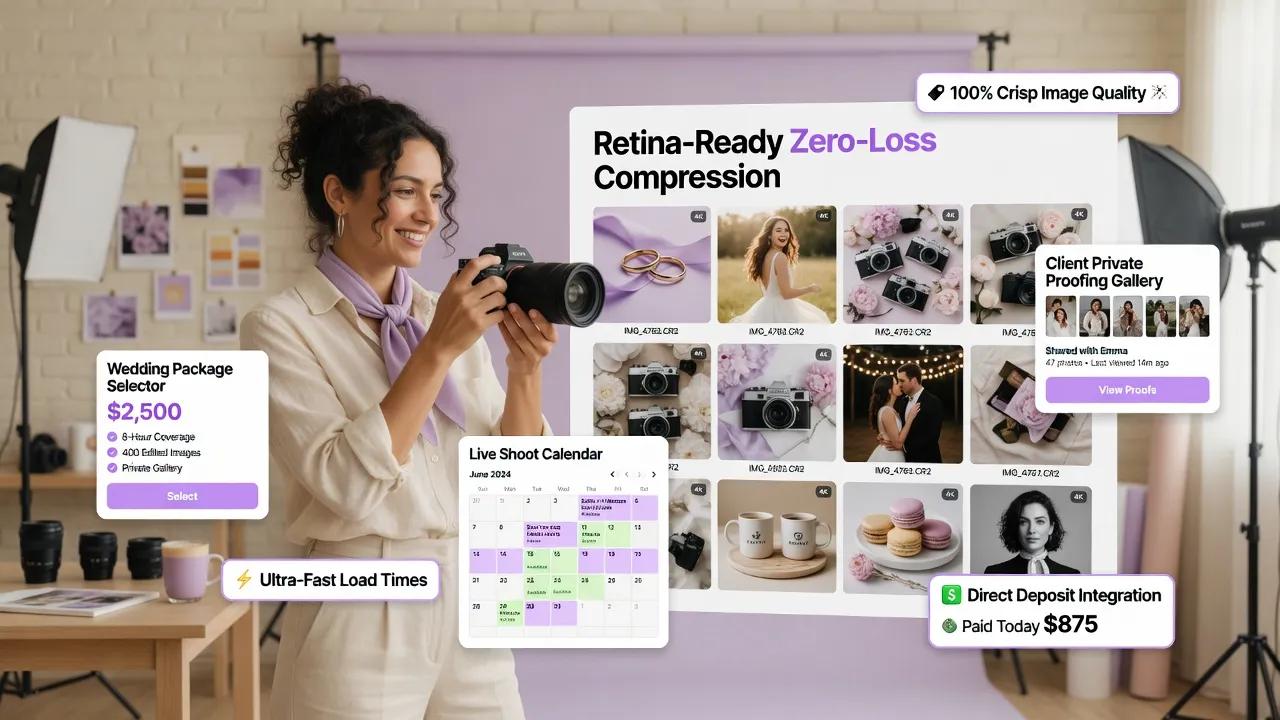
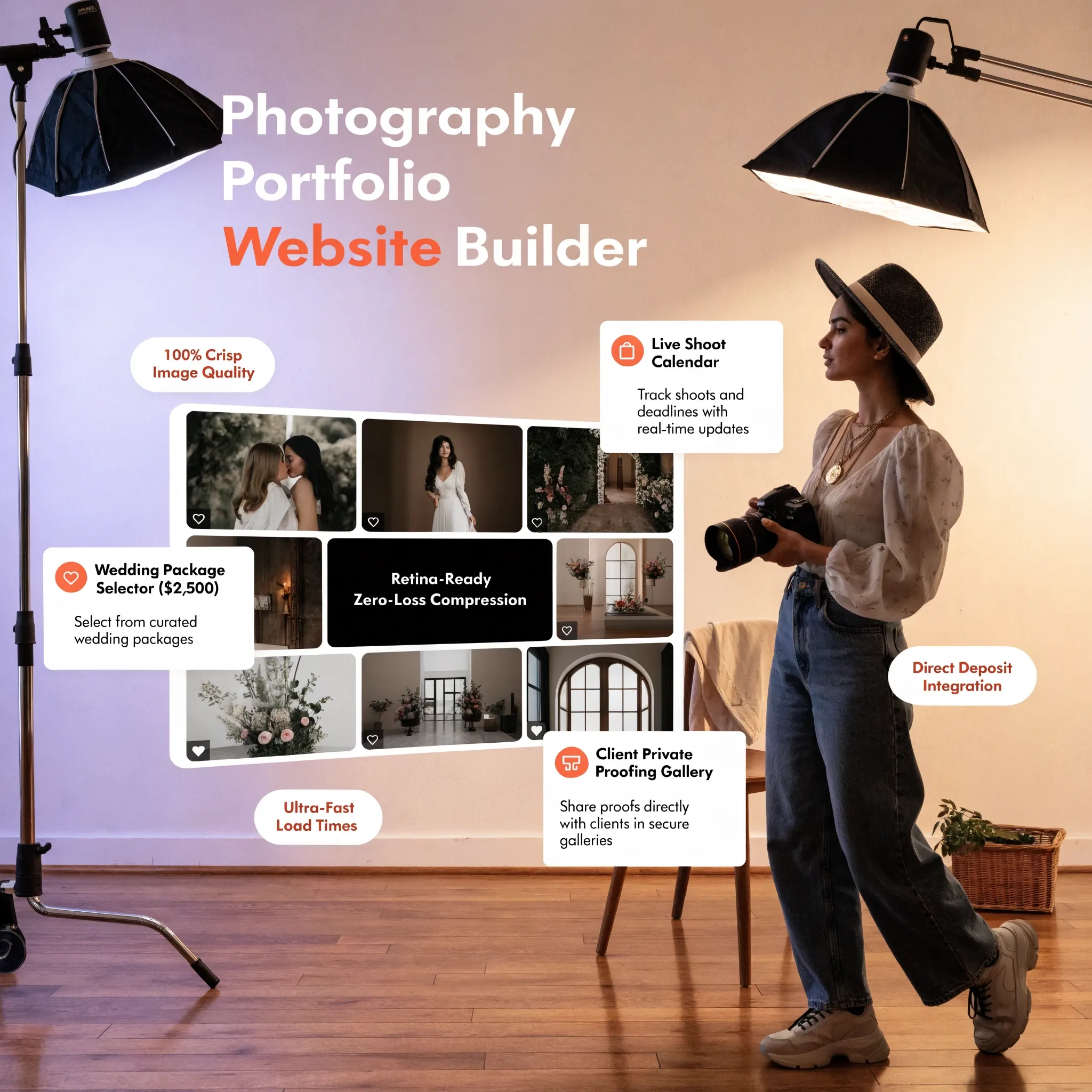
- High-Speed Image Delivery: Does the platform compress and serve full-resolution imagery instantly via global networks?
- E-Commerce Capabilities: Can you sell photos online or sell prints online through built-in storefront tools?
- Proofing & Password Protection: Can you host private client galleries for proofing and image downloads?
- Responsive Gallery Engineering: Do photo grids adjust seamlessly to screen dimensions without cropping critical details?
- Built-in Lead Acquisition: Are contact forms and calendar scheduling features embedded natively without extra plugins?
Choosing the best website builder for photographers gives your creative business a scalable digital foundation designed for long-term growth.
12. Build Your Photography Website Without Spending Your Shooting Time on Website Design
Launching a world-class photography platform does not require endless technical tutorials, custom programming, or weeks spent adjusting layouts.
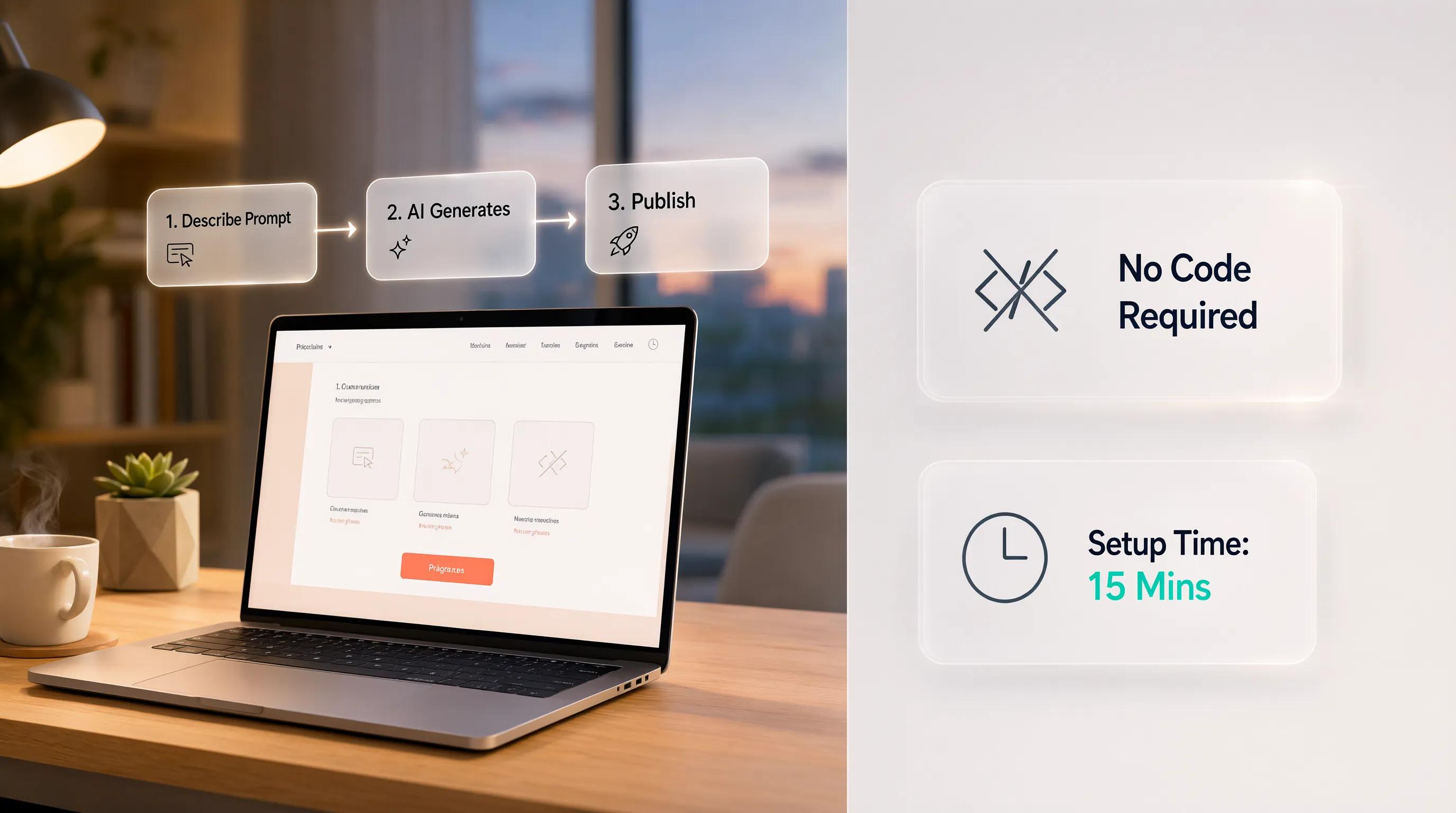
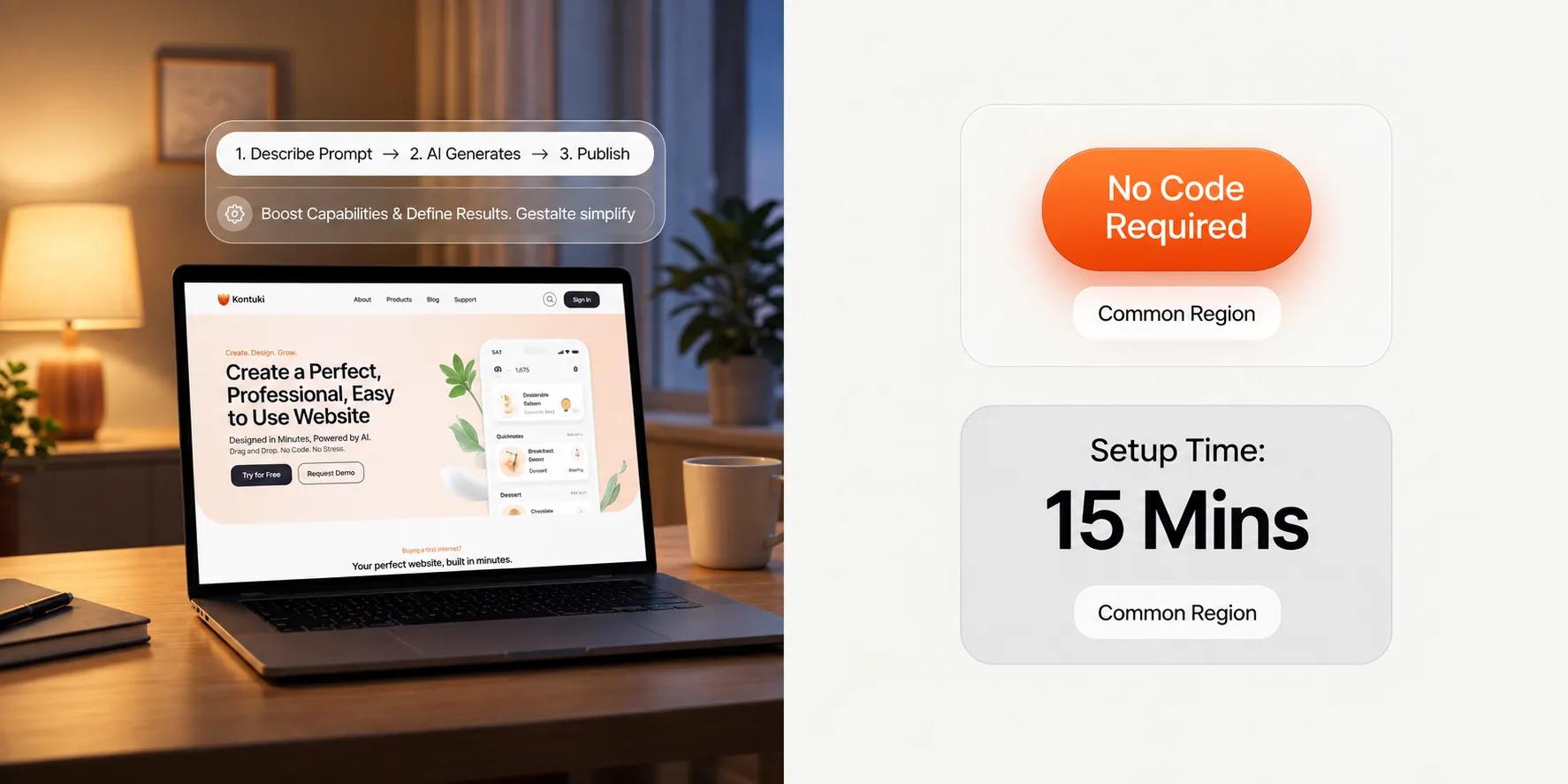
Through BoltWeb, visual creators deploy high-performing platforms engineered to capture clients through a simple execution model:
Take full control of your creative business. Build your custom platform with BoltWeb today.

Frequently Asked Questions
Will a photography website actually bring in clients, or is it just a digital gallery?
A well-structured website functions as your most active sales representative. When a potential client lands on your homepage, curated hero imagery immediately captures attention and communicates your visual style. Strategic layout paths then guide their eyes from your featured galleries to clear pricing packages and direct inquiry forms. Instead of letting visitors scroll passively and leave, your site actively collects project details, answers initial questions, and converts gallery views into confirmed consultation bookings.
How fast can I launch my photography website without dealing with tech headaches?
Traditional agencies often take weeks or months to build custom layouts, while complex legacy builders force you to manage backend plugins and code scripts. Using BoltWeb, you can enter your primary photography genre, location, and service focus to generate a complete, mobile-responsive photography portfolio website complete with image grids, service tiers, and contact forms in under 60 seconds.
How do I organize my portfolio if I shoot multiple types of photography?
Displaying every shoot you have ever done in one unsorted feed creates visual clutter and dilutes your core authority. Group your work into distinct, specialized galleries based on the services you want to sell—such as Commercial & Product, Editorial Portraits, or Weddings & Events. Giving visitors clear navigation choices right away allows clients to find relevant proof instantly without getting overwhelmed.
Should I list my photography pricing and packages on my website?
Hiding your rates entirely forces prospects to guess whether your work fits their budget, often leading to endless back-and-forth emails with unqualified leads. Providing transparent starting rates or structured photography packages pre-qualifies incoming traffic. When prospective clients see clear deliverable breakdowns alongside high-resolution proof, they feel confident reaching out to book.
How do I build trust with prospective clients before our first consultation?
Stunning imagery proves technical skill, but client proof demonstrates reliability and professionalism under pressure. Place direct client quotes, verified reviews, and short case studies right beside your featured image galleries. Showing the exact business results or event outcomes you delivered for past clients removes hiring risk and establishes your brand authority.
How do I turn casual portfolio visitors into confirmed booking inquiries?
Friction is the biggest killer of client bookings. When a prospect falls in love with your photo galleries, the next step must be immediate and effortless. Place a clean, low-friction inquiry form or a direct calendar booking button immediately following your featured work. Keeping intake forms short—asking only for critical details like Event Date, Location, and Project Scope—makes submitting a booking request seamless.
Will my photo galleries and booking forms look great when clients browse on phones?
Art directors, event planners, and couples routinely evaluate portfolios on mobile screens while on the go. A modern layout automatically adapts full-resolution photo galleries into smooth, touch-optimized sliders and pins a prominent inquiry button to the screen. This ensures mobile visitors can explore your work and request a shoot without zooming in or fighting broken page elements.
Can I sell prints and digital photography downloads directly from my site?
Yes. Choosing a modern photographer website builder allows you to sell photos online or offer high-resolution print fulfillment directly through integrated storefront capabilities. You can host password-protected client proofing galleries where buyers can select favorite shots, purchase digital licenses, or order physical prints effortlessly.
How do I get my photography business to rank on Google search results?
Winning local search visibility requires optimizing your site structure around targeted geographic queries. Optimize your headers and metadata around long-tail phrases like "Editorial Wedding Photographer in [City Name]" or "Commercial Product Photography Studio near me." Connecting these dedicated landing pages to an active Google Business Profile builds a sustainable local search footprint that drives organic client leads.
Do I need to hire a web developer every time I want to update my galleries?
Not at all. You can upload new shoot galleries, adjust pricing packages, or post newly published editorial work in seconds using an intuitive visual editor. Updating your platform takes moments, letting you spend your time behind the camera rather than managing backend software.