Landing your next high-value client isn't about collecting accolades or waiting for cold pitches to hit home. It's about what happens the second an interested prospect opens your URL.
If your web presence is clunky, slow, or reads like an online resume, buyers leave without reaching out. You end up trading active billable hours for tech headaches, wrestling with page layouts instead of taking on paid work.
Let's look at how to structure a high-converting site that wins prospective clients on autopilot.
1. Website Builder for a Freelancer: Build a Website That Helps You Get Chosen
Here is a hard truth about freelancing: potential buyers don't visit your digital space to read your life story. They come to discover whether you can solve their exact, burning problem.
Too many independent pros treat their web presence like a static online resume. They list past job titles, dump dozens of unorganized files into a visual grid, and hope a visitor connects the dots.
When you pick a targeted website builder for a freelancer, your platform stops being a costly digital business card and turns into a 24/7 lead-capture engine. You don't need a multi-page monstrosity. You need a fast, persuasive pipeline that shows clients why hiring you is the safest decision they'll make today.
2. Your Website Has to Explain What You Do Before You Get a Chance to Explain It
When a prospect clicks your link, you have less than four seconds to answer three core questions:
- What exact outcome do you deliver?
- Who is your target client?
- Why are you qualified to deliver it?
If your main header reads like generic corporate speak, readers click away. Compare these two headline styles:
By making your primary service and industry specialty the main focal point of your freelance website, you immediately filter out low-budget tire kickers while capturing the attention of serious buyers who need your exact skills right now.

3. Choose a Website Builder That Doesn't Make You Become the Web Designer
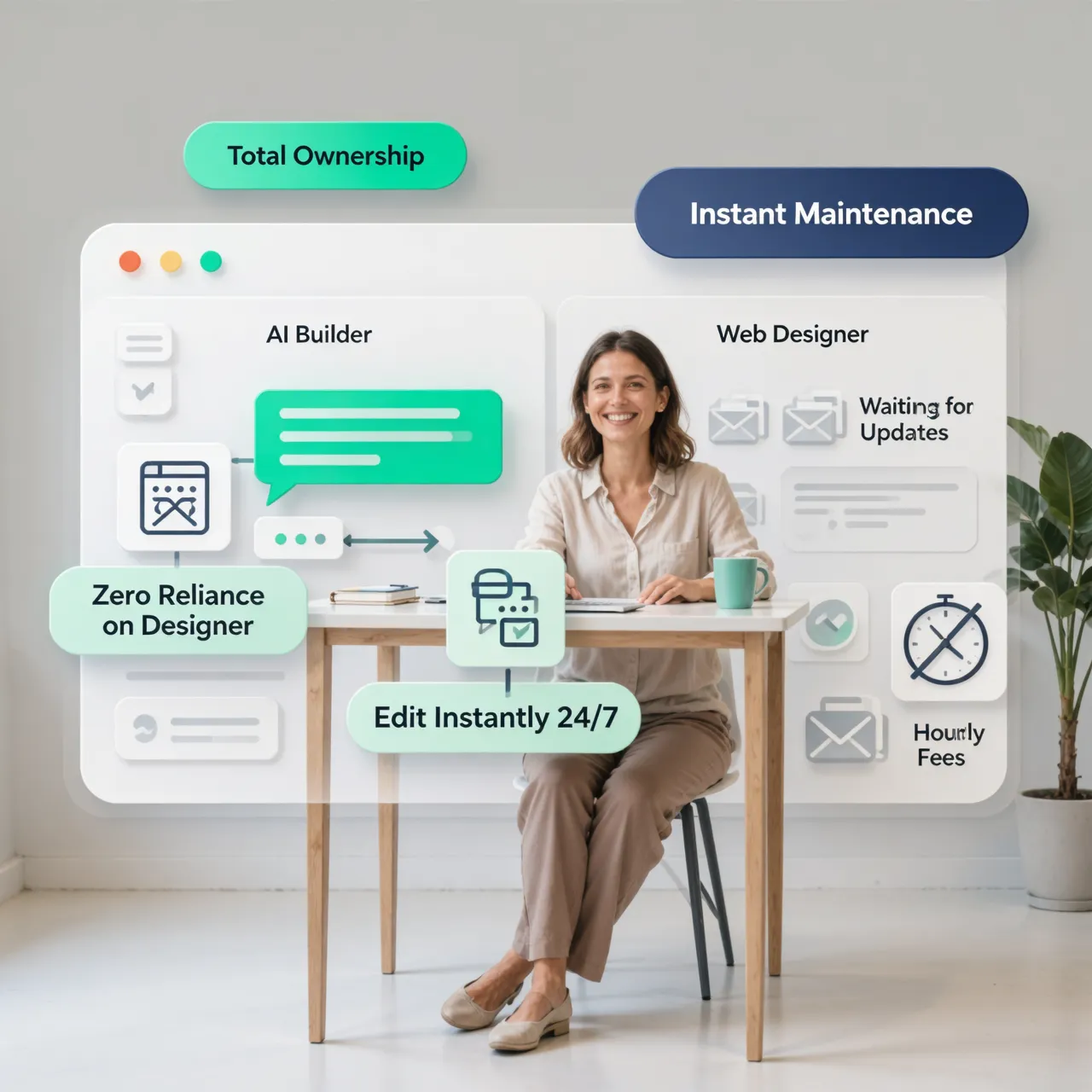
Every hour you spend trying to align image containers or fix broken mobile columns is an hour you aren't billing clients.
Traditional content management systems trap independent contractors in a cycle of plugin updates, broken code scripts, and unexpected maintenance invoices.
| Traditional CMS Platform | Modern No-Code Platform |
|---|---|
| Requires manual plugin maintenance | Automated system updates & visual edits |
| Steep learning curve before launch | Launch-ready layouts generated in seconds |
| Custom code needed for simple tweaks | Visual editing without touching line items |
Choosing an intuitive website builder for freelancers strips away technical friction so you can launch, edit, and update your site in minutes, keeping your primary focus where it belongs: delivering billable work.
4. Turn Your Best Work Into Proof, Not Just a Gallery
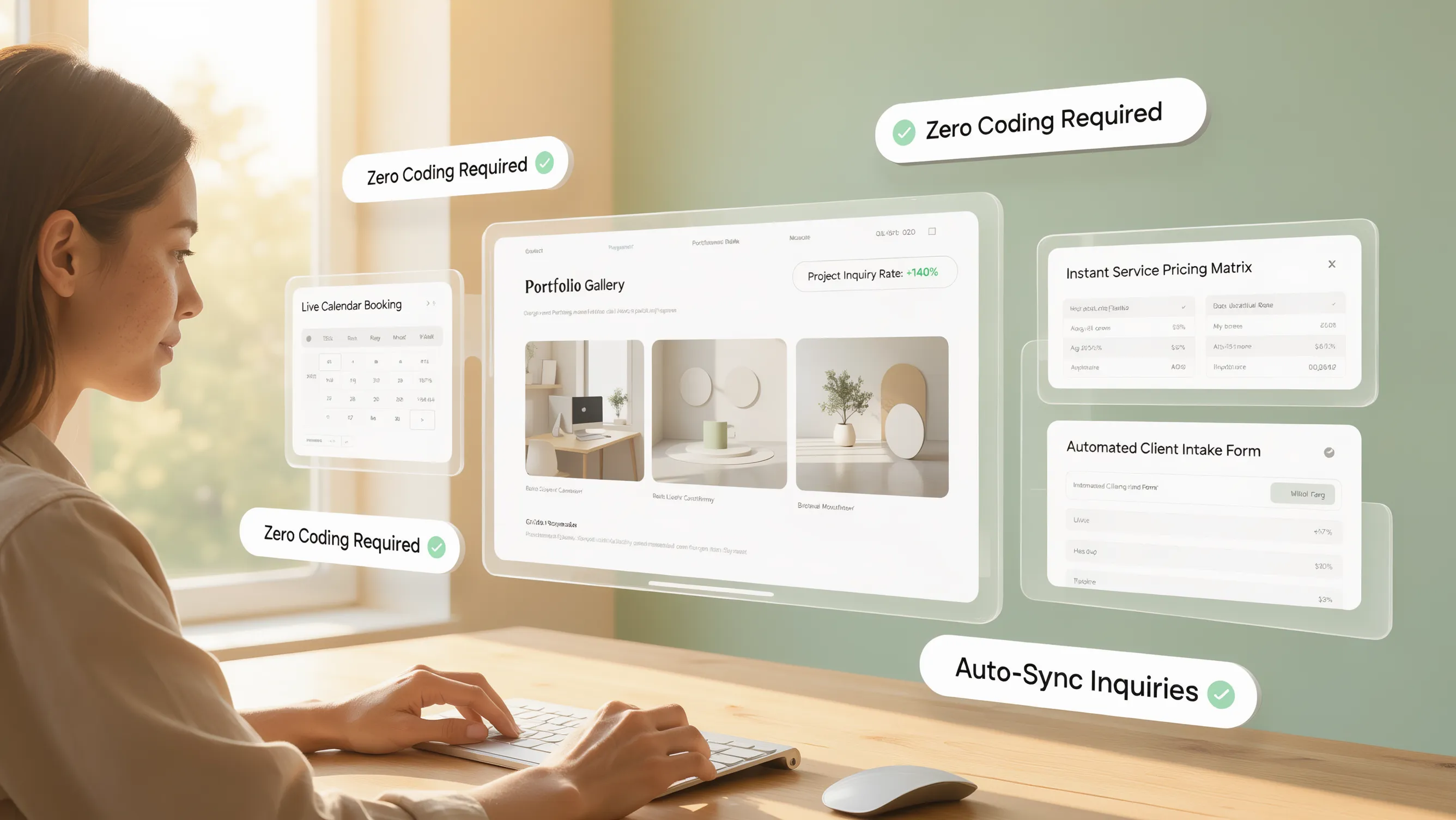
Dumping twenty uncontextualized image screenshots into a portfolio gallery forces prospects to guess what you actually accomplished. High-paying clients aren't buying graphics or paragraphs—they are buying outcomes.
Structure every showcase item on your freelancer portfolio website as a mini case study using this simple framework:
- The Challenge: "The client struggled with a 1.2% checkout conversion rate."
- The Solution: "Redesigned the onboarding funnel and simplified the checkout steps."
- The Result: "Boosted conversions to 3.4%, adding $42,000 in monthly recurring revenue."
Back those metric wins up with a direct quote from the client. Showing concrete business results converts hesitant prospects far better than endless pages of design samples.
5. Build Around the Services You Actually Want to Sell
Offering every skill under the sun doesn't make you look versatile—it makes you look unfocused.
When you present a laundry list of twenty different skills, you trigger decision paralysis in your readers. Instead, streamline your freelance services website into two or three core packages.
Focusing your presentation on your most profitable offerings makes it effortless for clients to choose the exact level of engagement they need, reducing buyer hesitation and shortening your sales cycle.
6. Give Potential Clients a Reason to Contact You Now
A visitor browses your past work, likes your case studies, and agrees with your process. What happens next?
If they have to search through a buried menu or copy an unclickable email address from your footer, momentum dies. Your conversion path needs to be smooth and frictionless:
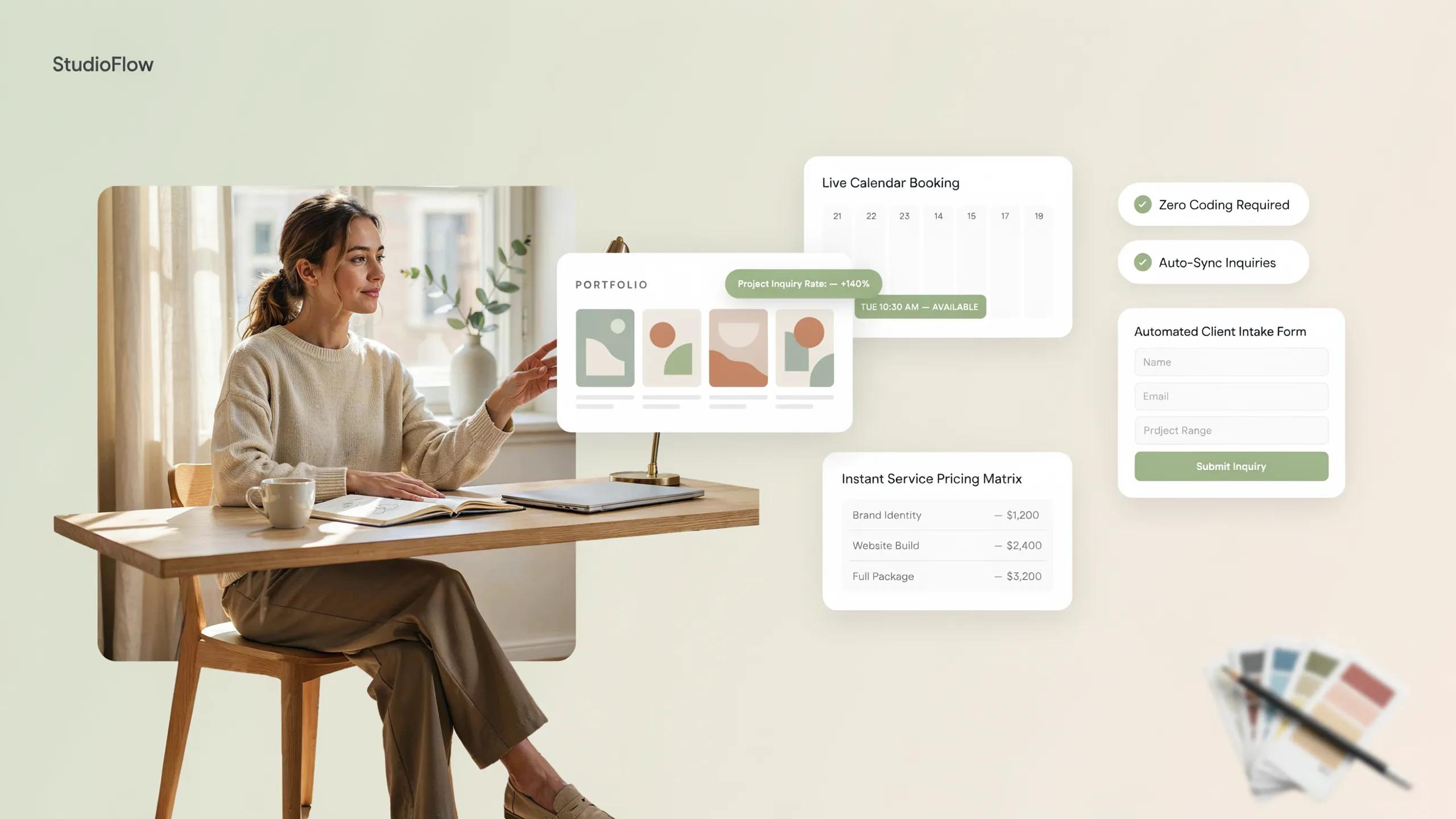
- Clear Direction: Place a prominent booking or inquiry button right below your key project wins.
- Short Forms: Ask for essential details only—Name, Project Scope, and Estimated Budget.
- Immediate Confirmation: Reassure them with a prompt response window so they know their message was received.
When you streamline your freelancer contact form, you eliminate intake drop-offs and keep warm leads moving straight toward a discovery call.

7. Make Your Website Answer the Questions Clients Ask Before Hiring
Every unaddressed question in a buyer's mind is a reason to delay reaching out. Use your digital storefront to eliminate common hiring objections before you ever hop on a call.
Address essential client checkpoints directly:
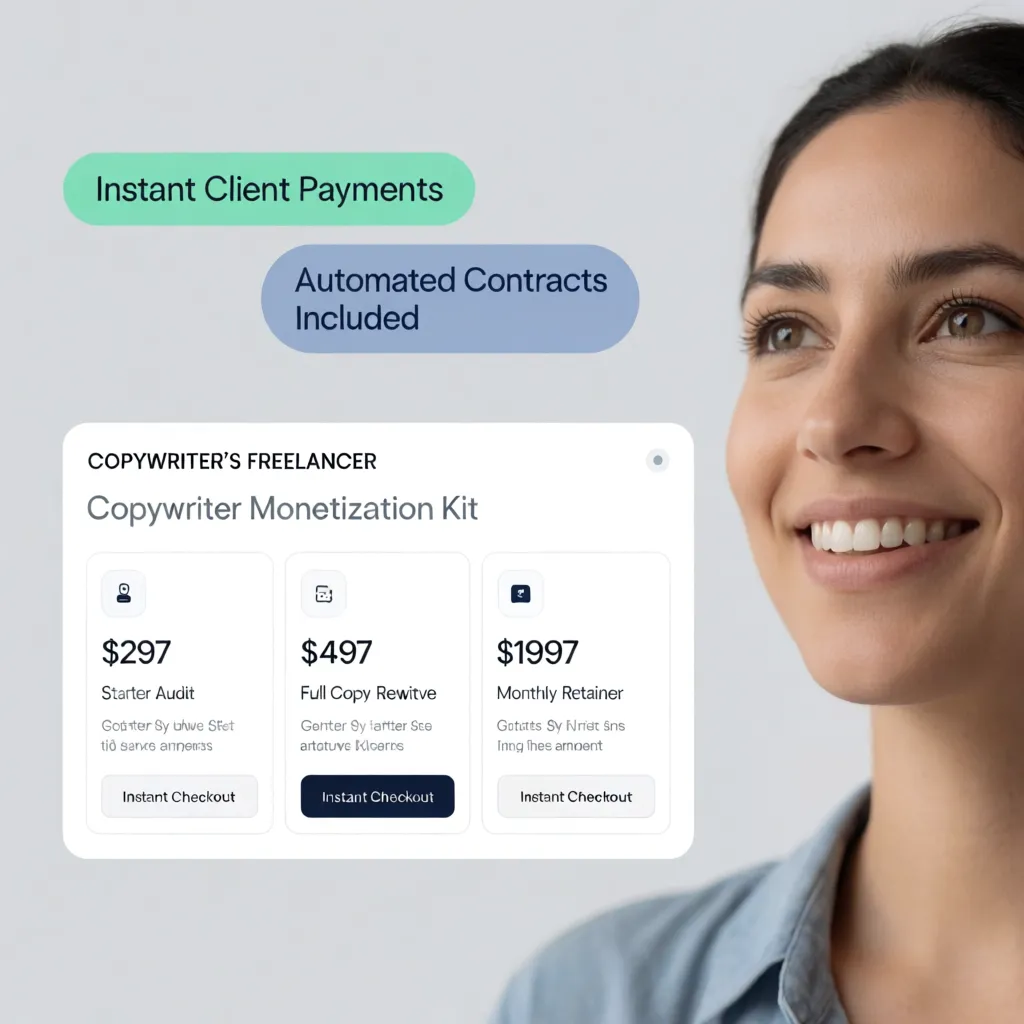
- Investment Ranges: Provide starting-at figures so prospective clients know if your services align with their budget.
- Working Process: Detail how you manage projects, handle revisions, and communicate milestones.
- Current Availability: State clearly when your next open client slot begins.
Handling these details upfront sets clear expectations, saving you hours of unproductive discovery calls with unqualified prospects.
8. Let Your Personality Come Through Without Making the Site All About You
Clients hire freelancers because they want direct access to expert talent—not an bloated agency middleman.
Your personal branding website should strike a natural balance between human warmth and sharp professionalism:
- Share the core principles behind your craft and why you chose your niche.
- Use authentic professional photos instead of cold, generic stock images.
- Write in an open, conversational tone that reflects what it's actually like to collaborate with you.
Positioning your individual expertise as your greatest asset makes your personal brand stand out in a sea of interchangeable agency templates.
9. Make It Easy to Hire You From a Phone
Busy managers, founders, and creative directors regularly review contractor links on their phones between meetings or during commutes.
If your case study images break on smaller displays, or if buttons overlap text blocks, you lose those opportunities instantly.
A fully responsive, mobile-friendly website ensures that your portfolio looks crisp, loads quickly, and allows seamless inquiries on any device.

10. Keep Your Website Working While You Work With Clients
The best digital footprint is one that scales with your growing business without demanding constant manual upkeep.
When you finish a major client project or adjust your service rates, updating your site should take two minutes—not two hours of troubleshooting code.
Deploying a flexible visual editor allows you to:
- Swap in new case study figures in real time.
- Pause inquiry intake when your schedule is full.
- Post quick updates or client quotes on the fly.
Keeping your technical overhead low ensures your site stays fresh without pulling you away from high-value client work.
11. What to Look For When Choosing a Freelancer Website Builder
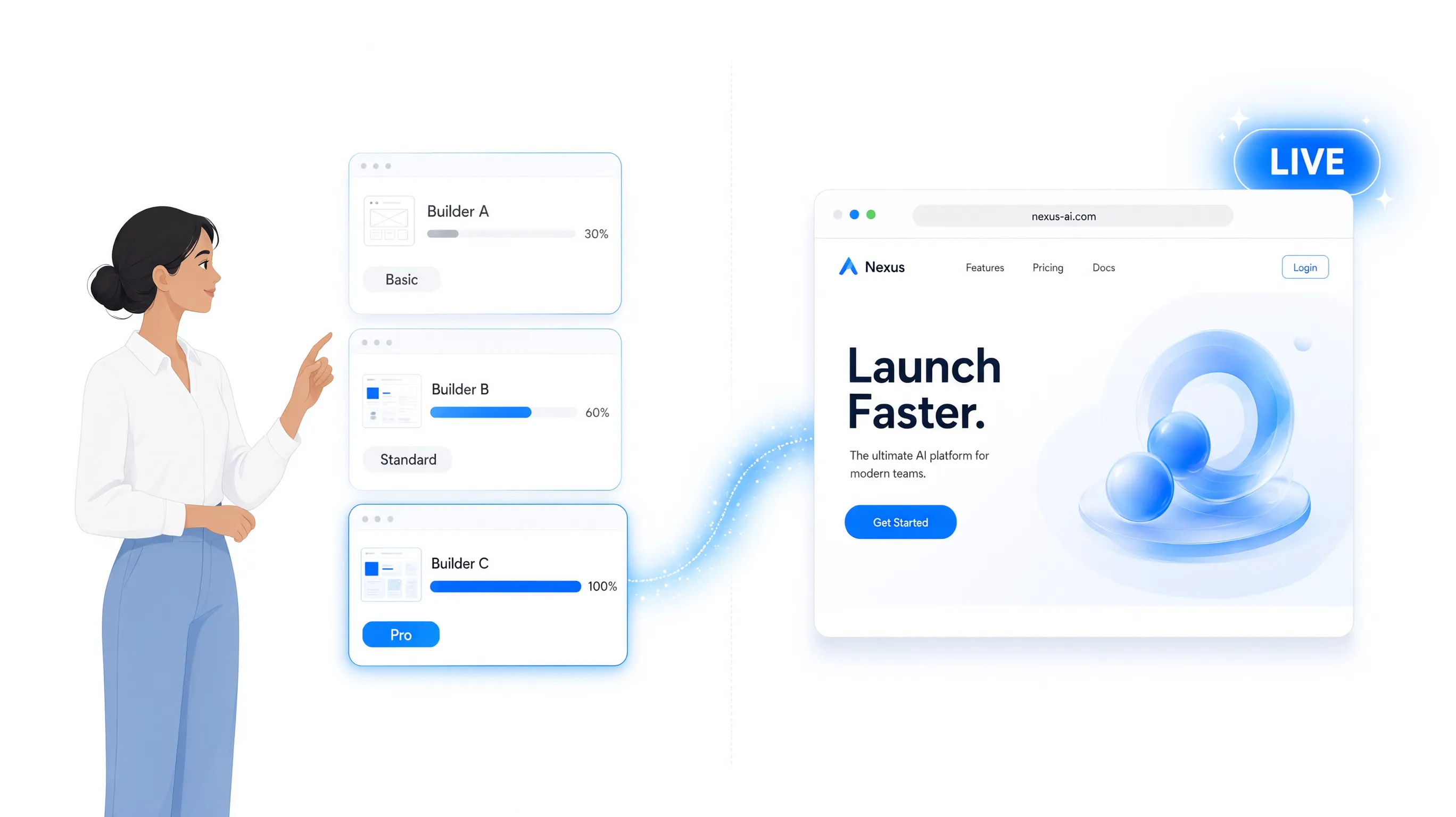
Evaluating platform features can feel overwhelming when every service provider claims to be the easy, all-in-one answer. Cut through the noise by focusing on capabilities that directly support client acquisition:
- Instant Generation Tools: Can you create structured page drafts with customized copy and layouts in seconds?
- Zero-Code Styling: Is editing text, adding blocks, and swapping images completely visual?
- Integrated Lead Tools: Do custom inquiry forms deliver inbound messages directly to your inbox without extra plugins?
- Fast Global Hosting: Do your portfolio pages load instantly for international clients?
- Transparent Pricing: Does a single subscription cover your custom domain, SSL security, and site builder?
Prioritizing practical client-generation features over unnecessary technical add-ons gives you a streamlined foundation built to scale.
12. Build Your Freelancer Website Without Taking Time Away From Client Work
"I want to publish my new digital space today and get right back to billable client tasks."
Building a client-generating platform shouldn't feel like taking on a second job. You don't need weeks of design iterations or custom developer retainers to stand out.
With BoltWeb, you can launch a sleek, professional online platform built to win work in a fraction of the time:
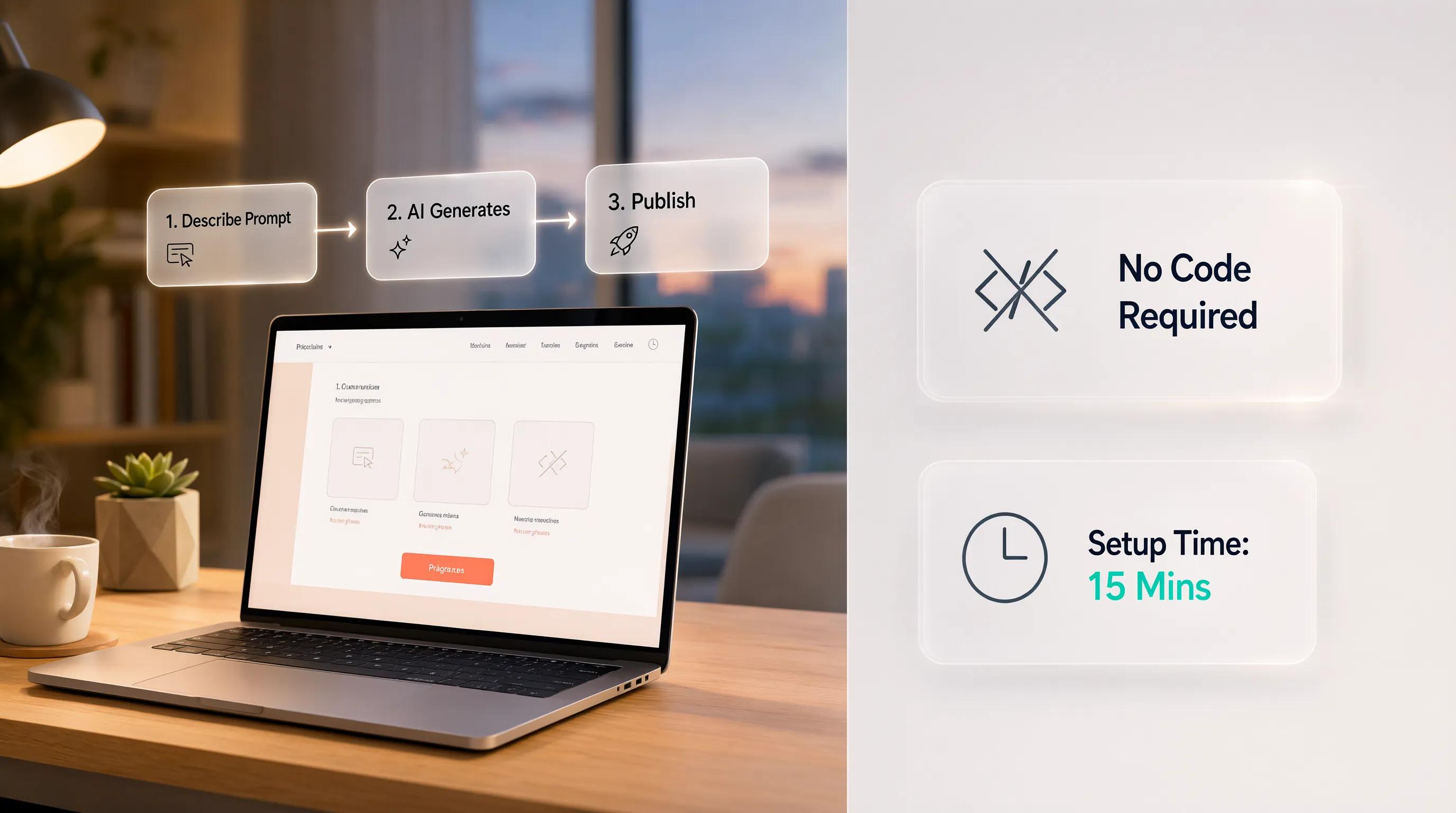
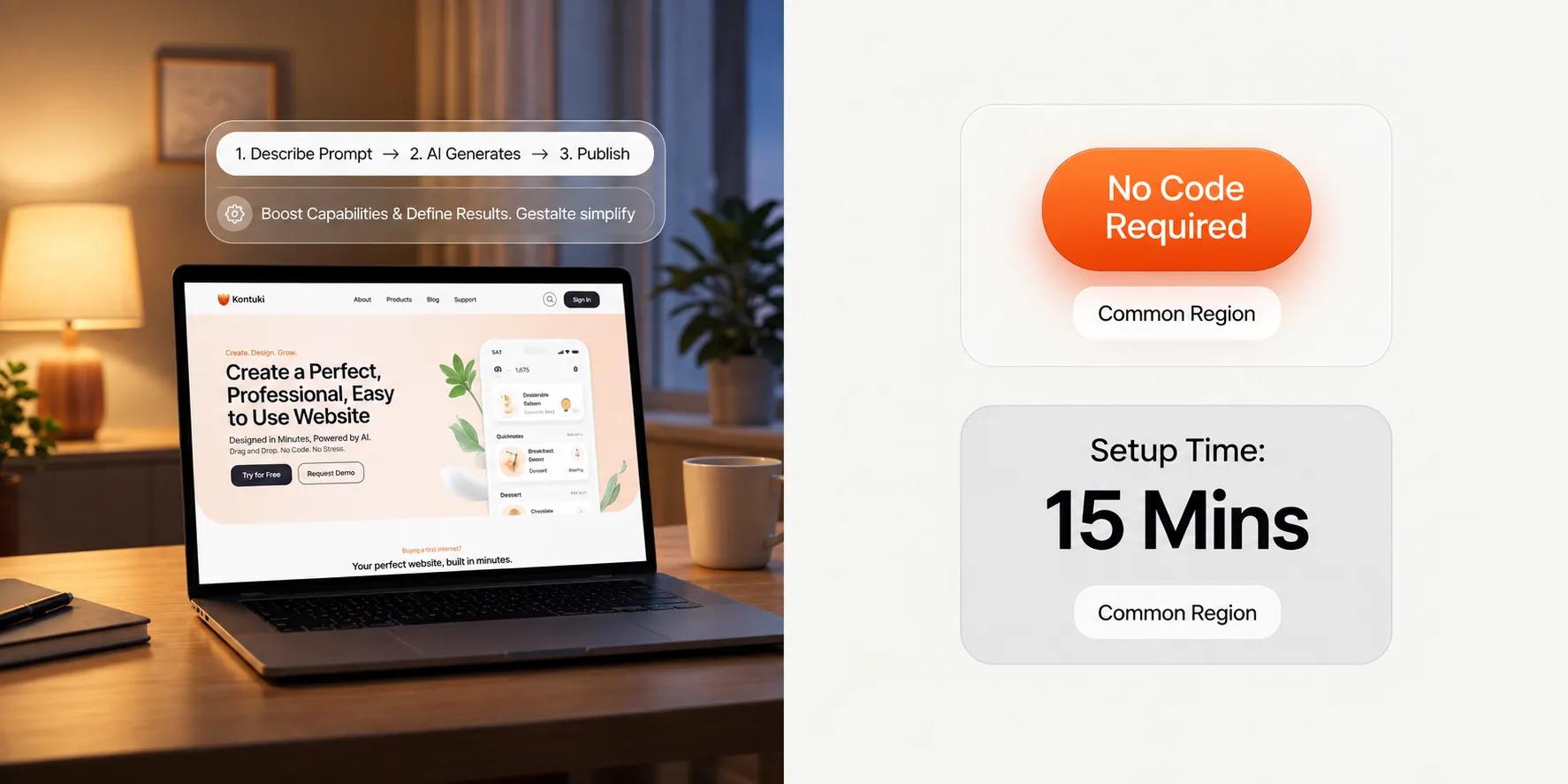
- Instant Site Generation: Tell our platform your niche and service focus, and watch as our site generator builds a complete, customized digital presence complete with client-focused copy, service sections, and case study layouts in seconds.
- Effortless Visual Editing: Tweak headlines, insert fresh project photos, and update your service packages effortlessly using our visual editing suite—no coding or web development experience needed.
- Built for Business Growth: Gain access to built-in lead forms, mobile-first design frameworks, and search engine tools designed to capture high-intent client inquiries automatically.
Stop losing out on high-value client engagements. Build your professional online platform with BoltWeb today!
Frequently Asked Questions
1. Will a custom website actually help me land clients, or is my social profile enough?
Relying entirely on marketplace profiles or social feeds leaves your business vulnerable to algorithm changes and commission fees. A dedicated platform gives you total ownership over your visual presentation and positioning. When a potential client lands on your page, clean layout groupings guide their eyes directly from your core skills to verified outcomes and direct inquiry forms. Instead of competing on price in an unsorted directory, your site establishes immediate market authority and turns casual visitors into high-paying client inquiries.
2. How fast can I launch my website using a website builder for a freelancer?
Traditional custom development can take weeks of back-and-forth communication, while complex platforms force you to manage plugins, layout bugs, and technical setups. Using an efficient website builder for a freelancer, you can input your primary specialty, client outcomes, and core services to generate a complete, mobile-responsive layout with customized copy and structured portfolio grids in under 60 seconds.
3. How do I organize my freelance portfolio website if I offer multiple services?
Displaying an uncurated mix of past work creates visual noise and confuses potential buyers. Organize your work into distinct visual cards based on the specific services you want to sell—such as Copywriting, UX Design, or Motion Graphics. Structuring your freelance portfolio website around distinct client problems allows visitors to find relevant project proof instantly without getting lost in unrelated work.
4. Should I display clear pricing and service packages on my site?
Hiding your rates forces prospects to guess whether your services fit their budget, which often leads to endless back-and-forth emails with unqualified leads. Providing transparent starting rates or structured freelance packages pre-qualifies incoming traffic. When prospective clients see clear scope breakdowns alongside financial commitments, they feel confident reaching out to initiate discussions.
5. How do I showcase client proof on a freelancer website if I signed an NDA?
Non-disclosure agreements do not have to prevent you from proving your expertise. Frame your past projects as metric-driven outcome summaries rather than naming sensitive client details. Highlight the initial problem, your strategic intervention, and the final quantified business result—such as increasing sign-up conversions by 35%. Pairing these anonymized metrics with direct quotes on your freelance website removes hiring friction and builds trust.
6. How do I turn portfolio views into confirmed client inquiries on a website for freelancers?
Friction in your contact funnel leads to abandoned inquiries. When a prospective client finishes reviewing your case studies, taking the next step must be effortless. Place a clear inquiry form or a direct booking link immediately below your primary portfolio showcases on your website for freelancers. Keeping intake forms brief—asking only for critical context like Project Scope, Target Timeline, and Budget Range—makes reaching out seamless.
7. How do I choose the best website builder for freelancers among so many options?
Selecting the right platform requires looking past generic software marketing to focus on tools that directly streamline client acquisition. Evaluate whether the platform offers rapid automated page generation, intuitive visual editing, responsive mobile formatting, and native lead capture tools. Choosing the best website builder for freelancers ensures your independent business operates on a high-performance digital foundation without requiring ongoing technical overhead.
8. Will my portfolio look clean and professional on mobile screens?
Clients and agency partners routinely evaluate freelancer portfolios on mobile devices while traveling or between meetings. A modern layout automatically adapts multi-column project grids into smooth, single-column visual streams and pins a clear contact button to the screen. This ensures mobile visitors can review your work, check your availability, and submit an inquiry without fighting broken layout elements.
9. Can I automate discovery call scheduling on my freelance business website?
Yes. Integrating an intuitive freelancer website with booking capabilities allows you to embed native intake forms and sync calendar tools directly into your service pages. Interested clients can answer brief qualification questions and select an open time slot on your calendar automatically, eliminating back-and-forth scheduling messages and keeping your client pipeline filled.
10. How do I optimize my portfolio for freelancer SEO so local clients find me?
Capturing high-intent search traffic requires building pages around specific niche and geographic queries. Focus your page titles, headers, and metadata around long-tail phrases like "Freelance Motion Designer in [City Name]" or "B2B SaaS Content Strategist." Executing targeted freelance SEO strategies builds a sustainable organic presence that brings qualified leads directly to your site.
11. Can I sell digital products, templates, or design assets on my platform?
Choosing a versatile platform allows you to monetize your skills beyond one-on-one client work. You can set up an online storefront to sell downloadable digital resources, design kits, or project templates directly to your audience. Integrated checkout tools deliver your files securely while expanding your income streams automatically.
12. Do I need coding skills to update my portfolio or add new work?
Not at all. You can swap out project images, adjust service deliverables, or update client testimonials in seconds using an intuitive visual editor. Managing your platform takes moments, letting you keep your daily focus on delivering high-value work for client projects rather than troubleshooting software code.