Think about the last time you gave away your personal email address.
You didn't do it because a form looked pretty. You didn't do it out of charity. You did it because the value waiting on the other side felt far more valuable than the minor inconvenience of an inbox notification.
That is the core rule of audience building.
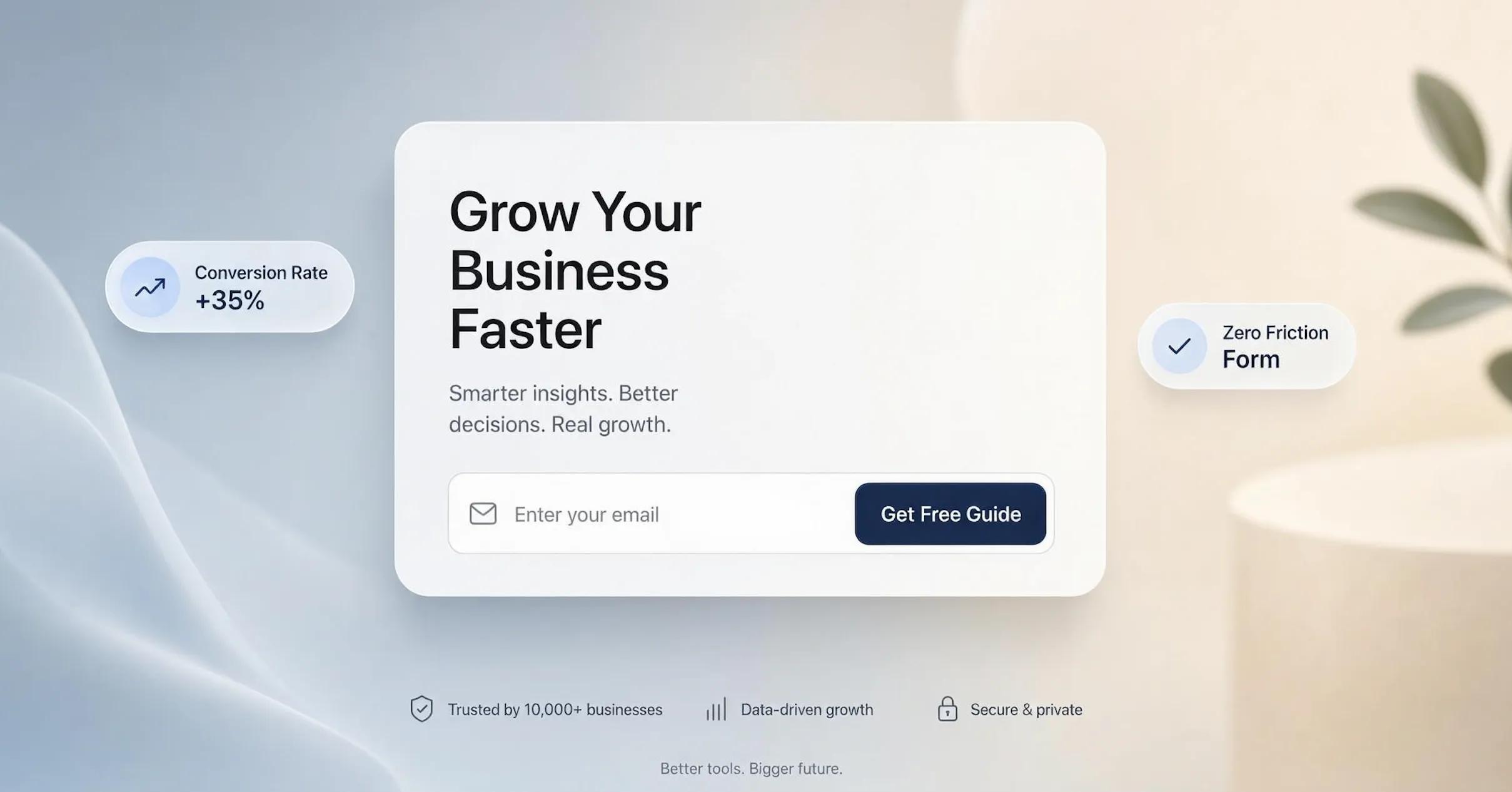
An email signup landing page isn't just a digital form—it's an exchange of value. If your conversion rate is hovering in the single digits, the issue usually isn't your product, your colors, or your traffic source. The issue is that your offer feels vague, your promise lacks clarity, or your form creates too much mental friction.
Here is the exact framework to build an email capture page that turns casual scrollers into loyal subscribers.

How to Build an Email Signup Landing Page People Want to Join
Most creators treat an email opt-in landing page as a digital dynamic business card. They drop a basic box onto a screen, write "Subscribe to my newsletter," and wonder why nobody opts in.
The truth is harsh: nobody wants another email in their inbox.
People guard their email addresses fiercely because an inbox is a personal to-do list managed by the user. To earn entry, your email signup page must immediately showcase a compelling trade. The moment a visitor lands on your header, they should instantly realize that staying connected will solve a pressing problem, save them time, or teach them a valuable skill.
When you frame your landing page around a clear benefit rather than a generic subscription request, everything shifts. You stop begging for attention and start offering immediate utility.
Start With Something Worth Trading an Email Address For
If you want people to take action, you need an irresistible email opt-in offer. This incentive—often referred to as a lead magnet—is the primary reason your page exists in the first place.
A high-converting email signup offer does not need to be a 100-page ebook that takes three months to write. In fact, shorter, actionable resources consistently outperform long-form content because users want quick wins.
Align your incentive directly with what your ideal audience is actively trying to accomplish, and your newsletter signup conversions will soar.

Make the Promise Specific Enough to Understand in Seconds
Vague headlines kill conversions faster than slow loading speeds. If a visitor has to read your landing page headline three times to understand what they are getting, they will simply close the tab.
Your email signup headline needs to state the exact result your subscriber can expect, who it is for, and how quickly they will receive it.
When your email signup landing page copy focuses on a single, dominant promise, you eliminate ambiguity and make opting in an effortless choice.

Show a Preview Before Asking Visitors to Sign Up
People are naturally hesitant to buy blind—and the same rule applies to handing over personal contact information. Giving visitors a visual peek inside your offer builds instant credibility.
If you are offering a PDF guide, showcase a high-resolution mockup of the cover and an open page spread. If you run a paid-tier newsletter, feature a snippet of a past edition right on your email capture page.
- • 5 proven headline formulas
- • 12 call-to-action swipe files
Displaying a tangible preview on your lead magnet landing page proves the resource actually exists, setting accurate expectations and lowering the barrier to entry.

Tell People What They’ll Get—and What They Won’t
Inbox anxiety is real. The moment a visitor sees a signup form, their brain automatically registers a series of hesitation questions: Will they sell my data? Am I going to get spammed three times a day? How hard is it to unsubscribe later?
Remove that hesitation entirely by stating your terms upfront directly beneath or inside the email opt-in form:
- Content Scope: Specify the exact topics you will cover so there are no surprises.
- Delivery Frequency: State whether you broadcast daily, weekly, or bi-weekly.
- Privacy Assurance: Add a simple micro-copy line confirming their information is safe and that they can unsubscribe with a single click at any time.
Clear expectations build long-term subscriber trust before the very first email hits their inbox.
Ask for the Smallest Amount of Information You Need
Every additional input field you add to an email capture form drastically lowers your conversion rate.
Unless you are running a B2B enterprise sales strategy that requires qualifying leads upfront, strip your email opt-in form down to the bare essentials: just an email address.
| Form Fields Requested | Average Conversion Impact | Best Used For |
|---|---|---|
| Email Only | Maximum Conversions | Newsletters, digital lead magnets, discount codes |
| First Name + Email | Moderate Conversions | Personalized automated email campaigns |
| Name + Email + Phone + Company | Lower Conversions | High-touch B2B consultations & sales demos |
Reducing friction inside your signup form fields ensures visitors complete the sign-up process before losing momentum.

Make the Signup Button Describe What Happens Next
Generic button text like "Submit," "Sign Up," or "Download" feels clinical and transactional. High-converting email signup CTA buttons describe the exact value the user is about to unlock.
Your landing page CTA should complete the sentence: "I want to..."
- Replace "Submit" with "Send Me the Free Guide"
- Replace "Subscribe" with "Get Weekly Growth Tips"
- Replace "Sign Up" with "Claim My 15% Discount"
When your signup button uses active, outcome-oriented language, taking the next step feels completely natural.
Give Visitors a Reason to Trust You With Their Inbox
To turn hesitant scrollers into confident subscribers, you need to display real social proof right near the point of capture on your email subscription landing page.
Place credibility signals directly adjacent to your form:
- Subscriber Milestones: "Join 15,000+ founders who read our weekly brief."
- Reader Testimonials: Short, 1-sentence quotes from existing subscribers praising the content.
- Client Logos: Display recognizable media outlets, podcasts, or platforms where your work has been featured.
Leveraging social proof reduces perceived risk and reinforces that your newsletter is worth reading.

Keep Everything on the Page Pointing Toward the Signup
A dedicated email landing page should have one single goal: capturing an email address.
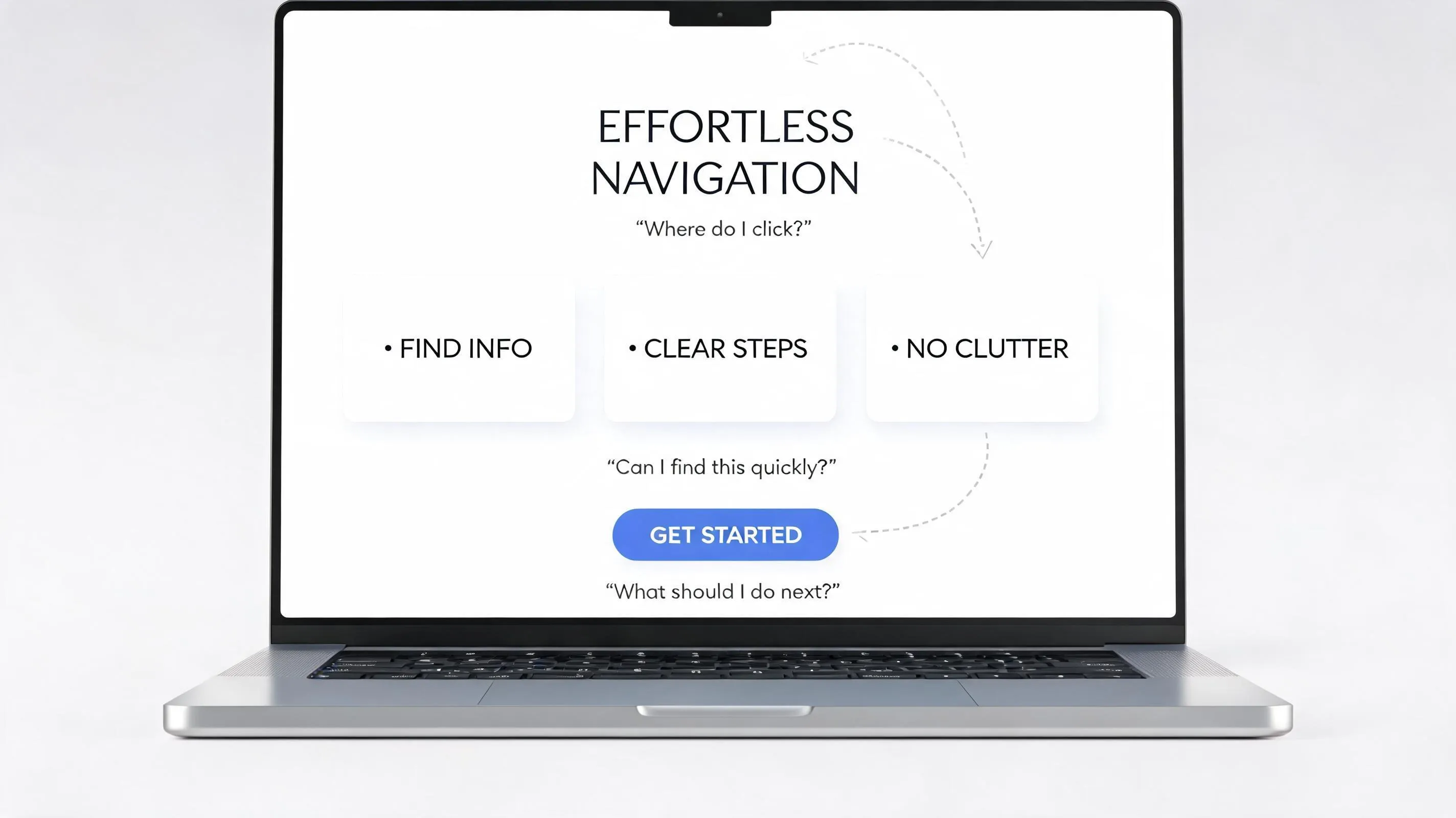
When you leave full top-navigation menus, social media icons, secondary external links, or footers packed with distractions, visitors stray from the primary conversion path.
- ✔ Remove top header navigation menus entirely.
- ✔ Hide social media profile buttons until the post-signup thank-you page.
- ✔ Eliminate secondary calls to action that compete with your main lead magnet.
- ✔ Keep body copy hyper-focused on the benefits of joining your list.
Stripping away extraneous options enforces visual discipline and creates a focused environment where the user's only logical choice is to sign up or leave. This is a core website usability principle.
Make the Signup Experience Feel Effortless on Mobile
Over 60% of traffic to landing pages arrives on mobile devices. If your mobile email signup layout feels cramped, zooms awkwardly when fields are tapped, or hides the main button off-screen, you are losing more than half your potential list.
Ensure your responsive landing page adheres to touch-first standards:
- Touch-Friendly Buttons: Make your main button full-width with at least 48px height for easy thumb tapping.
- Input Field Spacing: Space fields generously so users don't accidentally tap the wrong area.
- Auto-Capitalization Rules: Disable automatic capitalization on the email input field to avoid annoying formatting errors.
Optimizing your mobile signup form ensures a smooth signup experience on any screen size. Read our mobile navigation guidelines for more layout tips.

Don't Stop at the Form—Finish the Subscriber Journey
The conversion doesn't end when a visitor clicks the button. What happens immediately after determines whether that subscriber stays engaged or immediately unsubscribes. Complete the subscriber loop across four essential touchpoints as part of your website sales funnel:
- The Thank-You Page: Redirect users to a clean confirmation screen that confirms their registration and provides clear next steps (e.g., "Check your inbox to confirm your address").
- The Welcome Email: Trigger an automated welcome email instantly. This first message sets the tone, delivers the promised lead magnet, and asks the subscriber a simple engagement question to boost inbox deliverability.
Completing this journey builds instant momentum and turns new subscribers into active long-term readers.
Build an Email Signup Landing Page Without Starting From Scratch
Building an effective email signup landing page used to mean juggling separate domain registrars, design software, custom CSS coding, form plugins, and email marketing integrations. You had to worry about mobile responsiveness breaking, form scripts failing, or spending hundreds of dollars on complex tech stacks just to capture simple lead queries.
That technical complexity stops far too many creators and business owners before they even begin. Thankfully, you don't need a dev team or custom coding knowledge to launch a high-converting landing page.
Platforms like BoltWeb make the entire process completely effortless. Operating as a unified AI website builder, BoltWeb turns your product idea or campaign into a published, conversion-optimized landing page in minutes.
Instead of spending weeks wrestling with complicated tools, BoltWeb operates as an all-in-one landing page builder, email landing page builder, and small business website builder. Every query and email submission routes directly into your central BoltWeb inbox in real-time.
Whether you need a dedicated business website builder or a lightweight lead capture tool, BoltWeb handles design, hosting, search engine optimization, and lead capture under one roof—allowing you to focus on building your audience and scaling your business.

Frequently Asked Questions: How to Build an Email Signup Landing Page
Why should I build a dedicated landing page instead of just putting a signup form in my website footer?
A website footer form competes with navigation links, blog posts, and product promotions, leading to low conversion rates. A dedicated email signup landing page isolates the visitor’s attention by removing top navigation menus and competing links. By focusing entirely on a single value proposition and a single action, dedicated landing pages systematically achieve significantly higher conversion rates.
What lead magnet actually gets modern visitors to give up their real email address?
Generic promises like "subscribe to my newsletter" no longer work because visitors guard their inboxes against clutter. High-converting lead magnets offer instant, specific utility that solves an immediate problem. Examples include one-page checklists, interactive calculators, private video breakdowns, actionable templates, or exclusive discount codes. The key is delivering immediate gratification rather than promising vague future content.
How many form fields should I include on my email signup page?
Ask for the absolute minimum amount of information necessary to deliver value. Every extra field you add introduces friction and reduces conversion rates. For most newsletters and digital lead magnets, requesting just a first name and email address (or email address alone) yields the highest completion rate. Only add extra fields, such as job title or company size, if segmenting leads upfront is critical to your sales workflow.
Where should I place the main signup button on a long-form landing page?
Your primary call-to-action (CTA) form must appear above the fold so immediate-intent visitors can subscribe without scrolling. However, for longer landing pages that detail extensive lead magnet benefits or social proof, repeat the signup form (or a smooth-scroll anchor button) at the bottom of the page and after major benefit sections. This ensures visitors never have to hunt for the signup form when they decide to act.
How do I make my signup landing page show up on AI search engines like ChatGPT and Perplexity?
AI search engines summarize web content by analyzing clear structural patterns and semantic clarity. To optimize for AI search (AIEO/GEO): Use clear, conversational H2 headers structured around natural questions. Provide direct, authoritative answer paragraphs immediately beneath each header. Include concrete statistics, clear bulleted lists, and structured schema markup. Avoid fluff or generic marketing jargon so language models can easily parse and reference your core offer.
Should I turn on double opt-in for my email list landing page?
Double opt-in (requiring subscribers to click a confirmation link in their inbox) slightly reduces your total signup volume, but dramatically improves list quality. It prevents bot signups, eliminates fake or mistyped email addresses, and protects your domain sending reputation with email service providers. If inbox deliverability and high open rates are your primary goals, double opt-in is strongly recommended.
How do I write a headline for my signup page that stops people from bouncing?
A high-converting landing page headline clearly states the specific outcome the subscriber receives, rather than focusing on your product or brand name. Use a clear framework: Action + Specific Benefit + Timeframe or Effort Reduction. For example, replace "Join Our Growth Newsletter" with "Get 3 Actionable Marketing Tactics Every Friday to Grow Your SaaS Traffic in Under 5 Minutes."
How can I prove my email list is valuable if I’m just starting and have zero subscribers?
When you don't have a large subscriber count to show off as social proof, pivot to other forms of credibility: Highlight your personal or professional experience and credentials. Share specific quotes or testimonials from people who reviewed your lead magnet early. Display logos of recognized tools, frameworks, or publications you feature. Show a visual preview, mockup, or screenshot of the actual content inside the lead magnet.
Why are people landing on my email signup page but leaving without subscribing?
A high bounce rate usually signals a disconnect between your traffic source and your landing page header (lack of message match), or excessive friction on the page itself. Common causes include: Slow page load times, especially on mobile devices. Weak headline that fails to explain the benefit clearly. Asking for too much personal information in the form. Distracting external links that give visitors an easy exit route. Follow our guide on why visitors leave websites to diagnose these drop-offs.
Can I build a high-converting email signup page without paying for expensive landing page software?
Yes. You do not need bloated monthly software suites to build a fast, high-converting signup page. Using modern platforms like BoltWeb, you can create fully responsive, high-speed landing pages with built-in form handling, automated SEO optimization, and clean visual layouts. BoltWeb handles mobile scaling and performance out of the box so you can launch landing pages that convert traffic into subscribers effortlessly. Explore the best website builder for beginners to get started immediately.